USER INTERFACE
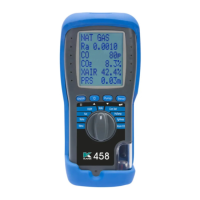
Navigate via the 5 button control panel - press HOME to return to HOME MENU:
PRINT A TEST REPORT
Press PRINT key to select print destination.
Press ENTER key - display changes to show print progress.
LOG A TEST REPORT
Press STORE key until display shows LOG STORED.
To print logged data:
Select LOG ON in REPORTS menu
Press PRINT key or select desired test from MEASUREMENT MENU &
use View Logs
Select LOG NO & press PRINT key
14 KANE-EGA4/5 MANUAL
7.1
7
7.2



 To Next Page
 Loading...