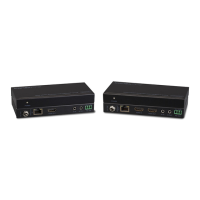
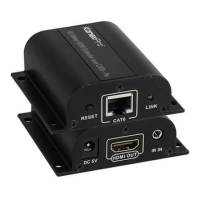
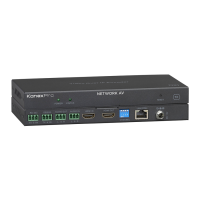
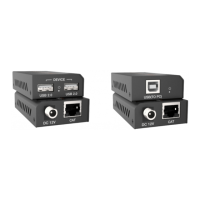
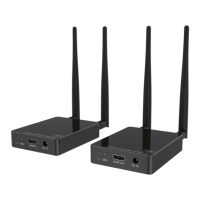
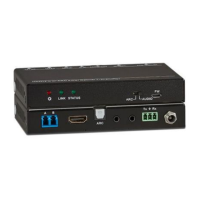
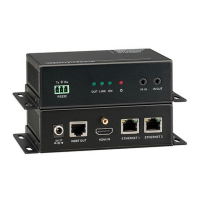
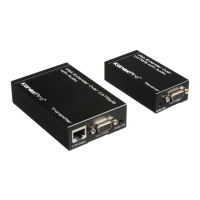
HDBaseT 2.0 KVM Extender Set
3
$ GREEN: Traffic with HDCP
$ Blinking GREEN: Traffic without HDCP
Transmission
Mode Switcher
Activate 100m/ 150m-transmission mode.
" 100m mode: 4Kx2K@60Hz and 1080P signals can be
transmitted up to 100m
" 150m modes: 1080P signal can be transmitted up to 150m,
but do not support 4K signals.
Note: After setting switch position, the mode will not take effect
until units are restarted. Please set both ends identical.
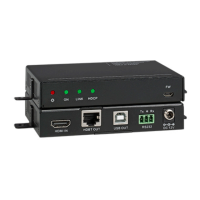
Micro USB port, used for firmware update.
Firmware update needs auxiliary equipment, please contact
with our after-sales department for more details.
Connect with HDMI display
Connect to the HDBT OUT port on the Transmitter via CAT5e/
CAT6a cable, compliant with HDBT2.0 and support
bi-directional PoH
Type-A USB port, connect to mouse/ keyboard/ U-disk for
remote USB access
Serial port, connects with control device or device to be
controlled, supports bi-directional RS232 control
Connect with a DC12V 2A power adapter.
# Pictures for reference only, subject to our existing products.


 To Next Page