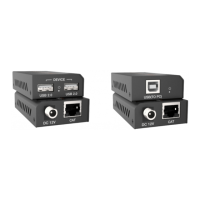
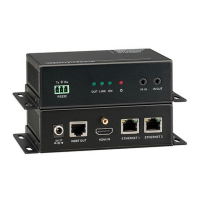
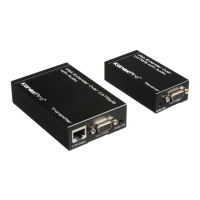
HDBaseT 2.0 KVM Extender Set
2
with our after-sales department for more details.
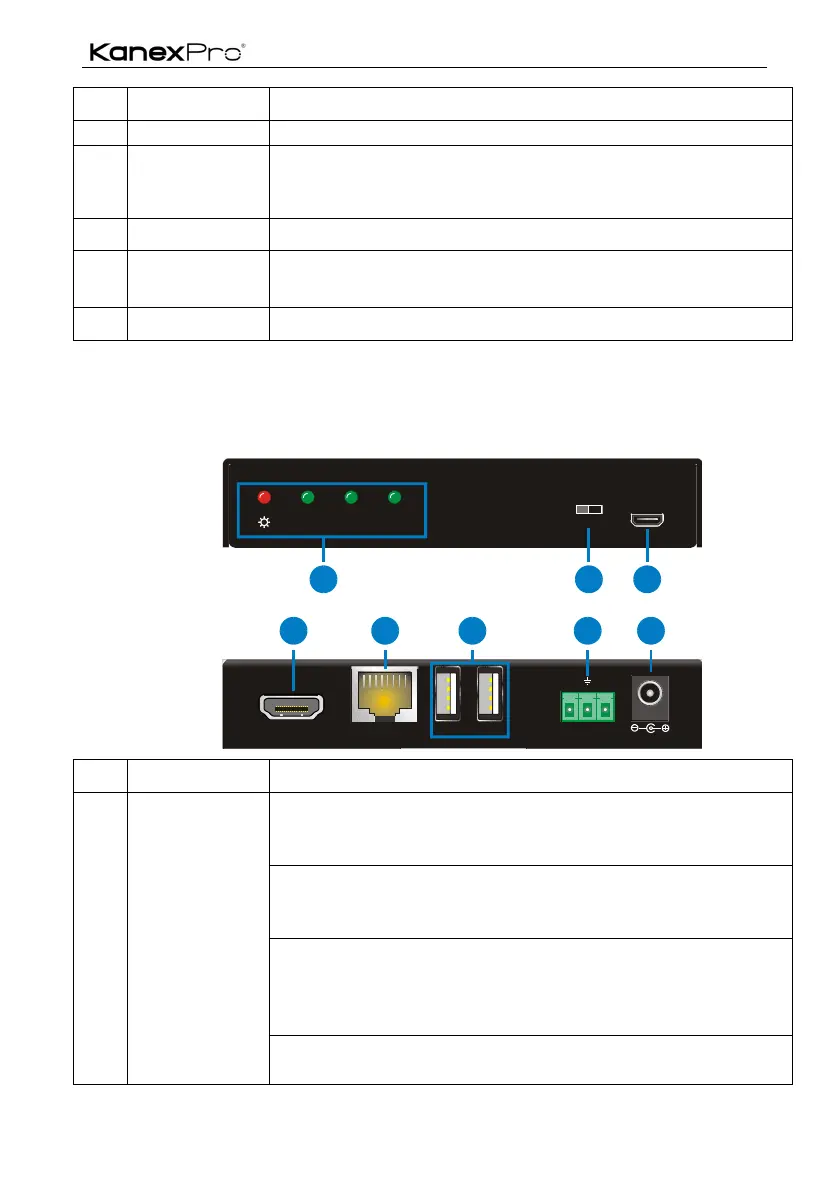
Connect to the HDBT IN port on rear panel of the Receiver via
CAT5e/ CAT6a cable, compliant with HDBT2.0 and support
bi-directional PoH.
Type-B USB port, connect to PC to receive remote USB control
Serial port, connects with control device or device to be
controlled, supports bi-directional RS232 control.
Connect with a DC12V 2A power adapter.
# Pictures for reference only, subject to our existing products.
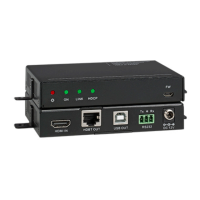
2.2 Receiver (EXT-HDBTKVM100R)
Power:
" OFF: No power
" RED: DC power present
ON: Working status indicator
" OFF: Not operational
" Blinking GREEN: Normal operation
LINK: HDBT Link status indicator
" OFF: No Link
" GREEN: Link successful
" Blinking GREEN: Link problem
HDCP: HDCP compliant indicator
$ OFF: No HDMI traffic (no picture)
FW10 0 m / 150m
MODEON LINK HDCP
1
DC 12V
Tx Rx
HDBT IN
HDMI OUT
USB IN
RS232
4
5
6
7
8
2 3
Front
Rear


 To Next Page