23
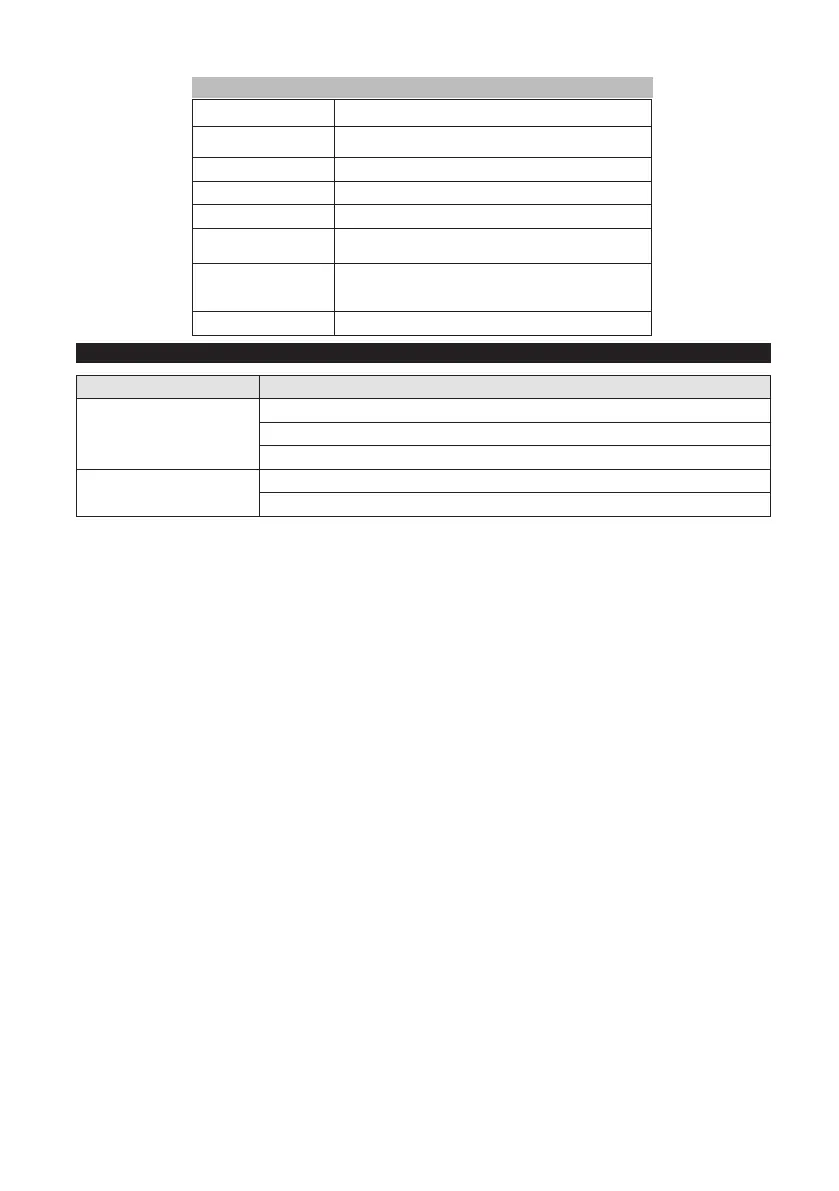
Faults Shown in the Display
Display indication Fault correction
ERR B Check if foreign objects block the brush; remove them, if required.
ERR T Call Customer Service.
LOW BAT Charge the battery.
ERR TEMP Allow device to cool down.
HANDS OFF
Release the safety switch and wait until the operating hours or the
battery status are displayed. Then operate the safety switch again.
ERR REL
Set the program selection switch at the OFF position, release the
safety switch, wait for 3 seconds, and restart. If the event recurs,
call Customer Service.
ERR PWM Call Customer Service.
Accessories
Fault Fault correction
The device does not start
Set the program selection switch to the intended program.
Operate the safety switch.
Connect the plug to the mains socket and check that the power light is on.
Insucient water quantity
Check the clean water level and rell the tank, if necessary.
Increase the water volume by opening the dosing valve.






 To Next Page