22
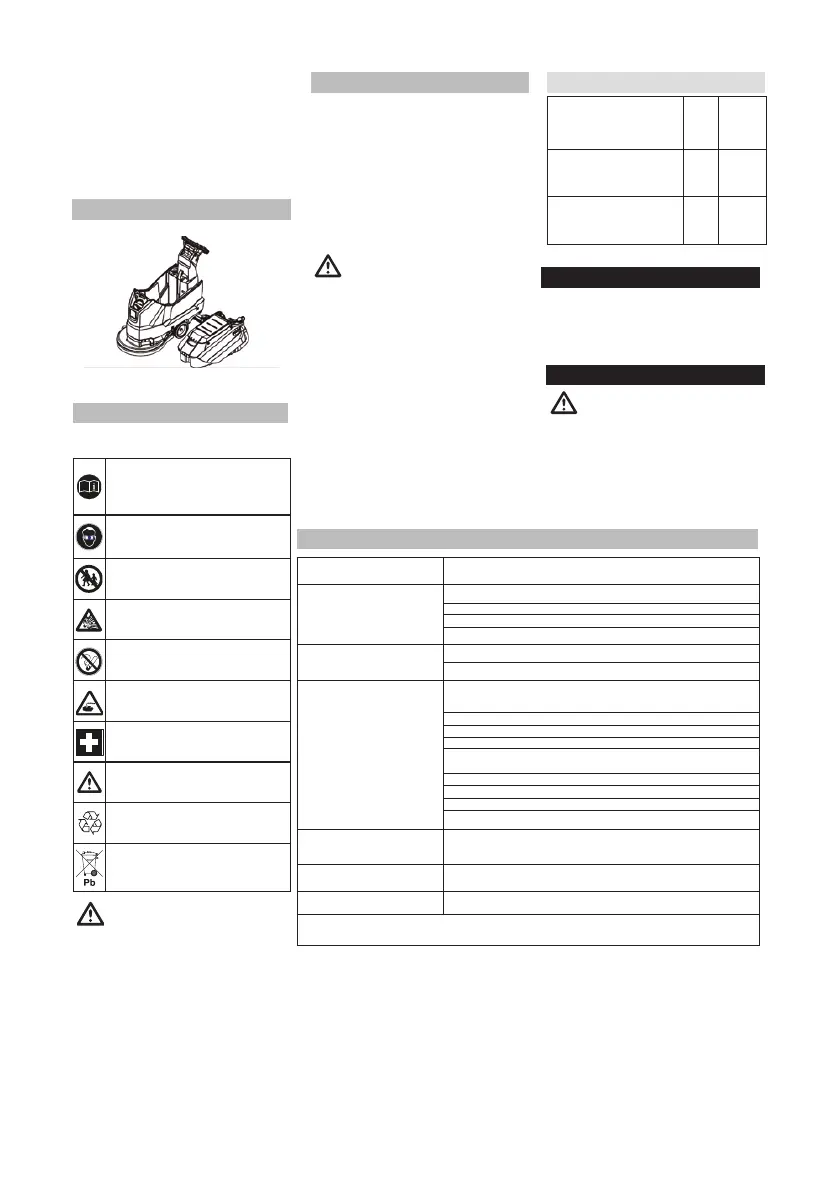
→ Pull the device back so that the disc
brush is accessible.
→ Place the new disc brush in front of the
device, on the floor.
→ Keeping the cleaning head lifted, move
the device over the new disc brush and
then lower the cleaning head.
→ The brush fits into the drive.
Removing the Waste Water Tank
Observe the warning on the battery,
in the instruction manual, and in the
vehicle operating instructions.
Wear eye protection.
Keep children away from battery acid.
Explosion risk.
Fire, sparks, and smoking
are prohibited.
Corrosion risk.
First aid.
Warning note.
Disposal.
Do not dispose of the battery in
household waste.
DANGER
Explosion risk. Do not place tools or
similar objects on the battery, i.e.,
on the terminal poles and cell connectors.
Risk of injuries. Ensure that injuries never
come into contact with lead. Always clean
your hands in running water after working
in the battery.
Dismounting the Batteries
Faults Not Shown in the Display
Recommended Batteries
Fault Fault correction
The device does not start
Set the program selection switch to the intended program.
Operate the safety switch.
Connect the battery socket.
Check battery and charge it if necessary.
Insucient water quantity
Check the clean water level and rell the tank, if necessary.
Increase the water volume by opening the dosing valve.
Insucient
vacuum performance
Clean the joints between the waste water tank and its cover and
check sealing; replace it, if necessary.
The waste water tank is full; shut o the device and empty the
waste water tank.
Clean the turbine lter.
Clean the suction lips in the suction bar and, if necessary, replace
them.
Check if the waste water drain hose cover is closed.
Check the suction bar setting.
Check suction hose for blockages; clean it, if required.
Check the suction hose for tightness; replace it, if required.
Insucient cleaning result Check the brush for wear and replace it, if necessary.
The brush does not turn Check if foreign objects block the brush; remove them, if required.
Vibrations during cleaning You might need to use a softer brush.
In the event of faults that cannot be resolved using this table, call Technical Service.
→ Drain the waste water.
→ Lift the waste water tank and put
it aside.
Observe the following warning notes when
handling batteries:
Battery-Powered Devices
→ Put program selection switch in the OFF
position.
→ Remove the battery socket.
→ Lift the waste water tank and put it aside.
→ Disconnect the cable from the battery
negative pole.
→ Disconnect the remaining cable from the
batteries.
→ Remove the chocks or expanded plastic
parts.
CAUTION
During battery assembly/
disassembly, the machine
may lose stability. Pay attention to the
machine stability.
→ Remove the batteries
→ Dispose of used batteries in accordance
with current legislation.
Lead-acid battery with
maintenance 9.385-
084.0
Maintenance-free gel
battery 9.385-268.0
12V
12V
130Ah
130Ah
12V
145Ah
Maintenance-free AGM
battery 9.385-565.0
In case of danger of frost:
• Empty the clean and waste water
tanks.
• Store the device in a place protected
from frost.
Frost Protection
DANGER
Risk of injuries! Set the program
selection switch to the OFF
position and disconnect the mains plug
prior to performing any work on the
device.
• Drain and recycle waste water, as
well as any remaining clean water.
Troubleshooting






 To Next Page