14 English
ATTENTION
After cleaning is finished, clean device
in rinse cycle. See "Cleaning device"
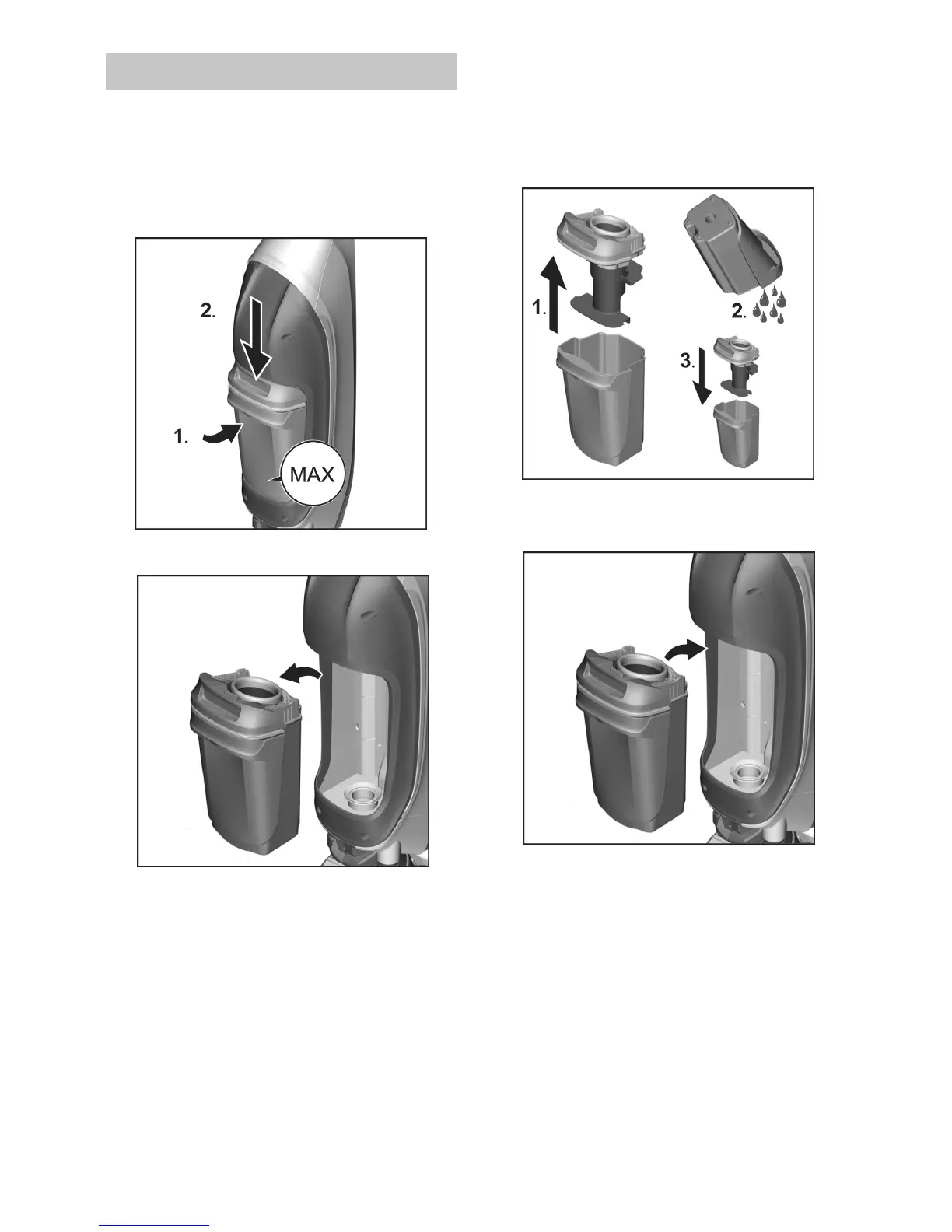
To remove waste water tank,
squeeze upper lid while pulling out.
Remove waste water tank.
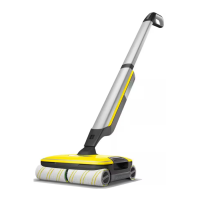
1 Remove lid from waste water tank.
2 Empty waste water tank and rinse
with tap water.
3 To secure lid, place on waste water
tank and press until it clicks.
Insert waste water tank into device
until it clicks.
Emptying waste Water tank



 To Next Page