English 15
ATTENTION
After completing the work, clean the
appliance by applying a rinse cycle.
See "Cleaning the appliance by rins-
ing".
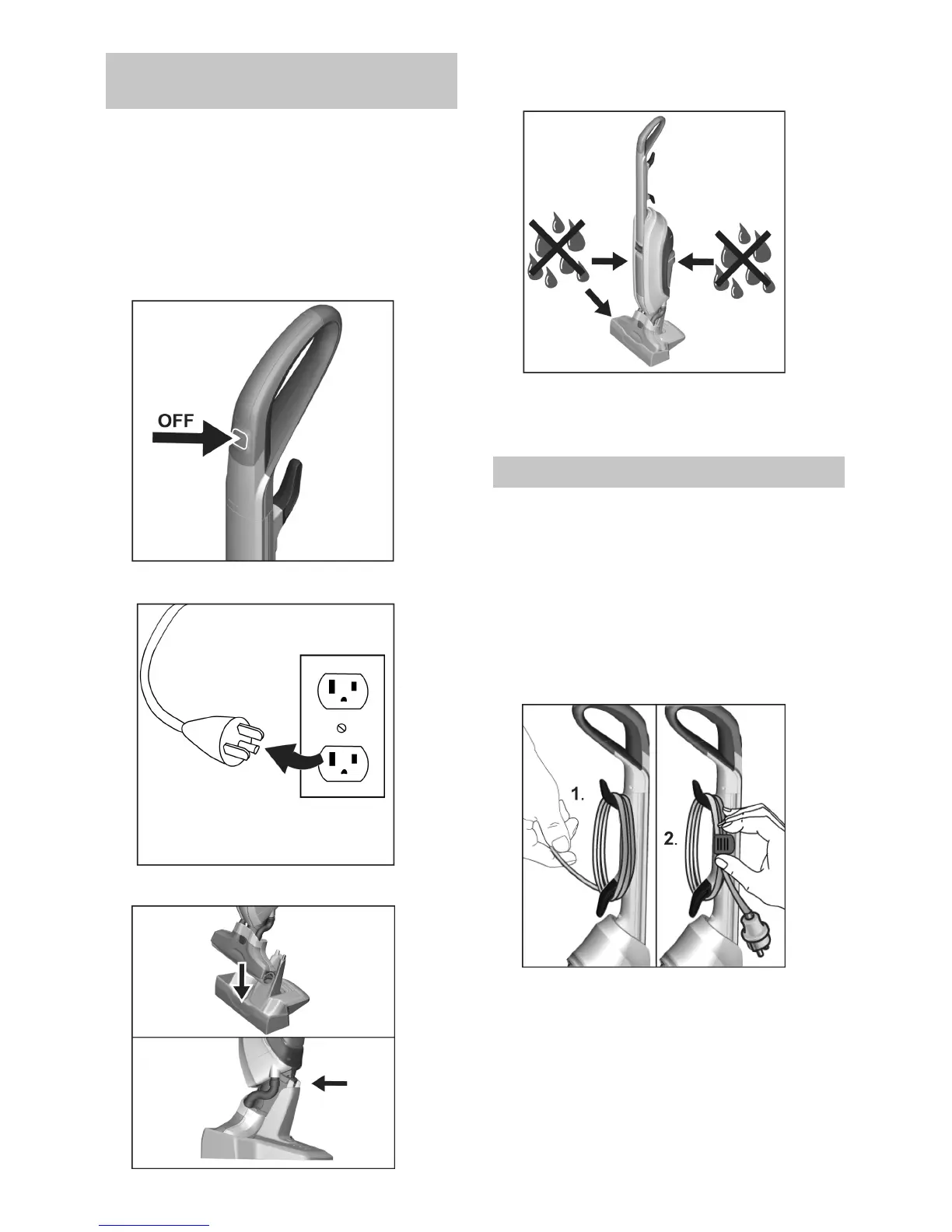
Press On/Off button to power OFF
device.
Unplug from socket.
Place device into storage station.
Empty both fresh and waste water
tanks.
Empty waste water tank.
See Chapter "Emptying waste wa-
ter tank".
ATTENTION
To prevent odors empty and rinse the
fresh water and waste water tanks be-
fore storing.
Move device using the handle and
store in the storage station.
Store the device indoors in a cool,
dry place.
Press On/Off button to power
OFF.
Storing the Device



 To Next Page