54
This function should be used only by experienced users. Exact knowledge of
the satellite position and your present location are necessary when aligning the
antenna manually to a satellite. Watch out for any obstacles that the antenna
might collide with. The antenna is liable to be damaged by such collisions!
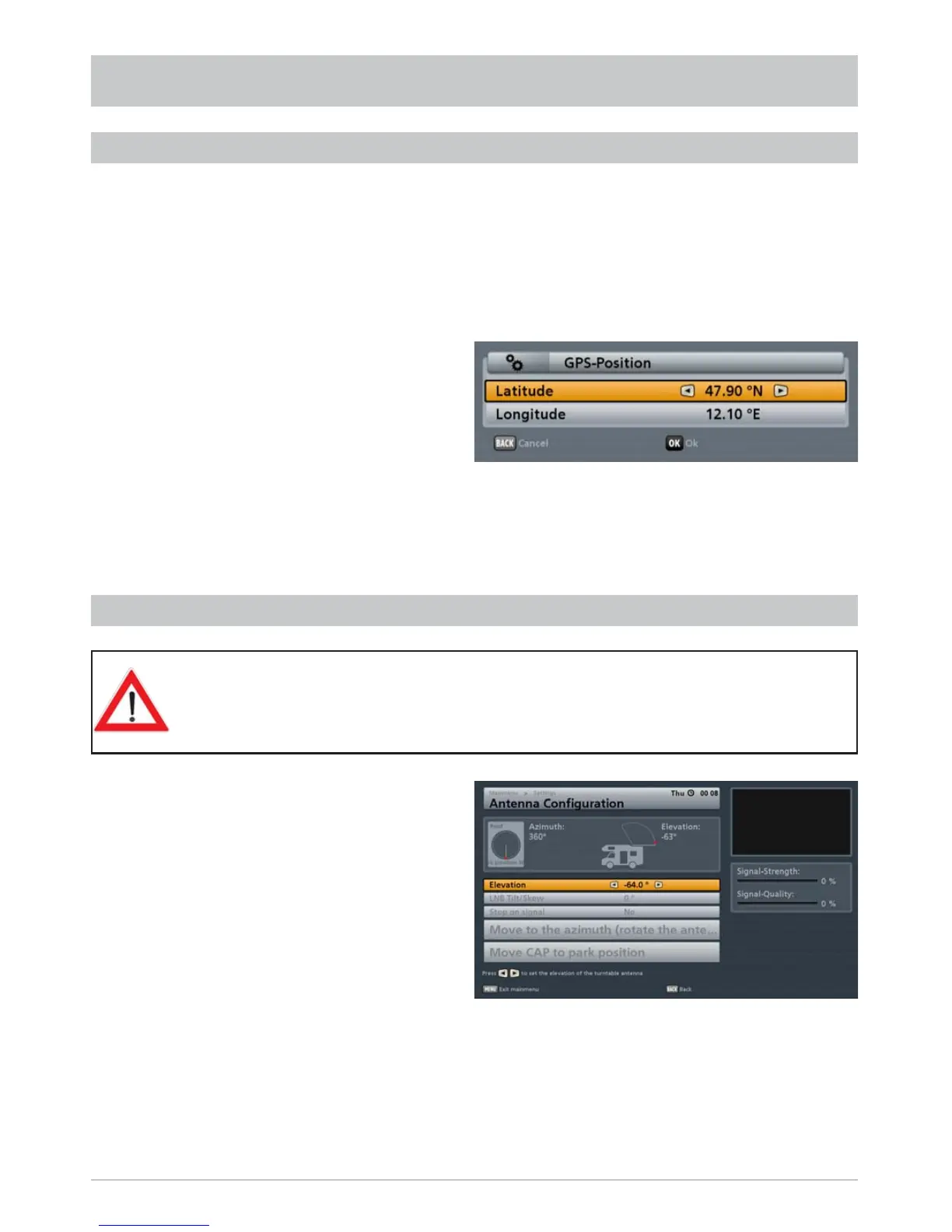
You can use these functions to prevent long CAP search times for the saved satellites, for instance after
you have changed location. Inputting the GPS data for your present position allows the CAP unit to
fi nd the desired satellite in a fraction of the time.
Use the
buttons to select the “Input GPS position for CAP” line and press the
button to
confi rm. The following display appears:
INPUTTING THE CAP GPS POSITION
CAP MENU (TURNTABLE ANTENNA SETTINGS)
The GPS data can be input using the numeric keys and/or the
buttons. When you have input all
the data, press the
button to confi rm, or the
button to cancel.
TO MOVE THE ANTENNA MANUALLY
The currently displayed position of the CAP is the
“park position”.
You can set the inclination and horizontal
angle of the antenna using the “Elevation”
and “Move to the azimuth (rotate the
antenna)” commands. Check your settings
by reference to the “Signal-Strength” and
“Signal-Quality” bars on the right-hand
side. The taller the bar, the stronger the
signal received and the better its quality.



 To Next Page