55
CAP MENU (TURNTABLE ANTENNA SETTINGS)
Using the numeric keys and/or the
buttons, input the desired elevation value.
Two seconds after completion of the input or when the
button is pressed, the CAP moves to the
selected position.
ELEVATION
This function is not available on the CAP 710.
LNB TILT/SKEW
Use the
buttons to select whether the CAP should stop automatically (Yes or No) on detection of
a satellite signal during manual alignment by the user.
STOP ON SIGNAL
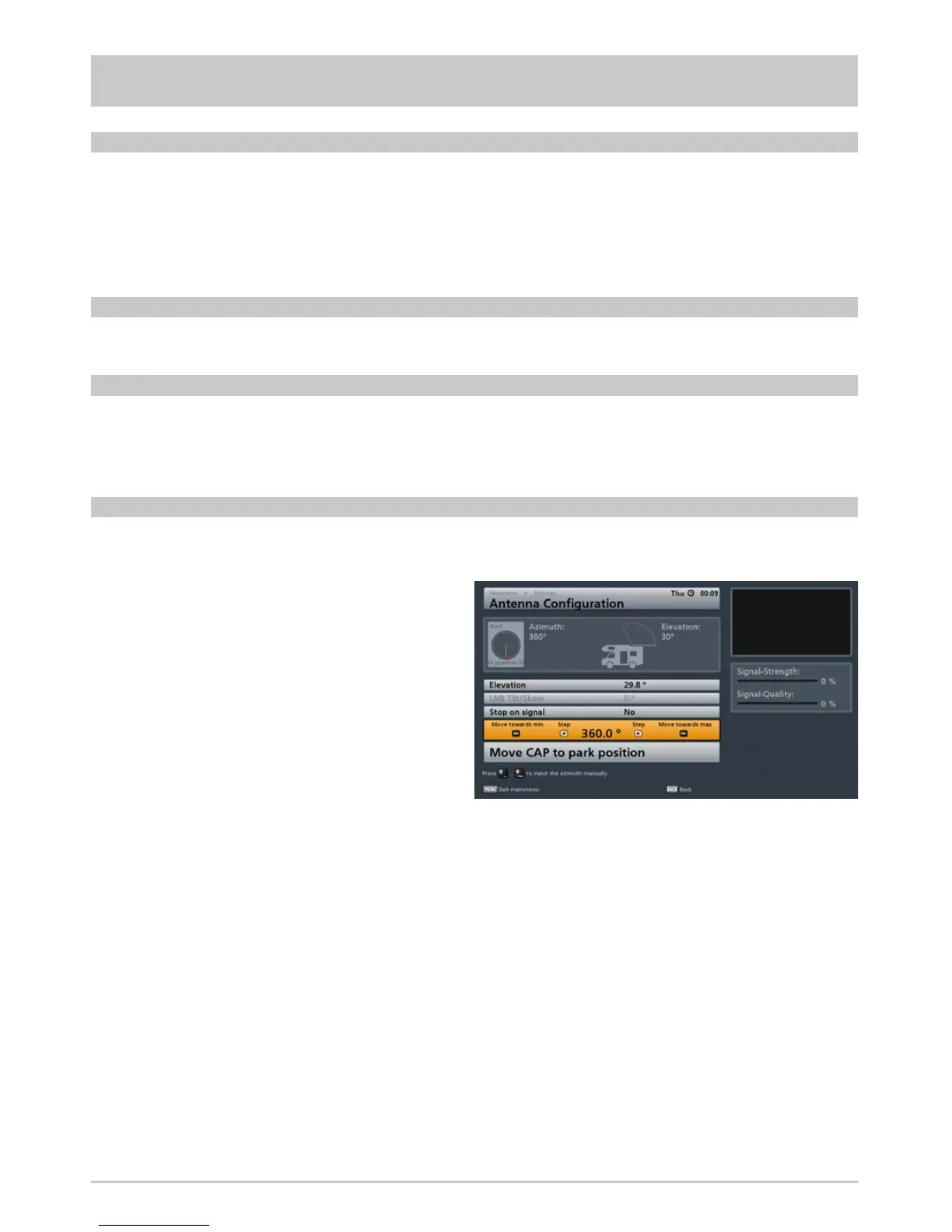
As soon as you switch the orange bar to the “Move to the azimuth (rotate the antenna)” line you will see
the following display:
MOVE TO THE AZIMUTH (ROTATE THE ANTENNA)
You now have the following options for rotating your CAP:
- “Step by step” using the
buttons
- “Move towards min” (minimum rotary position) with the
button or
- “Move towards max” (maximum rotary position) with the
button
Note: If you previously set “Stop on signal” to “Yes”, the antenna will stop as soon as it detects a
satellite signal.



 To Next Page