EasyManua.ls Logo

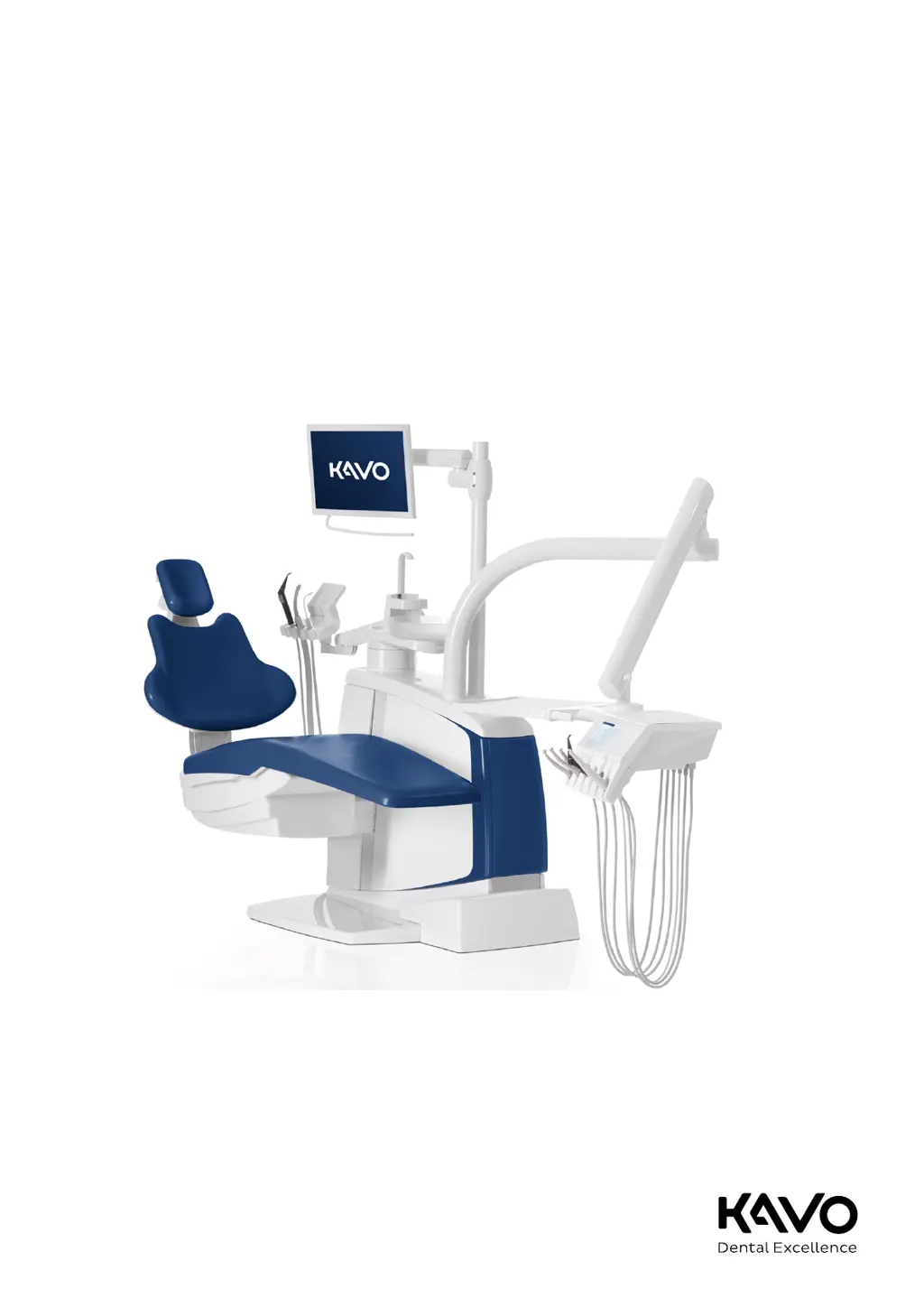
KaVo ESTETICA E80 Vision - User Manual

KaVo ESTETICA E80 Vision
178 pages
Print Icon
To Next Page IconTo Next Page
Loading...
Instructions for use
ESTETICA E70 Vision / E80 Vision

Table of Contents

Other manuals for KaVo ESTETICA E80 Vision

Questions and Answers

  • B
    Barbara LivingstonAug 14, 2025
    What to do if KaVo Dental patient chair does not move?
    • J
      james60Aug 14, 2025
      If the KaVo patient chair isn't moving, check the safety shutoffs and determine the reason for the shutoff. Also, check if the foot control is activated and eliminate the reason for the shutoff.
  • J
    Jesse JuarezAug 17, 2025
    What to do if KaVo ESTETICA E80 Vision Dental equipment is not working?
    • B
      Brenda AlexanderAug 17, 2025
      If your KaVo dental equipment isn't working, first, ensure the main switch is turned on. If the issue persists, unplug the unit and check the main service fuse located next to the master switch. Use a screwdriver to open the bayonet lock and replace the microfuse with the correct type: T 6.3 H (Mat. no. 0.223.2783) for 220-240 V AC or T 10 H (Mat. no. 1.007.2529) for 100-130 V AC. Then, re-close the bayonet closure with the screwdriver.
  • P
    Pamela SimpsonAug 21, 2025
    Why is there no spray in my KaVo ESTETICA E80 Vision Dental equipment instruments?
    • D
      Darren LopezAug 21, 2025
      If there's no spray in your KaVo dental instruments, make sure that spray is preselected. Also, check that the spray regulation on the instrument is open and that the main water valve in the office is open. Finally, verify that the compressor is turned on.
  • T
    Tina GonzalezAug 25, 2025
    What to do if KaVo Dental suction hoses do not have any suction?
    • Z
      zkhanAug 25, 2025
      If the suction hoses of your KaVo dental equipment aren't providing suction, start by ensuring the suction machine is turned on and functioning correctly. Next, check that the slide valves in the conical sections of the suction hoses are open. Also, inspect the sieves in the selective valves for any blockages and exchange the sieve if needed. Finally, ensure that the base switch is not actuated.
  • W
    wutimothyAug 27, 2025
    What to do if KaVo Dental treatment unit is not connected to the wireless foot control?
    • M
      matthew38Aug 27, 2025
      If your KaVo treatment unit isn't connecting to the wireless foot control and is emitting a tone, first check if the foot control is turned on using the on/off switch. If it is on, ensure the foot control is within range of the treatment unit. Also, check the status display: a yellow light indicates a low battery (charge it), and no display indicates a malfunction.
  • M
    Matthew StephensonAug 31, 2025
    What to do if there is water in the return air filter in KaVo ESTETICA E80 Vision?
    • C
      Cassandra HughesAug 31, 2025
      If you find water in the return air filter of your KaVo dental equipment, the O-rings of the MULTIflex coupling might be damaged. Replace all the O-rings on the MULTIflex coupling.
  • J
    Julia RichardSep 3, 2025
    What to do if KaVo ESTETICA E80 Vision display without indicator?
    • T
      thomaspotterSep 3, 2025
      If the display of your KaVo dental equipment shows no indicator, try turning the device off and on again. If the problem persists, it may be due to a bus or hardware error.
  • K
    klopezSep 6, 2025
    What to do if KaVo Dental operating device has no function?
    • K
      Karen YoungSep 7, 2025
      If your KaVo dental operating device isn't functioning, try turning the device off and on again. If the problem continues, it might be a bus or hardware error.
  • A
    Amy BryanSep 10, 2025
    What to do if several handpieces are simultaneously activated in KaVo Dental equipment?
    • R
      Rebecca MendozaSep 10, 2025
      If several handpieces are being activated simultaneously on your KaVo dental equipment, stop working, as this indicates a hardware error.

Summary

User Instructions

User Guide

General guidance for using the device safely and effectively.

Safety

Description of Safety Instructions

Explains safety symbols, hazard levels, and general safety notes.

Intended Use

Specifies the intended purpose and operational context for the device.

Safety Instructions

Provides product-specific safety warnings and precautions for safe operation.

Product Description

Treatment Centre

Describes the main components of the dental treatment unit.

Control Elements

Explains the various control elements and touch screen interface.

Operation

Switching on the Device

Instructions for powering on the dental unit.

Adjusting the Patient Chair

Detailed instructions for adjusting patient chair positions and features.

Safety Shut-off

Explains the safety shut-off functions and their indicators.

Using Functions Through the Touchscreen

Guide to operating the device via the touchscreen interface.

Using the Foot Control

Detailed guide on operating the foot control for various functions.

Using Instruments

Instructions for using various dental instruments and handpieces.

Safety Check - Test Instructions

Introduction

Provides an introduction to safety checks and general instructions.

Instructions for the Safety Check

Step-by-step instructions for performing safety checks on the device.

Eliminating Disturbances

Malfunction Cause Remedy

Lists common malfunctions, their causes, and remedies.

KaVo ESTETICA E80 Vision Specifications

General IconGeneral
LightingLED
ControlTouchscreen
Color OptionsVarious colors available
DisplayTouchscreen
Operating ModesMultiple
Patient ChairErgonomic

Related product manuals