EasyManua.ls Logo

KaVo ELECTROmatic PM - User Manual

KaVo ELECTROmatic PM
78 pages
Print Icon
To Next Page IconTo Next Page
Loading...
Instructions for use
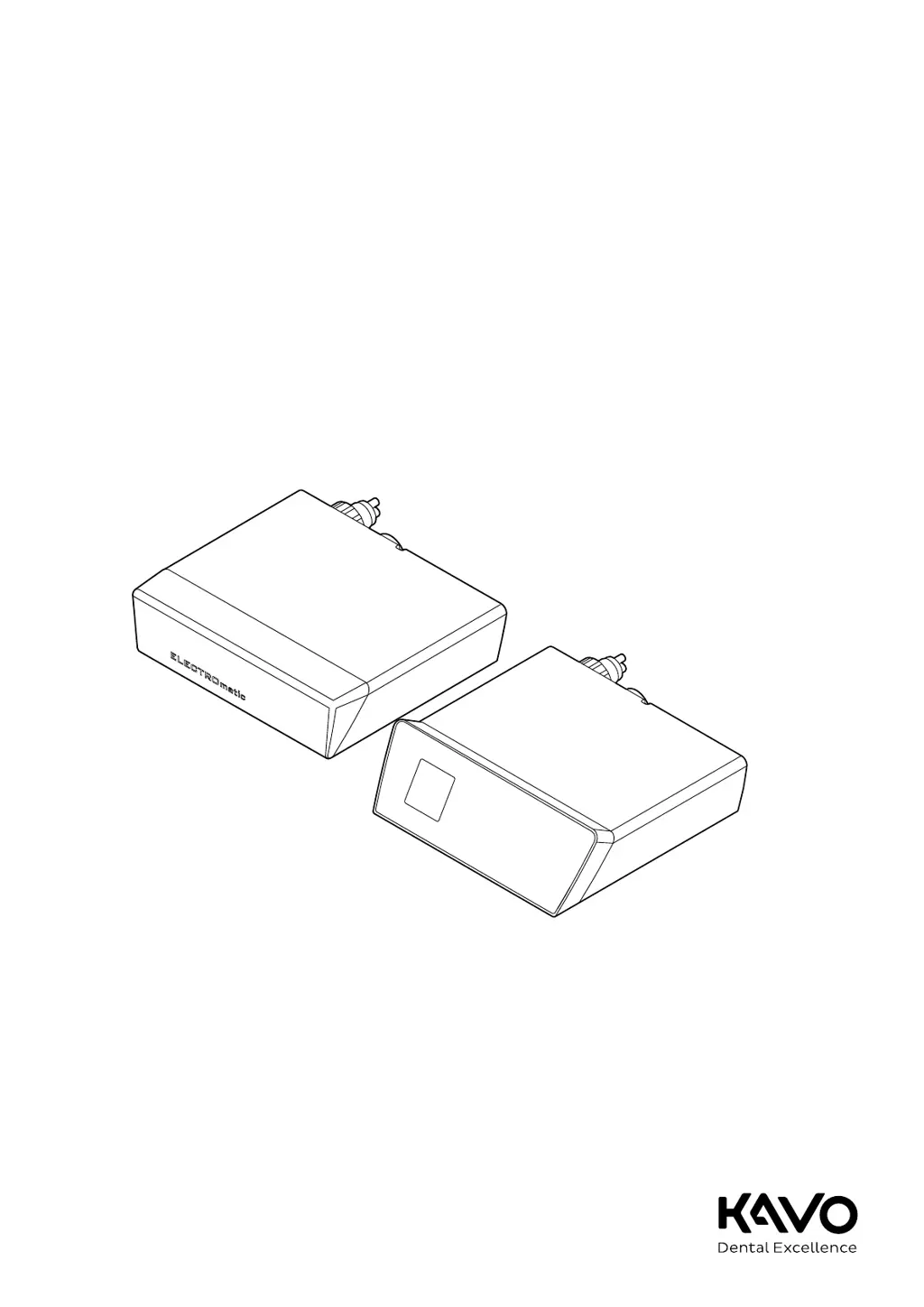
ELECTROmatic M/C and PM/PC

Table of Contents

Questions and Answers

  • B
    bassmelissaSep 15, 2025
    What does it mean if SAFEdrive icon flashes yellow on KaVo Medical Equipment?
    • A
      Amanda RojasSep 16, 2025
      If the SAFEdrive icon flashes yellow on your KaVo Medical Equipment, it means the motor is overloaded. If using a third-party handpiece, deactivate SAFEdrive or use a KaVo high-speed handpiece. If using a KaVo handpiece, relieve the load for at least 2 seconds. Once the motor reaches maximum speed and the icon turns yellow, continue working in intermittent mode.
  • M
    Marco NielsenAug 25, 2025
    What does Event E14 mean on KaVo Medical Equipment?
    • B
      Bruce MullenAug 25, 2025
      Event E14 on your KaVo Medical Equipment indicates a motor overload. Relieve the motor of its load, then stop and start it using the foot control.
  • C
    Curtis MillerAug 25, 2025
    What does Event E8 mean on KaVo Medical Equipment?
    • C
      csimmonsAug 26, 2025
      Event E8 on your KaVo Medical Equipment means that saved data or settings have been reset to the starting value. Confirm the message and check or correct the program settings.
  • L
    Luke PerryAug 26, 2025
    What does Event E5 mean on KaVo Medical Equipment?
    • C
      Cory HerreraAug 26, 2025
      Event E5 on your KaVo Medical Equipment indicates automatic light and motor shut-off during continuous operation of the motor. Comply with the defined operating mode.
  • C
    Christopher ClarkSep 16, 2025
    What to do if KaVo Medical Equipment malfunctions (no display, LED on the rear does not flash)?
    • R
      Robert GriffinSep 16, 2025
      If your KaVo Medical Equipment malfunctions with no display and the LED on the rear doesn't flash, the issue is likely a lack of voltage supply. Check and restore the voltage supply and ensure the connection is correct. Verify that the standby LED on the power supply is on; if not, replace the power supply. If the problem persists, contact a service engineer.
  • M
    Melissa HernandezSep 23, 2025
    What to do for all other events on KaVo Medical Equipment?
    • J
      jennyfullerSep 23, 2025
      For all other events on your KaVo Medical Equipment, it indicates an internal system error. Turn the unit off and on.
  • S
    Stephanie BrooksSep 8, 2025
    What does Event E3 mean on my KaVo ELECTROmatic PM Dental equipment?
    • A
      Amanda Cochran MDSep 8, 2025
      Event E3 indicates that no motor is attached. Connect the motor.
  • K
    Kevin HubbardSep 9, 2025
    What does Event E2 mean on my KaVo ELECTROmatic PM?
    • D
      Dawn PerrySep 9, 2025
      Event E2 indicates that the foot control is being actuated during start-up. Make sure you do not press the foot control when you switch the unit on.
  • D
    Douglas HowardSep 2, 2025
    What to do if my KaVo Dental equipment malfunctions (no display, the LED on the rear of the device flashes)?
    • J
      Jordan Thompson MDSep 2, 2025
      If your device malfunctions with no display but the LED on the rear flashes, it could be due to no voltage supply on the control panel or no connection to the control panel. Check and restore the correct connection. Try replacing the connection cord to the control panel or replacing the control panel itself. If error persists, notify the service engineer.
  • J
    Jennifer MoralesAug 31, 2025
    Why is there no or insufficient spray water in my KaVo ELECTROmatic PM?
    • D
      destiny22Sep 1, 2025
      There could be several reasons for insufficient spray water. The spray water regulation might be closed, so open it as much as possible. The water line could be soiled; in this case, pull off the handpiece and actuate the spray water in bursts to rinse it. Another cause may be that the filter insert is soiled, so replace the filter on the water inlet. Finally, the spray water on the treatment center or foot control could be closed, so open the spray on the treatment center. If the error persists, unscrew the turbine hose and check if any water flows. If no water flows, notify a service engineer.

Summary

User Instructions

User Guide

General overview and essential information for safe and correct operation of the device.

Safety

Infection Hazard

Identifies risks of infection from contaminated devices and outlines necessary precautions.

Explosion Hazard Area

Warns about risks of explosion or fire due to electrical sparks in specific environments.

Technical Condition

Emphasizes maintaining the product in good technical condition to prevent injury.

Ingress of Liquids

Details risks of electrical shock and injury from liquid ingress and how to prevent it.

Accessories and Combination with Other Equipment

Safety guidelines for using approved accessories and avoiding unauthorized modifications.

Qualification of Personnel

Stresses the need for trained personnel and proper understanding of instructions for safe operation.

Service and Repair

Outlines who is authorized for service/repair and the procedures required for safety checks.

Description of the Product

Intended Use

Defines the product's purpose, indications, and proper usage for dental treatments.

Technical Specifications of the ELECTROmatic

Provides detailed technical data including dimensions, weight, ambient conditions, and electrical ratings.

Installation

Installation Positions

Outlines various methods and positions for physically mounting the ELECTROmatic unit.

Startup

Operation

Starting-up the Motor

Instructions on how to start the motor using the foot control and achieve desired speeds.

Regulating the Spray Water

Explains how to adjust the spray water volume for cooling and lubrication.

Changing the Speed Setting

Describes how to change and save motor speed presets using the control panel or foot control.

Protection Function SAFEdrive (PM;PC Only)

Details the SAFEdrive function for detecting and preventing overheating of handpieces.

Reprocessing Steps in Accordance with DIN EN ISO 17664

Cleaning

Guidelines for cleaning the device, including preparation, external, and internal cleaning procedures.

Disinfection

Instructions for disinfecting the device surfaces using approved methods and products.

Servicing

Troubleshooting

KaVo ELECTROmatic PM Specifications

General IconGeneral
Supply voltage100-240 V
Frequency50/60 Hz
Power60 W
TypeElectric motor
Voltage24 V
Handpiece ConnectionISO 3964

Related product manuals