English
3-1
Chapter
3
System Configuration
Personal Computer Requirements
NOTE: The KaVo IXS is a USB certified device and shall be used with USB
compliant cables suitable for high speed/USB 2.0 components.
Certified USB cable extenders are available from KaVo. Powered
USB active hubs can also be used to extend the distance to the USB
host/computer. The total length of all cabling, including the KaVo IXS
shall not exceed 5m, unless a powered USB active hub is used.
CAUTION
Using non-USB compliant cables or hubs, or exceeding the maximum
count of USB hub devices for extending the distance, can degrade the
immunity of the KaVo IXS sensor to electromagnetic fields or
increase the emission of electromagnetic fields from the sensor.
Hard Disk
The choice of hard disk capacity depends on the number and size of images to
be stored. Intraoral images vary in size from 4.7 MB (uncompressed TIFF
images with the Size 2 sensor) to 100 KB (JPEG/JFIF with 50% compression).
To guarantee data security, however, it is preferable to allow for duplication to
provide back-ups of files containing diagnostic images and information.
Example calculation: 10 patients per day x 20 images per patient x 250
workdays per year x 5 MB image= 250 GB per year.
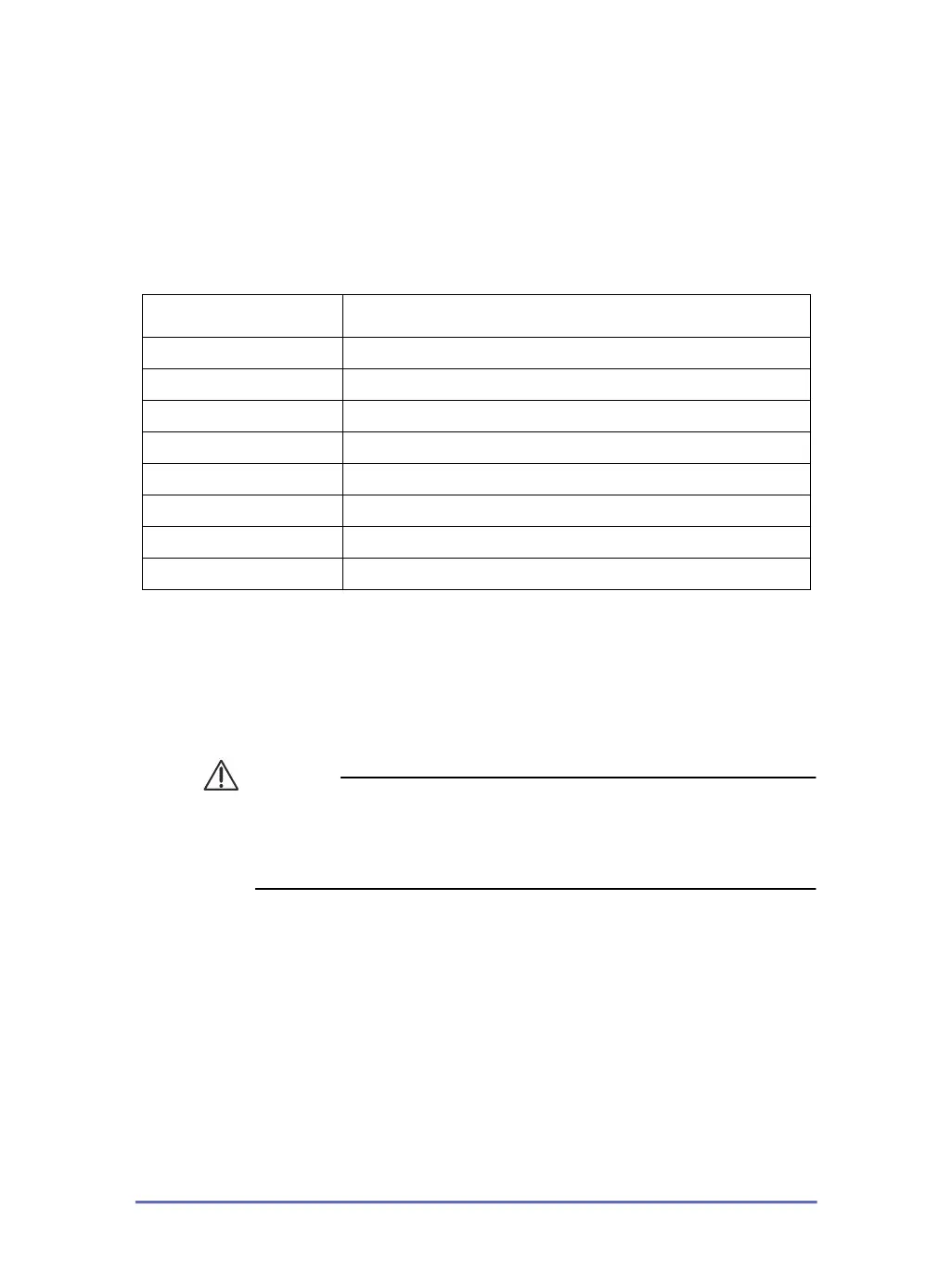
Recommended
Operating System Microsoft Windows 10 Professional 64
Processor Core I5
Memory 8 GB
Hard Disk 512 GB
Display Setting 2560 x 1440 (QHD), 1920 x 1080 (minimum)
Video Memory 128+ MB
Ports USB 2.0 / USB 3.x
Standards In compliance with the UL/IEC/EN 60950-1 standard
KaVo S1.book Page 1 Tuesday, August 6, 2019 2:36 PM








 To Next Page