5-12 LUBRICATION SYSTEM
Oil Screen Filter
Removal
l
Spiite the crankcase and remove the crankcase cover (see
Camshaft/Crankcase chapter).
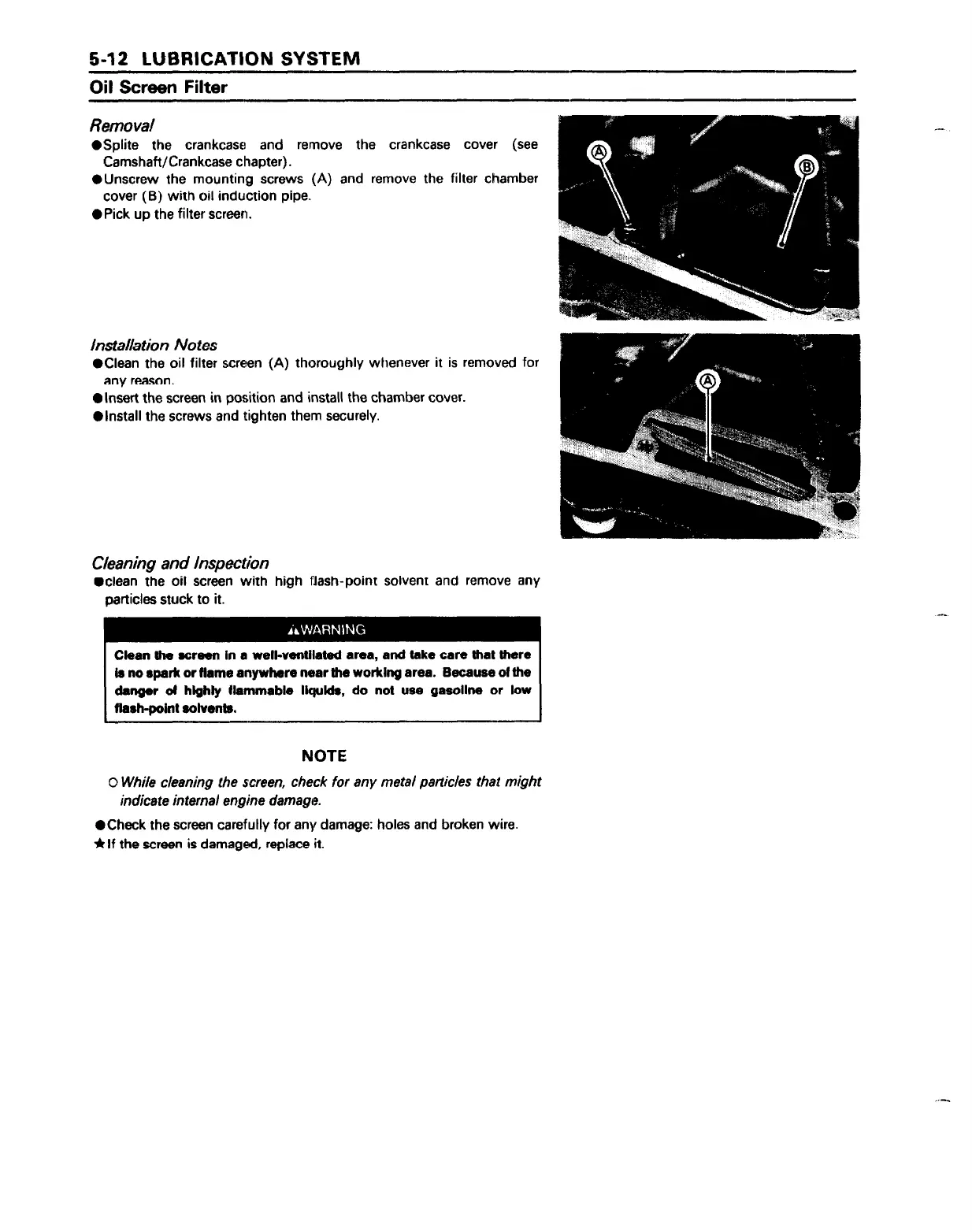
*Unscrew the mounting screws (A) and remove the filter chamber
cover (B) with oil induction pipe..
l
Pick up the filter screen.
installation Notes
l
Clean the oil filter screen (A) thoroughly whenever it is removed for
any reason.
l
Insert the screen in position and install the chamber cover.
l
install the screws and tighten them securely.
Cleaning and Inspection
l
clean the oil screen with high flash-point solvent and remove any
particles stuck to it.
Clean the screen in a well-ventilated area, and take care that there
b no spark or Hame anywhere near the working area. Because ot the
danger d highly tlammable liquids, do not use gasoline or low
flash+oint solvents.
NOTE
0 While cleaning the screen, check for any metal particles that might
indicate internal engine damage.
l
Check the screen carefully for any damage: holes and broken wire.
*If the screen is damaged, replace it.



 To Next Page