13
Operation and Service KBL 6800/6900
Colour stimulation
The colour of the colour stimulation can be selected by means of
the „+“ key or by the „ - “ key: Red- Green - Blue.
You can only switch on one colour, but you can switch them all off
(see Service level).
48 high-performance diodes for each colour (Red - Green - Blue)
produce the mood desired: relaxing blue, stimulating blue and
calming green.
From Software
Version 6.0 or
sunbeds with
easyCare from
Version 3.0
Wellness
Pop
Studio
wellnessColor G
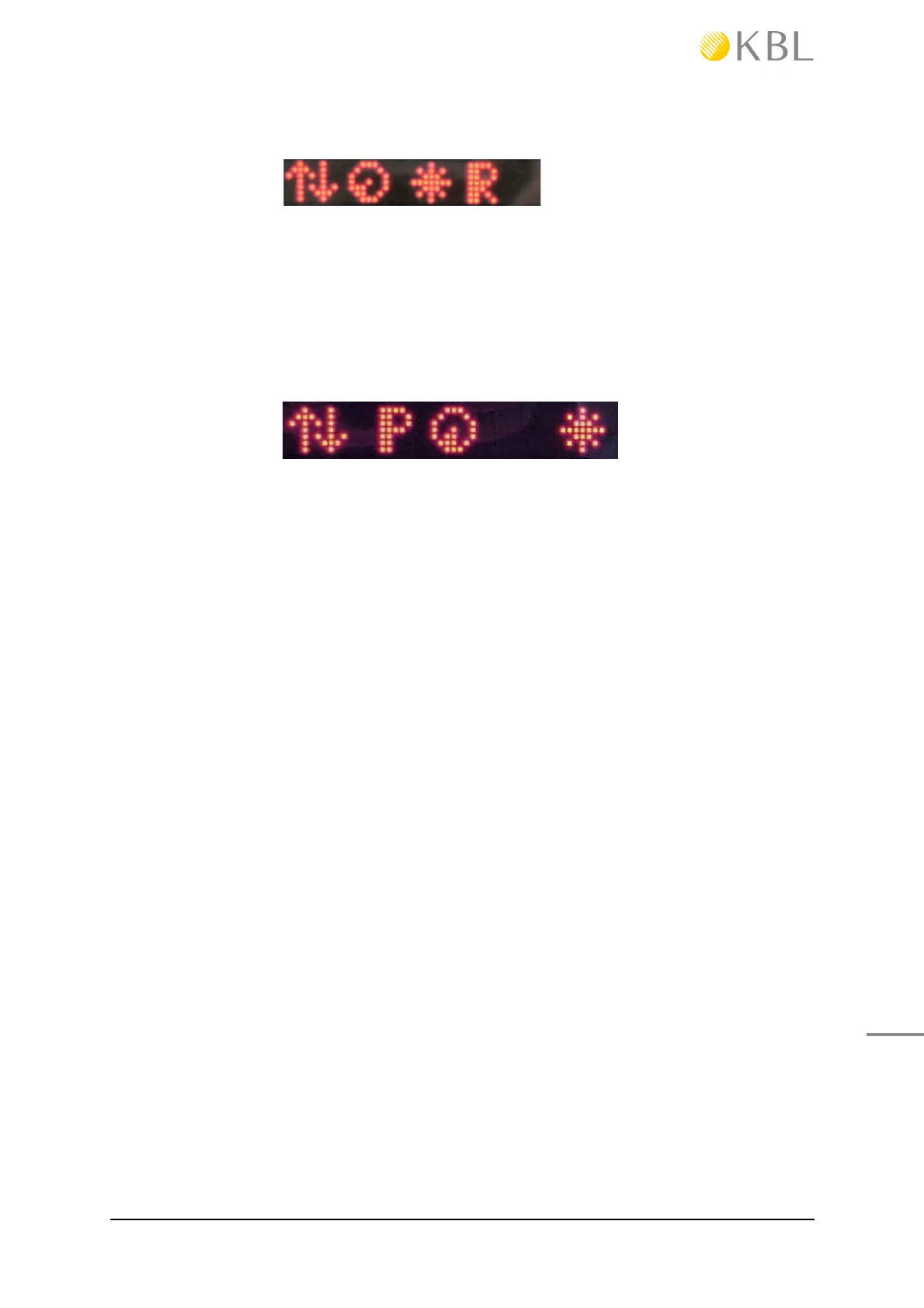
In this ! rst submenu is P = Programm, which means during the
tanning session, the user can choose out of three music sources,
provided that they are available and con! gured in service menu I:
- Wellness,
- Pop and
- music from the studio system.
To have P displayed, at least two sources must be available and
con! gured.
The new music source is selected and displayed for a short time
using the „+“ - or „-“ -keys above / beneath the „P“.
For more information see service menu I.
The symbol „channel selection“ means
— for Wellness or Pop „next title“ and
— for studio music „next channel of the external music source“ .
Switch by pressing the „+“ - or „-“ -keys above/beneath the sym-
bol channel selection.
24 green LEDs are glowing.
These option produces the color „Green“. This option is not on/off
switchable via the menu.
The other colour stimulation „activeColor“ (R - G - B) is without
effect and is no longer offered for KBL 6800/6900. It is only pre-
sent for compatibility.




 To Next Page