© Copyright 2015 KE2 Therm Solutions, Inc., Washington, Missouri 63090
Q.1.3 July 2015
Page 16
KE2 EvaporatorEfciency
Quick Start Guide
Introduction to Smart Access
Smart Access provides quick and easy, real time access to your refrig-
eration systems 24/7
The KE2 Evap controller has always been internet accessible, but
now it is easier than ever to monitor and adjust your KE2 Evap
remotely. With the new version 4.0 firmware Smart Access is in-
cluded.
Smart Access doesn’t require port forwarding or establishing a
vpn. All the KE2 Evap needs is a physical connection to the net-
work router with a cat 5 cable. Smart Access will automatically
connect to your personal web portal.
And, Smart Access provides a “customized” dashboard of all the
controllers on that network on one page.
Preliminary
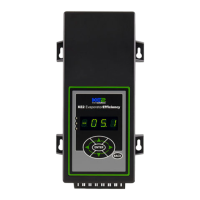
Connect the KE2 Evap to the customer’s network.
CAT5 Ethernet
Cable
KE2 EvaporatorEfficiency
TM
thermsolutions
ENTER
BACK
2
2
1 2 3 654 7
Link/ACT
100/1000Mbps
POWER
Customer Network
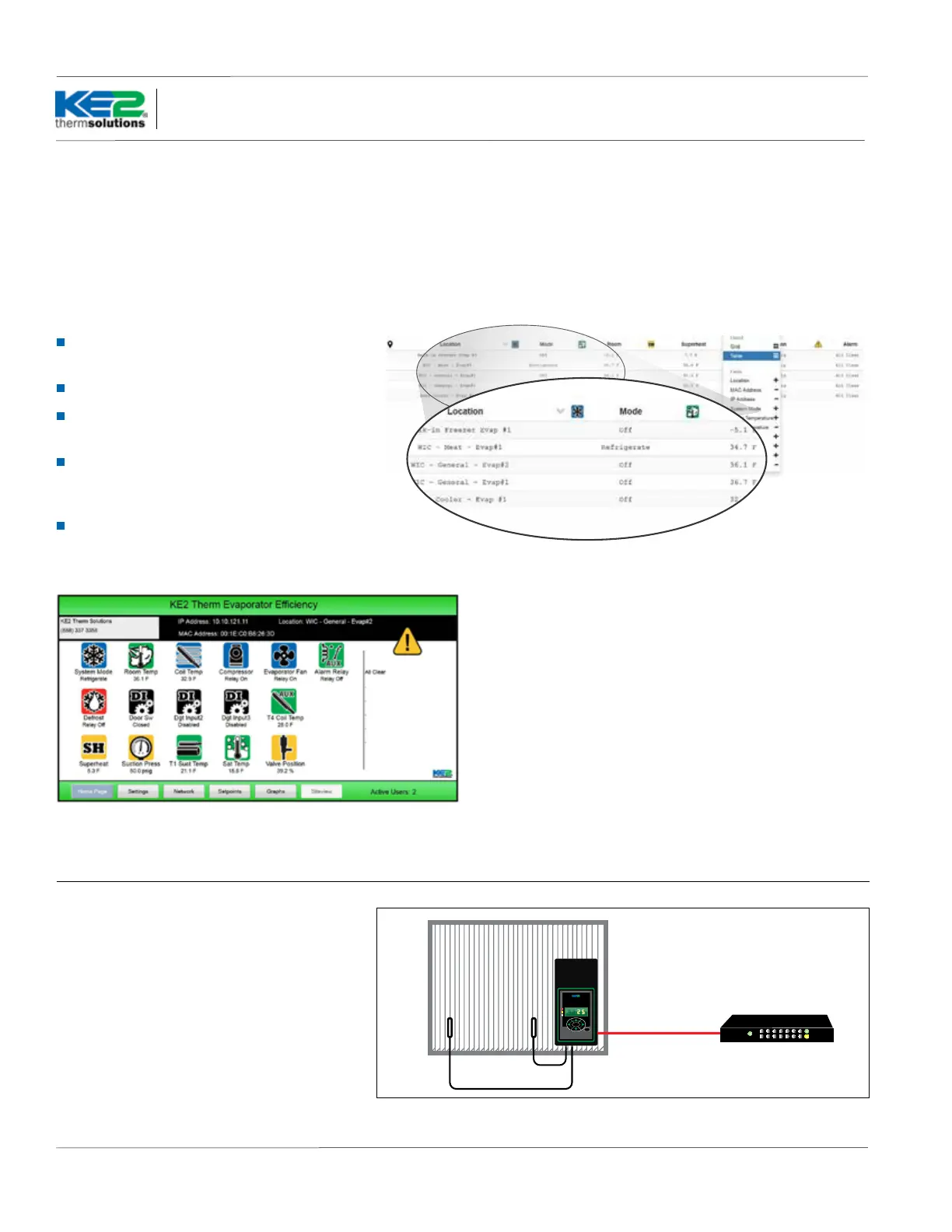
Screen shot of a single KE2 Evap connected through Smart Access
Screen shots of Smart Access dashboard. Controller and system information is displayed for all of the
controllers on the portal.
Benets of Smart Access
Smart Access auto launches, and can eliminate
the need for costly IT support
Doesn’t require port forwarding or a vpn
Customized dashboard lets you remotely view
all the controllers on one page
It’s easier than ever to set up every controller
you service to provide alarm notications via
text or e-mail
Easy setup of remote monitoring & system
control


 To Next Page