KEEBOX Wireless 11n Router
The WPS Push Button is located at the right side of the Router. Press the button to enable the WPS
function. Refer to WPS section for more detail. The blue light blinks when searching for the connection.
The blue light remains for 300 seconds when successfully connected.
Installation
This section will walk you through the installation process. Placement of the router is very important. Do
not place the router in an enclosed area such as a closet, cabinet, or in the attic or garage.
Configuration
This section will show you how to set up and configure your new D-Link Router using the Web-based
configuration utility.
Web-based Configuration Utility
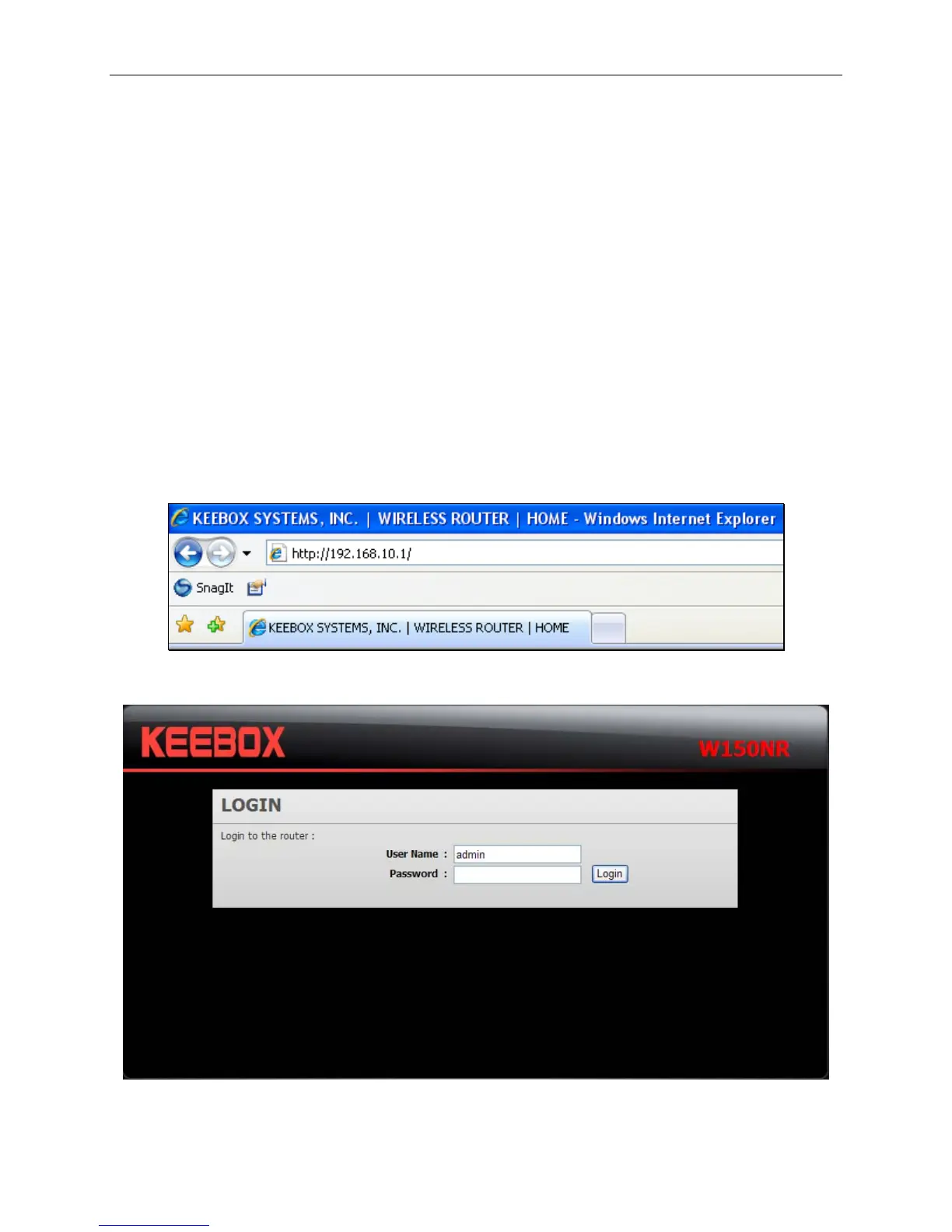
To access the configuration utility, open a web-browser such as Internet Explorer and enter the IP
address of the Router (192.168.10.1).
The following screen appears.
Enter the user name, admin, and leave the password blank by default.
9


 To Next Page
 Loading...
