KEEBOX Wireless 11n Router
Static IP
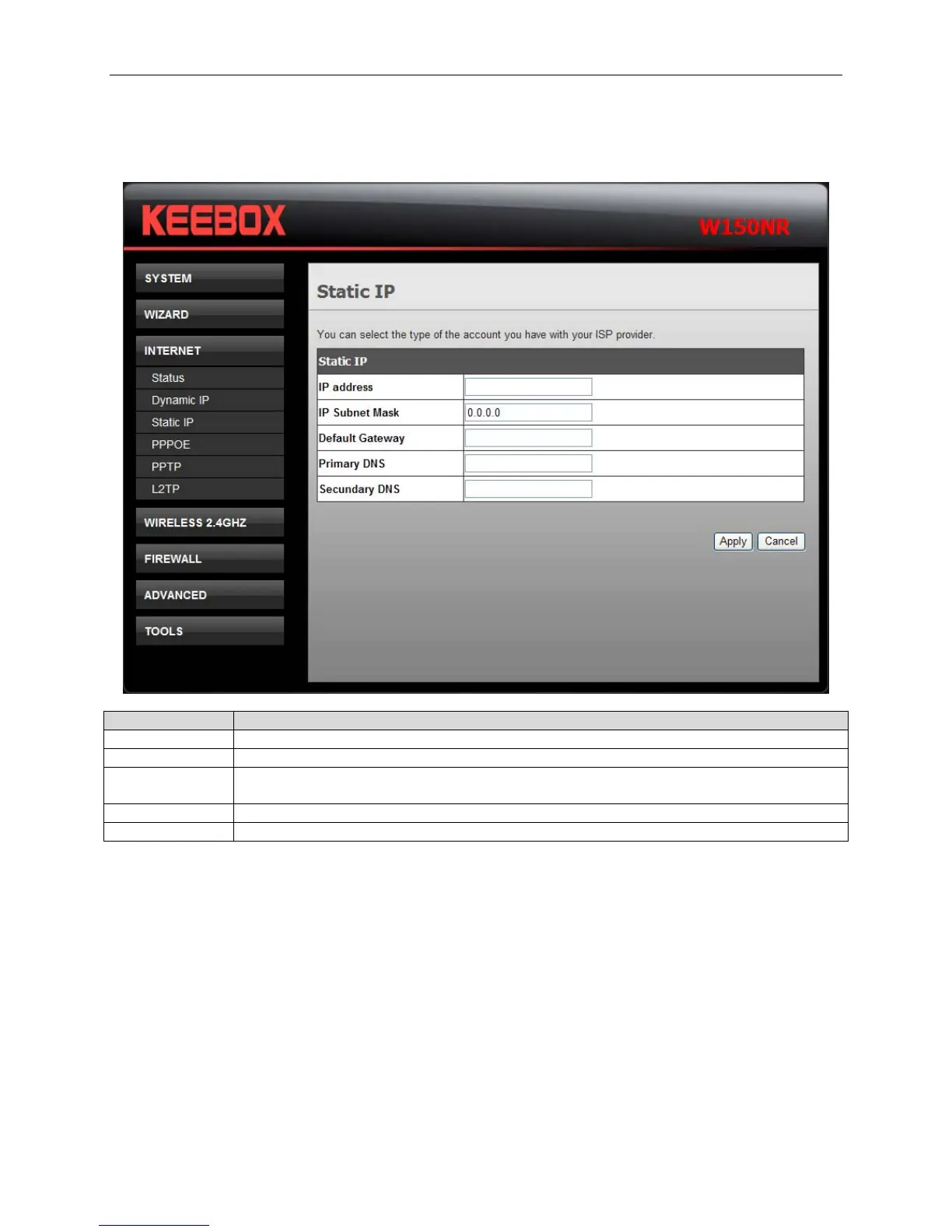
Use this window to configure the static IP.
Fields Description
IP address Enter the IP address assigned by your ISP.
IP Subnet Mask Enter the subnet mask assigned by your ISP.
Default
Gateway
Enter the Gateway assigned by your ISP.
Primary DNS Enter the primary DNS server IP address assigned by your ISP.
Secondary DNS Enter the secondary DNS server IP address. This is optional.
Click Apply to save the changes.
22


 To Next Page
 Loading...
