OPERATION MANUAL
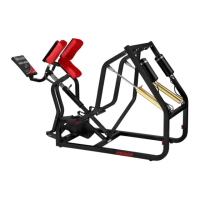
PERFORMANCE TRAINER
14
“Lo-bA” will appear on the Power Display to indicate that the batteries are low and need replacement.
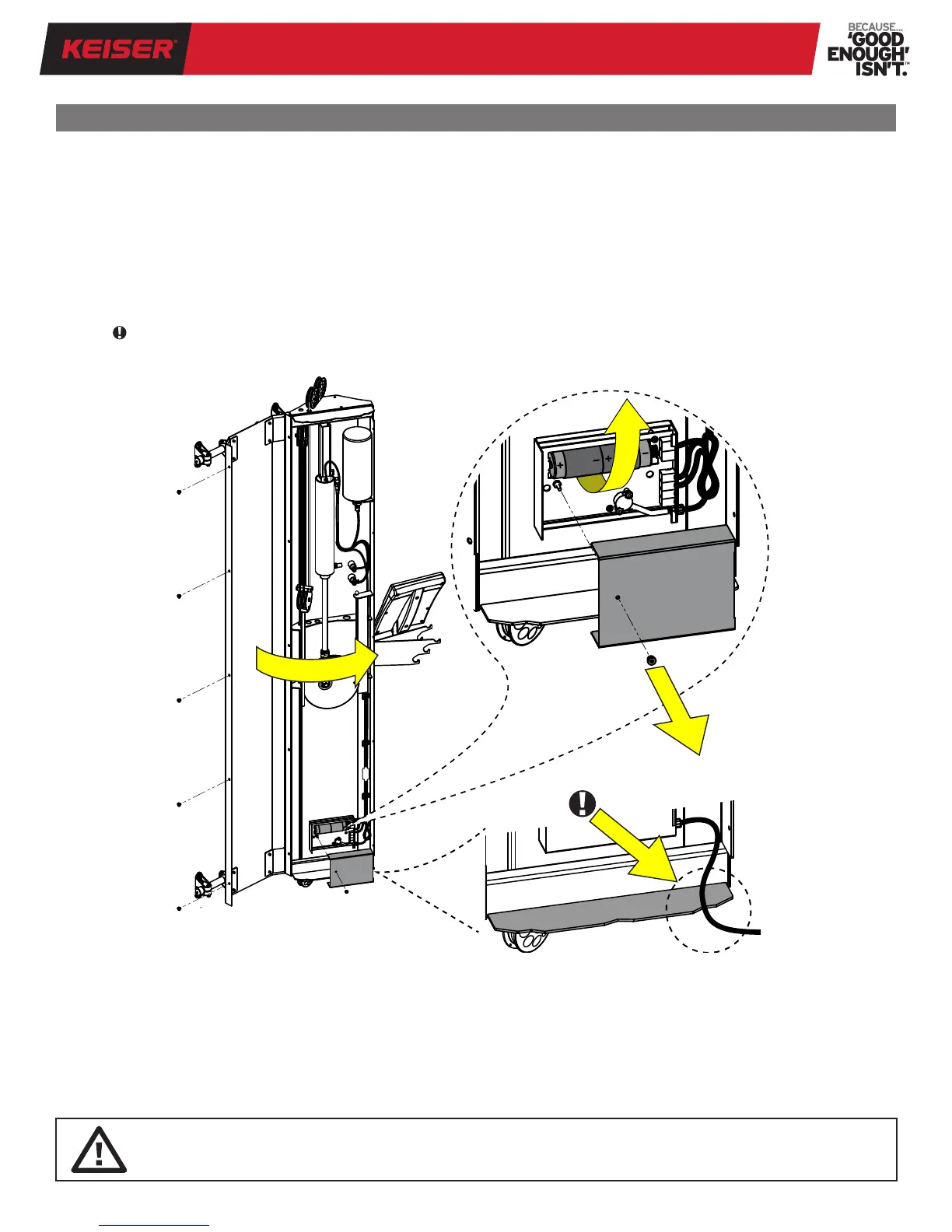
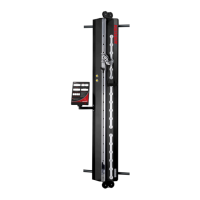
To replace the batteries, refer to Figure 13 and follow the instructions below:
1. Open the Performance Trainer by removing the ve Phillips Screws along the left side using a #3 Phillips screwdriver.
2. Locate the Processor Box at the base. Unscrew the brass nut to remove cover.
3. Remove the two D batteries by carefully pulling out the battery sleeve (follow manufacturer’s recommendations for
handling, maintaining, and disposing of batteries).
4. Observe the correct polarity position (see +/- marking on the circuit board), insert the two new D batteries into the
battery sleeve and install.
5. Replace the Processor Box cover and screw the brass nut nger tight.
6. IMPORTANT: Avoid pinching the Air Line. Route the Air Line along the notch at the base. Close the Performance
Trainer, align all screw holes and replace the ve Phillips Screws using a #3 Phillips Screwdriver.
BATTERY REPLACEMENT
Figure 13. Battery Replacement
WARNING: Install batteries correctly (+/-). Do not disassemble or dispose of batteries in re. Check local government
guidelines for battery disposal/recycling in your area. Battery leakage is extremely caustic and contact with bare
skin should be avoided. Follow battery manufacturer’s recommendations for care and use.
When the batteries are replaced, the Power Display will run through a test sequence (you will see a series of numbers ashing).
Once the test sequence stops and the Power Display shows "OFF," the Performance Trainer is ready for use.
NOTE: Upon end of life of your Performance Trainer contact Keiser Customer Support by telephone at 1 559 256 8000,
online 24/7 at keiser.com/support, or by email at service@keiser.com for handling directions. Be sure to follow your local
government guidelines for battery disposal/recycling.


 To Next Page