Expression Pedals and Foot Switches 136
Connecting Pedals and Switches to PROFILER Head, PowerHead,
Rack or PowerRack
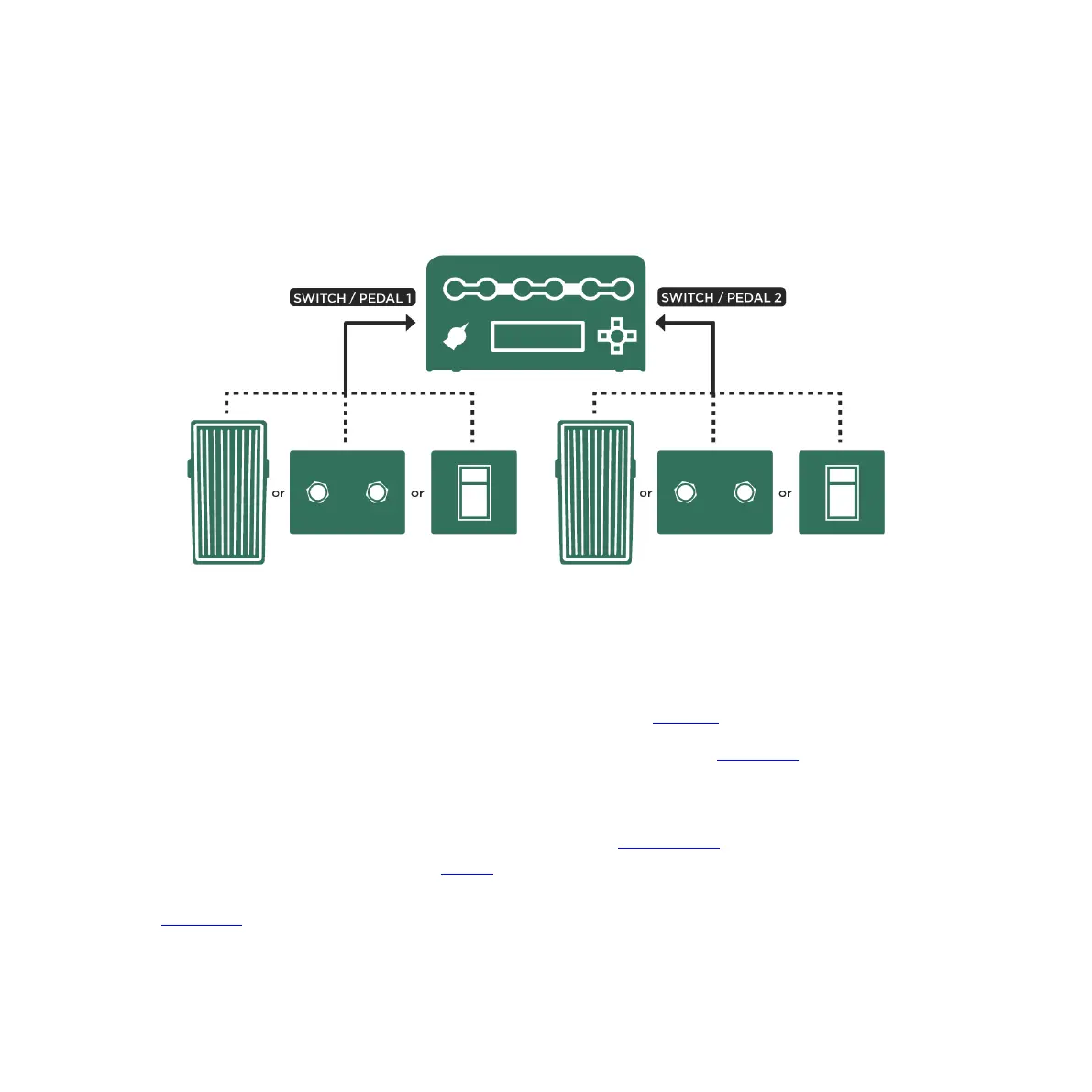
Connecting pedals and switches to PROFILER directly
PROFILER Head, PowerHead, Rack and PowerRack feature two jacks for the direct connection of expression
pedals or switches, which can be configured in System Settings on the “Pedal 1-2” pages.
While it would be possible to connect two expression pedals like described in the Mainstream example above, the
most practical approach in this case is to connect one expression pedal to control wah, volume and pedal pitch
effects, and then a dual switch to step up/down through the Rigs.
If that’s what you want to do, connect your expression pedal to the PEDAL 1 input, and assign the Wah Pedal
function in System Settings on the page “Pedal 1”. Then, press the soft button “Calibrate” and sweep the pedal all
the way from heel through to toe position. The bar below “Calibrate” should reflect that move. Next, navigate to the
“Pedal Links” page and activate “WahPedal >Volume” and “WahPedal >Pitch”. Now, the Wah Pedal will also control
volume, as well as pedal pitch effects.



 To Next Page