Using the Tuner 66
There are multiple ways to engage the Tuner Mode:
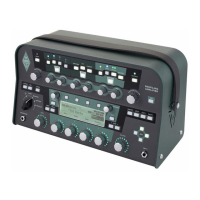
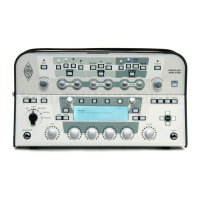
• turn the chicken head knob of PROFILER Head and Rack to the TUNER position,
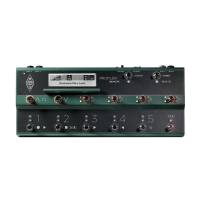
• press the TUNER button of the PROFILER Stage and Remote,
• use an external analog switch, e.g. the PROFILER Switch, connected to one of the PEDAL inputs of the PROFILER
or the Remote,
• use MIDI Control Change #31,
• or put the Volume Pedal in heel position, which equates to MIDI control change #7 value 0, if the option
“Tuner@Volume 0” is activated.
While the Tuner Mode is enabled, the LEDs become more sensitive to softer levels.


 To Next Page