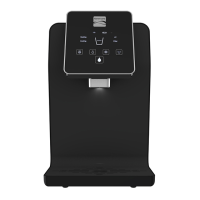
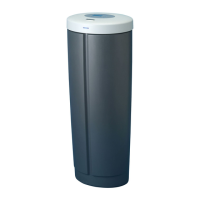
Using Your Water Optimizer
Using Your Water Optimizer 7
Regarding Connecting Other Appliances
1. Prior to connecting/disconnecting other appliances to the accessory port, first power
off and unplug your Water Optimizer.
2. The manufacturer is not responsible for any issues or damage that may occur to
other appliances connected to your Kenmore Water Optimizer. These issues may
include, but are not limited to: dry heating, low flow, water sloshing, etc. Kenmore and
Drinkpod are in now way obligated to provide technical support, warranty service or
replacement for any parts or components not included with your Optimizer, excluding
OEM replacement filters.This guide will explain how to use, maintain, and troubleshoot
your new Water Optimizer.
USING YOUR WATER OPTIMIzER


 To Next Page