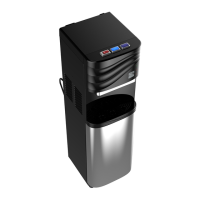
Getting To Know Your Water Optimizer
Getting To Know Your Water Optimizer 4
T
Hot Mode Power Switch - Toggles power for water heating system.
U
110v Power Cord - Provides power to Water Optimizer. Standard U.S. 110v only.
V
Drain Port - Port for draining water for vacations, storage, moving, etc.
X
Accessory Output Port - Port to connect accessory appliances (i.e. icemaker).
Y
Source Input Port - Port that connects to water source to provide water to Optimizer.
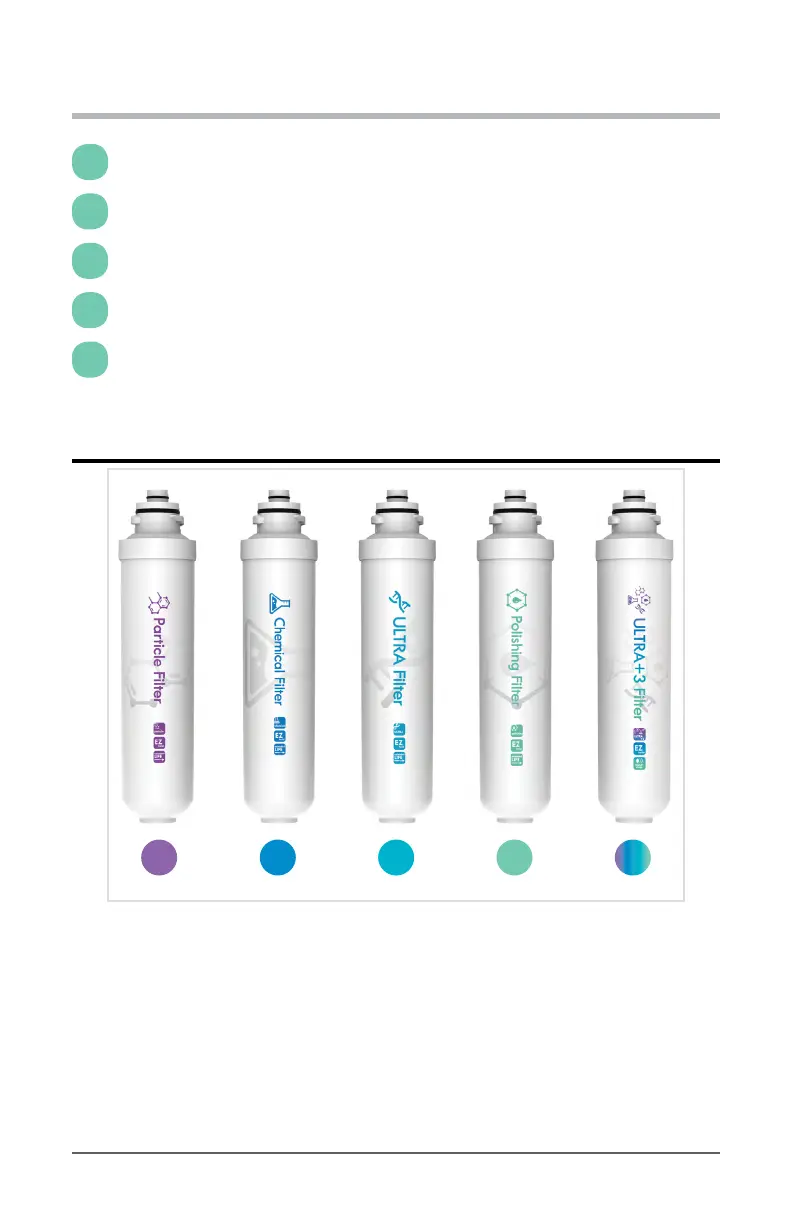
Filters
Shown above is the correct order (rst four) each lter should always be installed in
your Water Optimizer. Failure to follow this order can result in both reduced water
ow, and lter lifespan.
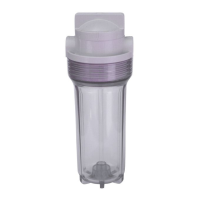
F1. Particle Filter (Included) - Particle water lter replacement pod utilizes depth lter
to greatly reduce contaminants greater than 10 microns in size (i.e. cysts and rust).
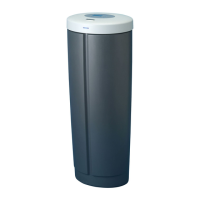
F2. Chemical Filter (Included)- The Chemical water lter replacement pod utilizes a
activated carbon granules to improve the safety of drinking water by eectively
F1 F2 F3
F4
F5


 To Next Page