Maintaining Your Water Optimizer
Maintaining Your Water Optimizer 12
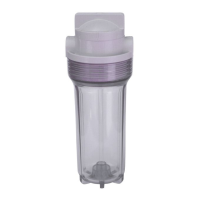
11. Once you’ve drained as much water as will come out from your Optimizer, reinsert the
blue silicon drain plug, and reattach the transparent plastic cap and screw.
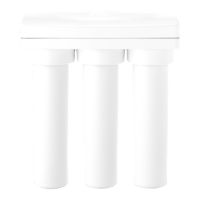
12. Finally, remove each of the four
Q
Filters. If the lters will not be used for more
than a few days, we highly recommend discarding them, and replacing them
with new ones, to avoid any bacteria or mold growth issues. Storing them in your
refrigerator may extend this time, but results will vary.
Leaving Your Water Optimizer (Vacation)
If you plan to take a trip, and leave your Water Optimizer for more than a few days, We
highly recommend following the steps below prior to leaving. This will help prevent any
damage from occuring, the rare possibility of leaks, and returning to poor tasting water.
1. If applicable, rst ip
T
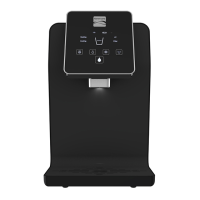
Hot Mode Power Switch and
S
Cold Mode Power Switch into the down position to power o the heating and cooling
systems.
2. Next, unplug
U
110v Power Cord from the electrical outlet.
3. Shuto water ow to your appliance by turning the blue handle on the
C
1/4 in. Quick Connect Shuto Valve (see Installation Guide) connected to your
Optimizer’s
Y
Source Input Port located at the back of the appliance.
4. Place a container below the each of the dispensers, and dispense water from each of
the three temperature modes until no more water will come out.
5. If you plan to leave your Optimizer longer than a week, we highly recommend
following the remaining steps. If you’re leaving for less than a week, we simply
recommend ushing 1 gallon of water from each of your temperature modes
prior to drinking.
6. Next, if applicable, shuto the
C
1/4 in. Quick Connect Shuto Valve connected
between your Optimizer’s
X
Accessory Output Port and any accessory appliances
(i.e. coee maker) and disconnect the tubing from the port. Placing a towel underneath
your ports will help save time cleaning up drippage.
7. Make any necessary adjustments to your accessory appliances in lieu of them


 To Next Page