14
Flash TTL mode (Canon and Nikon)
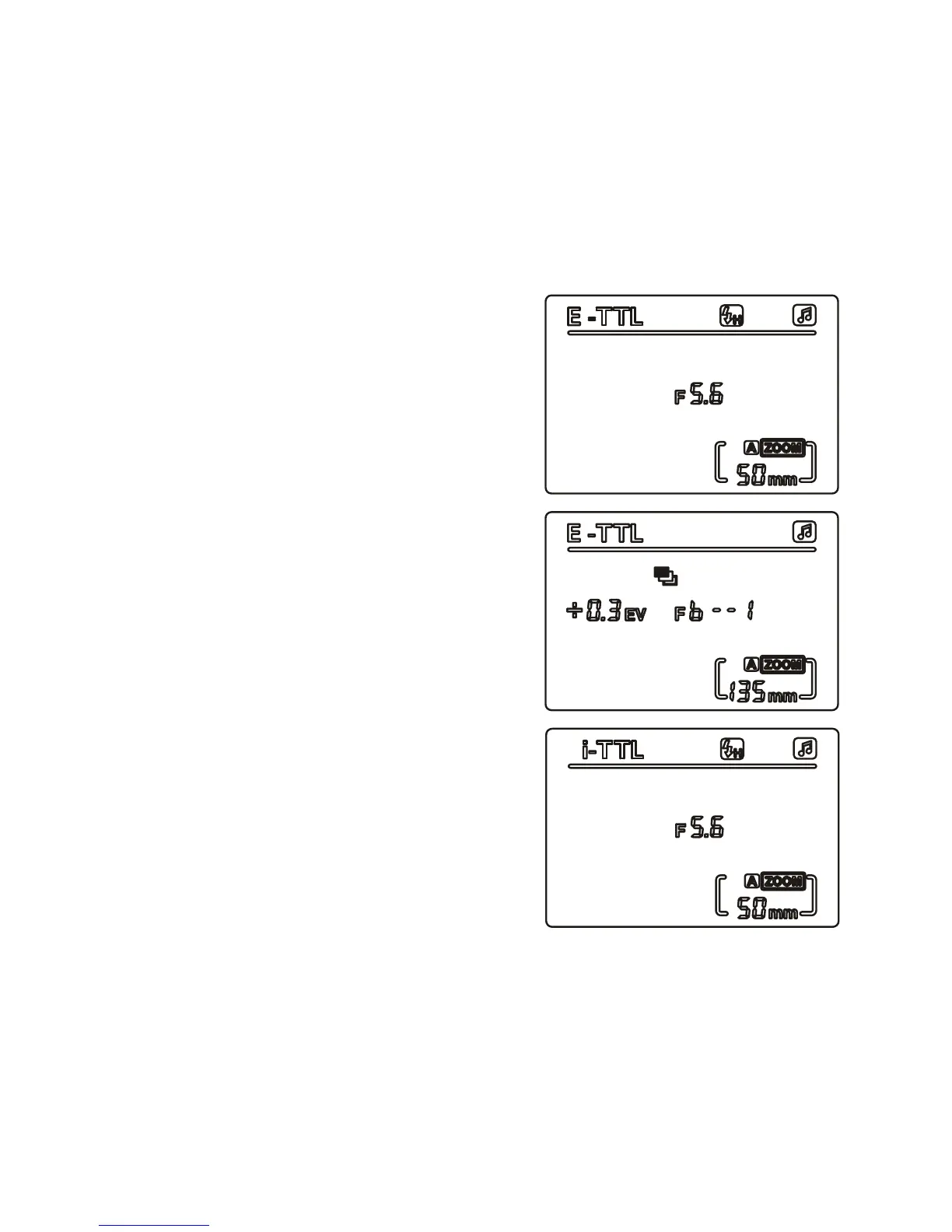
Flash TTL works through the hotshoe connection on Canon and Nikon
cameras. Set the screen display to E-TTL for Canon, and i-TTL for
Nikon.
The Nikon system does not support on ash FEB settings, and does
not display the FEB information on the ash LCD. On Nikon, to see
the exposure settings in ‘BKT’, refer to the camera settings.
Flash exposure lock (FEL/FV)
Using ash exposure lock, you can lock
the correct ash exposure settings for
various parts of a scene.
When ash TTL mode is displayed on
the LCD screen, please connect the
ash with the camera.
• Canon: Press the ‘FEL’ or ‘*’ (AEL –
auto exposure lock) button
• Nikon: Press the ‘FV’ button
The speedash will then give off a
‘preash’ for the camera to calculate the
appropriate ash output data. Please
refer to your camera owner’s manual
for further details.
At this point, you may adjust your
composition if required.
When you are satised, press the
shutter button on your camera to
commence shooting.


 To Next Page