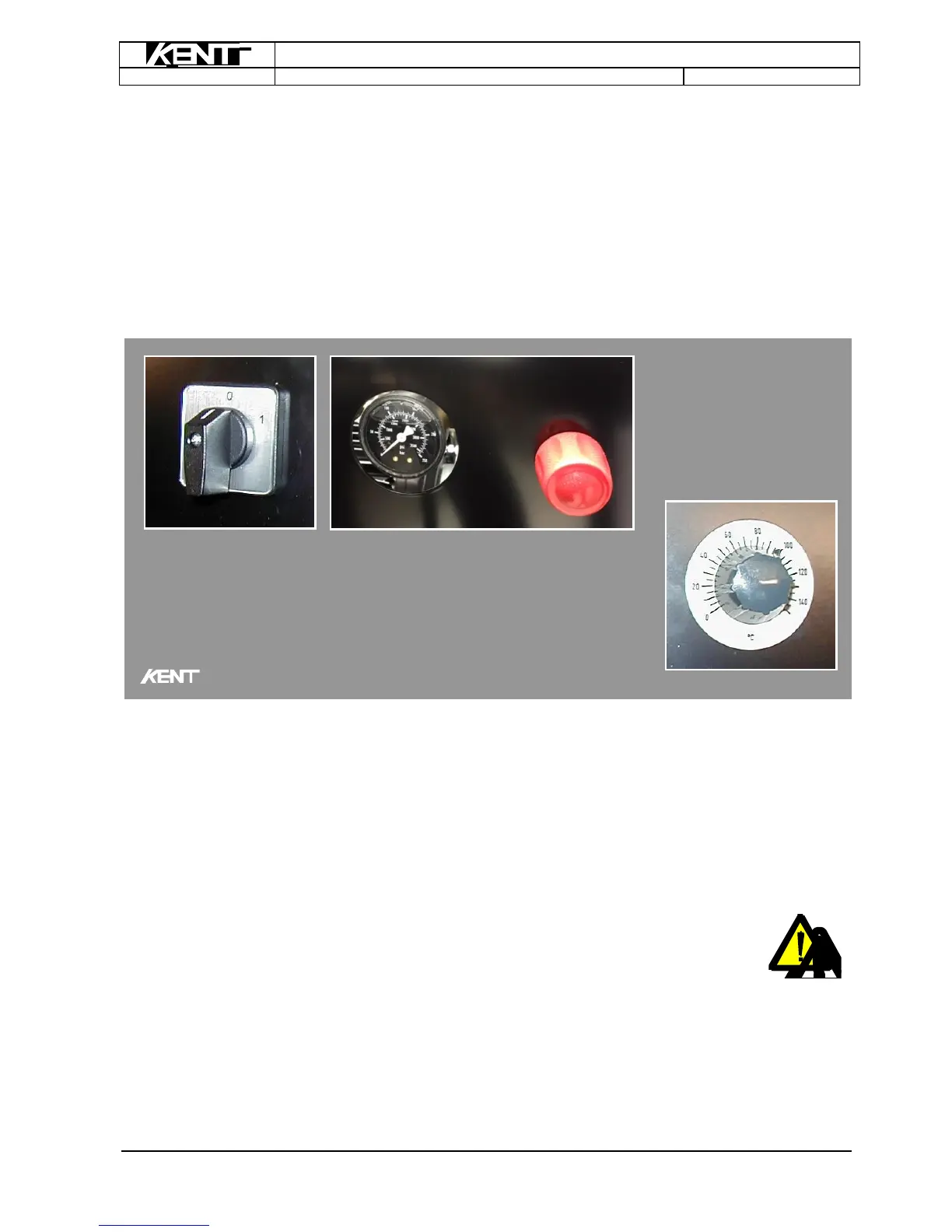
Check whether the water supply to the tool is connected correctly.
Remove objects or goods which may be damaged during high pressure cleaning.
Set the hot water cleaner’s thermostat to 0°.
Turn on the water.
The hot water cleaner can also be used as a regular cold water cleaner, which can be activated by turn-
ing the switch on the control panel to the "1" position, thus preventing the boiler from engaging.
Turn the switch on the hot water cleaner to the "2" position to start the burner and set the thermostat at
the desired temperature (0 – 80° C). The boiler will start heating the water and, after a short period of
time, high pressure washing using hot water can begin. The temperature can be adjusted on an ongoing
basis using either the thermostat or the red knob. The less water, the higher the temperature.
Never pull the machine's electrical cables or high pressure hoses.
Remember, hot jets of water under high pressure have a wrenching effect on
sensitive surfaces.
Never turn the jet on yourself or towards other people or animals. Even at lower water temperatures, the
cleaner may not be used to give “baths" to animals as the water jet can cause serious damage to areas
that it comes into contact with. Sensitive areas such as the eyes and ears can suffer severe and painful
damage.
Electrical installations and live electrical cables must not pressure washed.



 To Next Page