Installing the AC Input Fuse
To install the 5 Amp AC Input Fuse:
1 Confirm that 115 VAC or 230 VAC is turned-off at the source.
2 Install the replacement fuse in the terminal block housing.
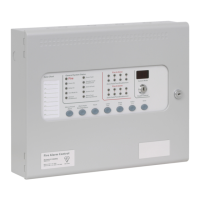
3 Close the fascia-door of the Sigma A-CP Fire Control Panel.
4 Secure the retaining-screw to the fascia-door and the cabinet of the Sigma A-CP Fire Control Panel.
5 Connect NAC Power and Power inserts from the fascia terminal strip of the Sigma A-CP Fire Control Panel.
6 Secure the retaining-screw to the fascia-door and the cabinet of the Sigma A-CP Fire Control Panel.
7 Turn on 115 VAC or 230 VAC at the power source.
8 Test the fire control panel by operating it to determine that it functions.
Replacing Cabinet Components
Reference General Wiring Information when replacing components of the Sigma A-CP Fire Control Panel.
www.acornfiresecurity.com
www.acornfiresecurity.com


 To Next Page