USB/iPod
18
USB/iPod Basic Operation
1
Press the [HOME] button.
2
Touch [ ].
3
Touch [USB] or [iPod]. (P.13)
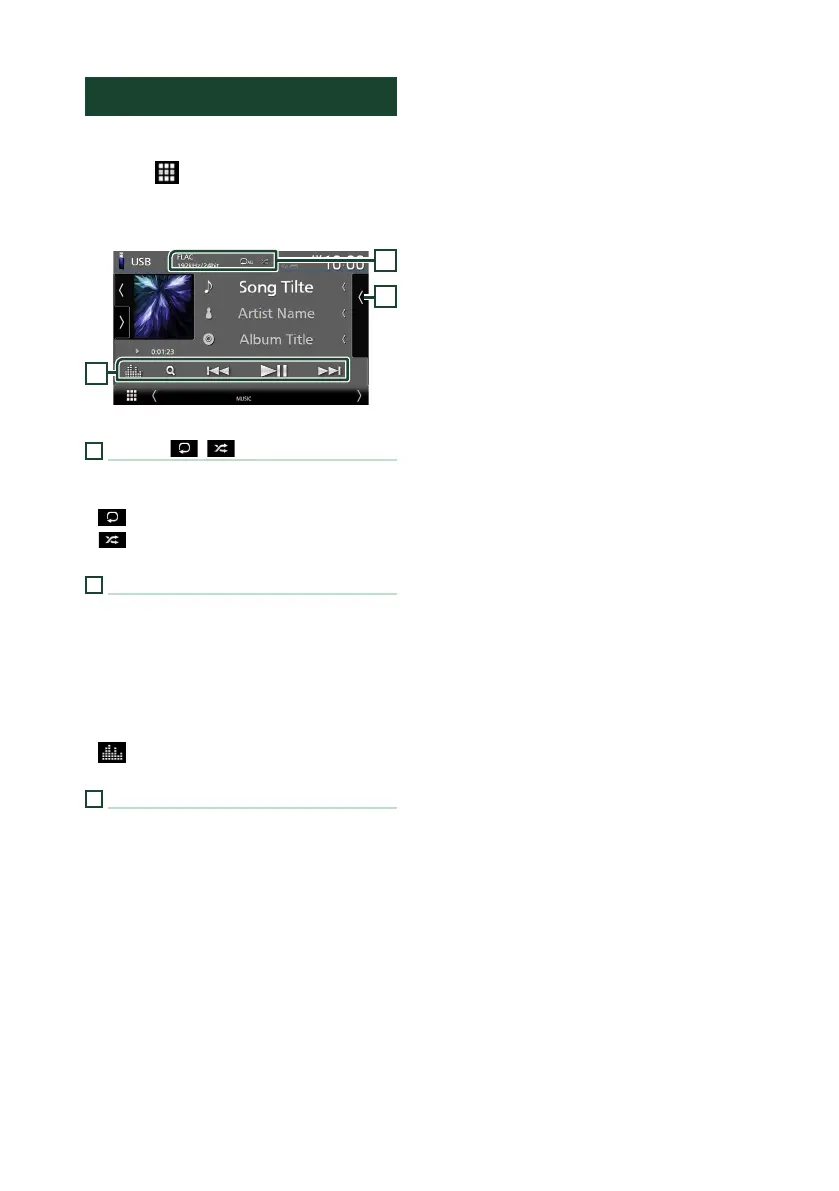
Control screen
2
3
1
1
[CODEC]/[ ]/[ ]
• When a high-resolution source is played, its
format information is displayed.
• [
] : Repeats the current track/folder.
• [
] : Randomly plays all tracks in the current
folder.
2
Operation keys
• 1] : Searches track/file.
• E] [F] : Searches the previous/next track/
file.
Touch and hold to fast forward or fast
backward. (It will be cancelled automatically
after about 50 seconds.)
• [DH] : Plays or pauses.
• [
] : Displays the Graphic Equalizer screen.
(P.24)
3
Content list
• Touch the right side of the screen to display
the Content list. Touch again to close the list.
• Displays the playing list. When you touch a
track/file name on the list, playback will start.


 To Next Page
 Loading...





