Disc
26
6
Artwork/VU meter
• Displays/hides artwork area.
• The jacket of the currently playing file is
displayed. (Disc media only)
• Touch to switch between the artwork and VU
meter.
7
Function panel (Disc media only)
Touch the left side of the screen to display the
function panel. Touch again to close the panel.
• [
] [ ] : Searches for the previous/next
folder.
8
Indicator Items
• [IN]: Disc insertion status.
White: A Disc is inside the unit.
Orange: Disc player failure.
• [VIDEO]: Identifies the video file.
• [MUSIC]: Identifies the music file.
Video screen
10
99
9
File search area (Video file only)
Touch to search for the next/previous file.
10
Key display area (Video file only)
Touch to display the control screen.
File search Operation
(Disc media only)
You can search for a file according to hierarchy.
NOTE
• For operations in the list screen, see List screen
(P.18).
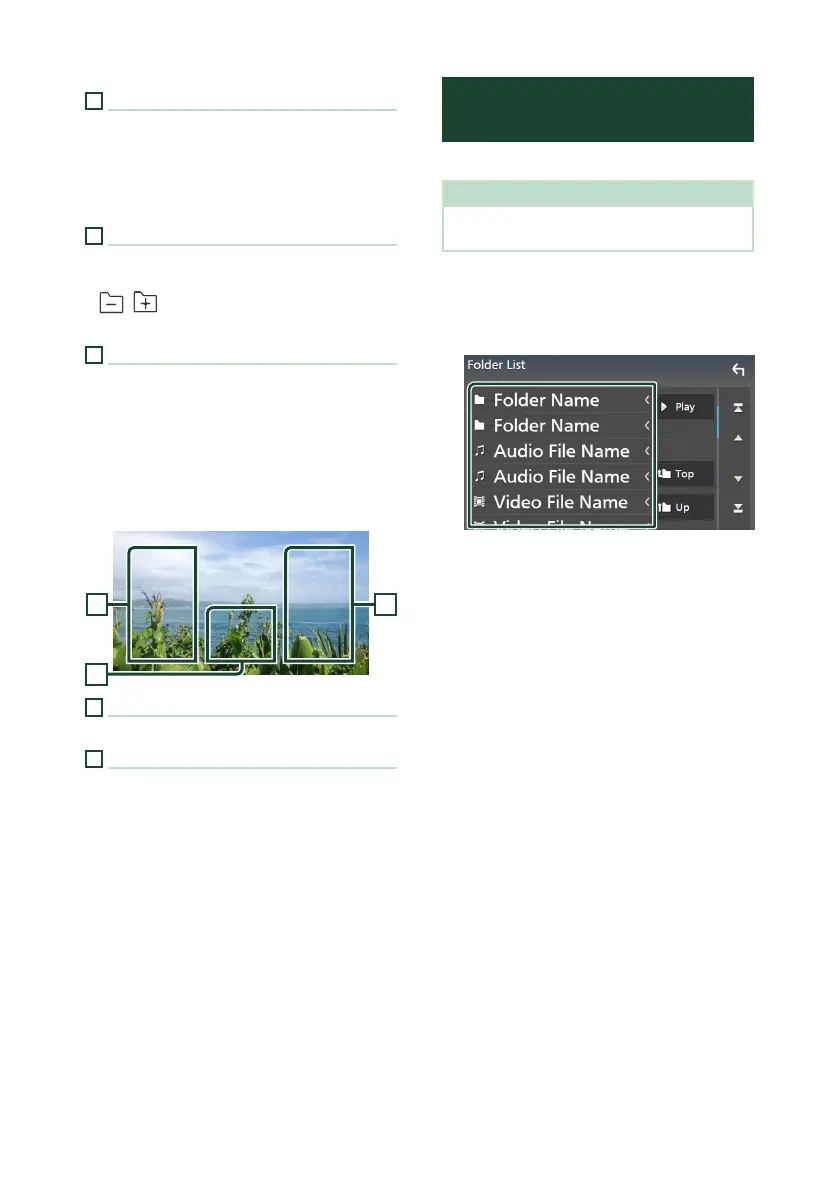
1
Touch [1].
Folder List screen appears.
2
Touch the desired folder.
When you touch a folder its contents are
displayed.
3
Touch the desired item in the content list.
Playback starts.


 To Next Page
 Loading...





