EasyManua.ls Logo

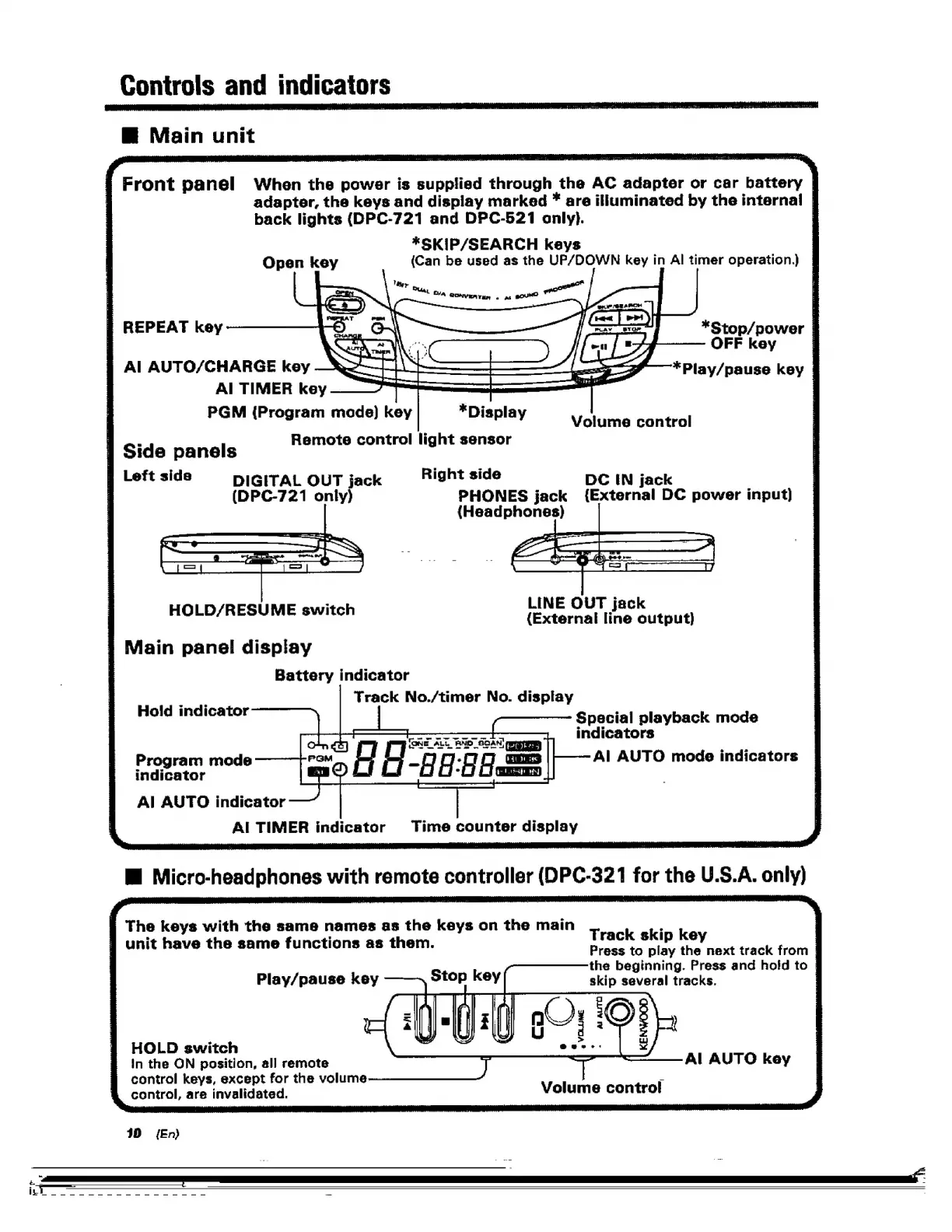
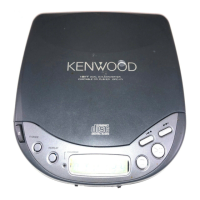
Kenwood DPC-721 - Controls and Indicators

Kenwood DPC-721
28 pages
Print Icon
To Next Page IconTo Next Page
To Previous Page IconTo Previous Page
Loading...
Controls
and
indicators
RM
Main
unit
Front
panel
When
the
power
is
supplied
through
the
AC
adapter
or
car
battery
adapter,
the
keys
and
display
marked
*
are
illuminated
by
the
internal
|
back
lights
(DPC-721
and
DPC-5271
only).
7
*SKIP/SEARCH
keys
Open
key
(Can
be
used
as
the
UP/DOWN
key
in
Al
timer
operation.)
§
REPEAT
key
*Stop/power
|
OFF
key
Al
AUTO/CHARGE
key
*Play/pause
key
|
Al
TIMER
key
|
PGM
(Program
mode)
key
*
Display
Volume
control
_
Remote
control
light
sensor
4
Side
panels
gleftside
§=pigiTAL
OUT
jack
‘Right
side
DC
IN
jack
,
(DPC-721
only)
PHONES
jack
{External
DC
power
input)
{Headphones)
LINE
OUT
jack
HOLD/RESUME
switch
(External
line
output)
Main
panel
display
Battery
indicator
Track
No./timer
No.
display
Hold
indicator
Special
playback
mode
indicators
Al
AUTO
mode
indicators
a
oe
=
ONE
ALY
BNO
_SDAN]
ppp
|
Bneapating
=
die
oo
Program
mode
indicator
Al
AUTO
indicator
AI
TIMER
indicator
Time
counter
display
Mi
Micro-headphones
with
remote
controller
(DPC-321
for
the
U.S.A.
only)
S
The
keys
with
the
same
names
as
the
keys
on
the
main
a
unit
have
the
same
functions
as
them.
Track
skip
key
Press
to
play
the
next
track
from
the
beginning.
Press
and
hold
to
skip
several
tracks.
Play/pause
key
HOLD
switch
in
the
ON
position,
all
remote
control
keys,
except
for
the
volume
control,
are
invalidated.
Al
AUTO
key
Volume
control
30
{En

Related product manuals