ENGLISH
21
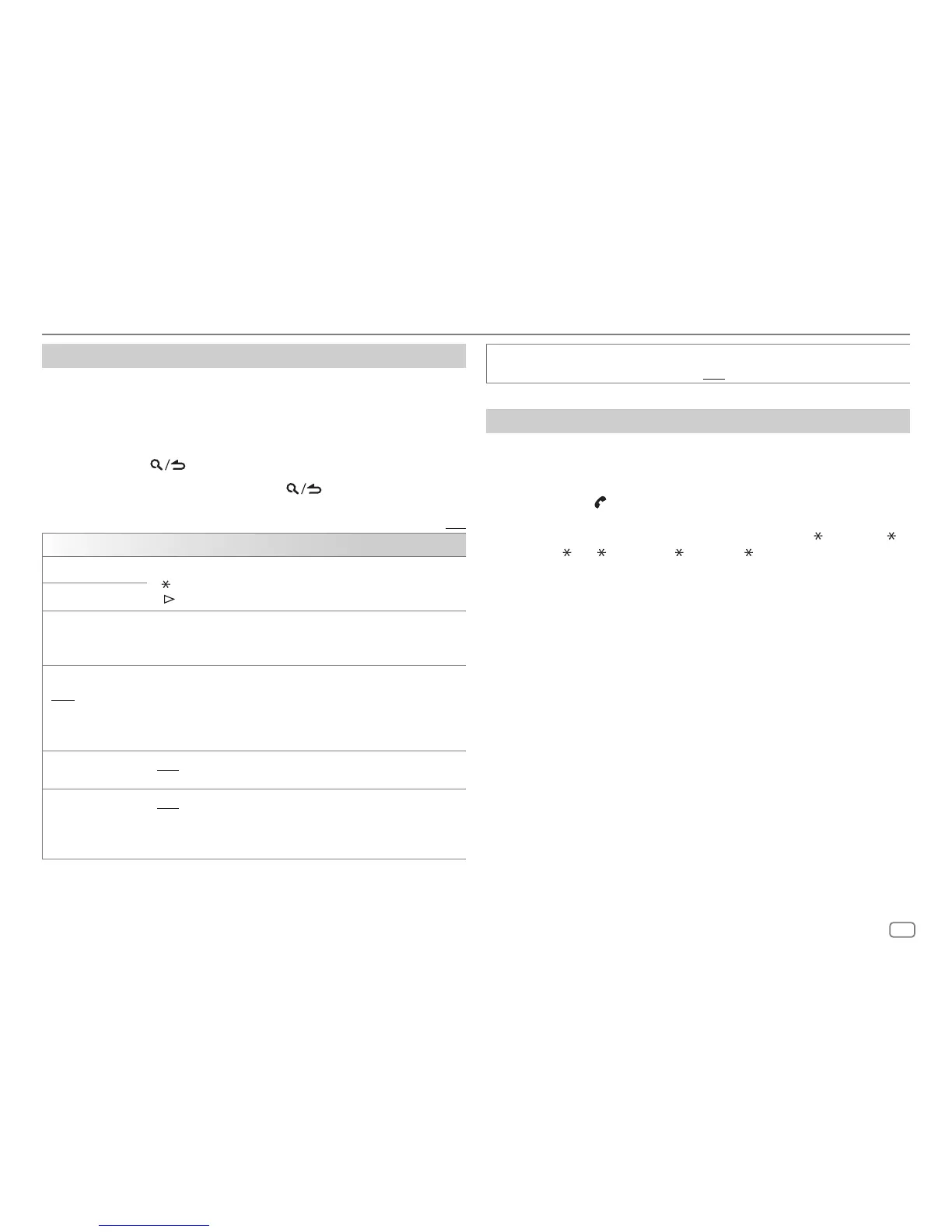
Other settings
1
Press the volume knob to enter
[FUNCTION]
.
2 Turn the volume knob to select an item (see the following table), then
press the knob.
3 Repeat step 2 until the desired item is selected/activated or follow the
instructions stated on the selected item.
4 Press and hold to exit.
To return to the previous setting item, press
.
Default: [XX]
[BT MODE]
[PHONE SELECT]* Selects the phone or audio device to connect or disconnect.
“
” appears in front of the device name when connected.
“
” appears in front of the current playback audio device.
[AUDIO SELECT]*
[DEVICE DELETE]
1
Turn the volume knob to select a device to delete, then press the
knob.
2
Turn the volume knob to select [YES] or [NO], then press the knob.
[PIN CODE EDIT]
(0000)
Changes the PIN code (up to 6 digits).
1
Turn the volume knob to select a number.
2
Press
S
/
T
to move the entry position.
Repeat steps 1 and 2 until you finish entering the PIN code.
3
Press the volume knob to confirm.
[RECONNECT]
[ON]: The unit is automatically reconnected when the last connected
Bluetooth device is within the connectable range. ; [OFF]: Cancels.
[AUTO PAIRING]
[ON]: The unit is automatically paired with the supported Bluetooth
device (iPhone/iPod touch) when it is connected through USB input
terminal. Depending on the operating system of the connected device,
this function may not work. ; [OFF]: Cancels.
* You can only connect a maximum of two Bluetooth phones and one Bluetooth audio device at
any time.
BLUETOOTH®
[INITIALIZE] [YES]: Initializes all the Bluetooth settings (including stored pairing,
phonebook, and etc.). ; [NO]: Cancels.
Bluetooth test mode
You can check the connectivity of the supported profile between the
Bluetooth device and the unit.
• Make sure there is no Bluetooth device paired.
1 Press and hold .
“PLEASE PAIR YOUR PHONE PIN 0000” appears on the display.
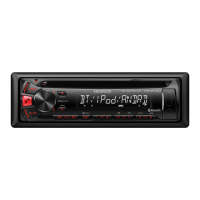
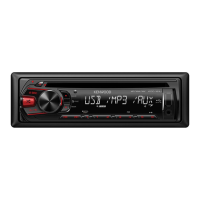
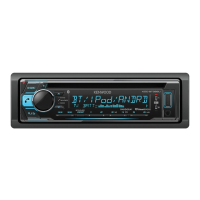
2 Search and select the name of your receiver (“KDC-X3 ”/“KDC-BT3 ”/
“KDC-BT3
/BT2 ”/“KDC-MP3 ”/“KMR-D3 ”) on the Bluetooth device.
3 Operate the Bluetooth device to confirm pairing.
“TESTING” flashes on the display.
The connectivity result (OK or NG) appears after the test.
PAIRING: Pairing status
HF CNT: Hands-Free Profile (HFP) compatibility
AUD CNT: Advanced Audio Distribution Profile (A2DP) compatibility
PB DL: Phonebook Access profile (PBAP) compatibility
To cancel test mode, press and hold B SRC to turn off the unit.





 To Next Page