ENGLISH
25
AUDIO SETTINGS
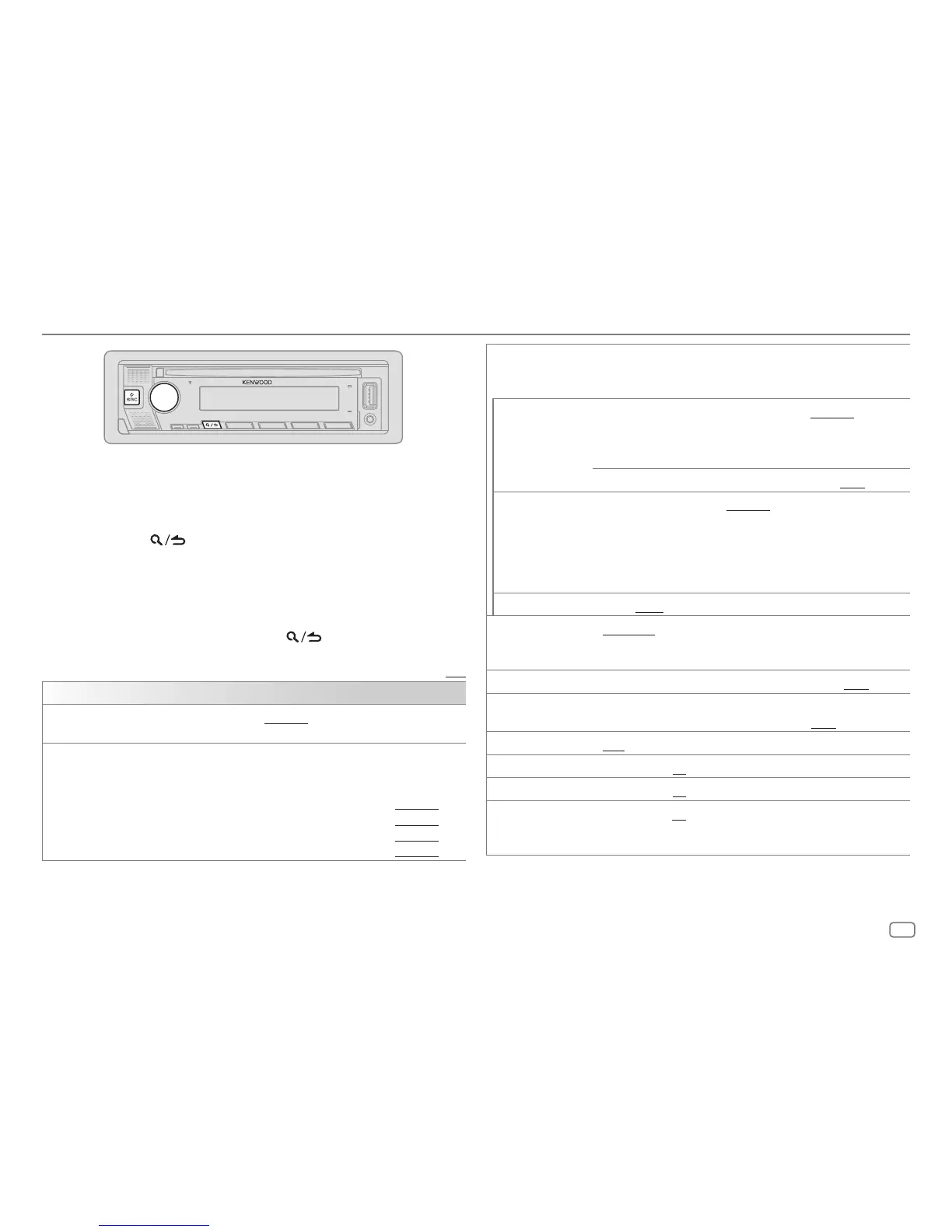
1 Press the volume knob to enter
[FUNCTION]
.
2 Turn the volume knob to select an item (see the following table), then
press the knob.
3 Repeat step 2 until the desired item is selected or activated.
4 Press and hold to exit.
(or using the remote control)
1 Press AUD to enter
[AUDIO CONTROL]
.
2 Press J/K a to select an item, then press ENT IW.
To return to the previous setting item, press
.
Default: [XX]
[AUDIO CONTROL]
[SUB-W LEVEL]
[LEVEL –50] to [LEVEL +10] ([LEVEL 0]): Adjusts the subwoofer output
level.
[EASYEQ]
Adjusts your own sound settings.
• The settings are stored to [USER] in [PRESET EQ].
• The settings made may affect the current settings of [MANUAL EQ].
[SW]: [LEVEL –50] to [LEVEL +10] (Default: [LEVEL 0]
[BASS]: [LEVEL –9] to [LEVEL +9] [LEVEL 0]
[MID]: [LEVEL –9] to [LEVEL +9] [LEVEL 0]
[TRE]: [LEVEL –9] to [LEVEL +9] [LEVEL 0])
[MANUAL EQ] Adjusts your own sound settings for each source.
• The settings are stored to [USER] in [PRESET EQ].
• The settings made may affect the current settings of [EASYEQ].
[62.5HZ] [LEVEL]
[LEVEL–9] to [LEVEL+9] ([LEVEL0]): Adjusts
the level to memorize for each source.
(Before making an adjustment, select the source
you want to adjust.)
[BASS EXTEND]
[ON]: Turns on the extended bass. ; [OFF]: Cancels.
[100HZ]/[160HZ]/
[250HZ]/[400HZ]/
[630HZ]/[1KHZ]/
[1.6KHZ]/[2.5KHZ]/
[4KHZ]/[6.3KHZ]/
[10KHZ]/[16KHZ]
[LEVEL –9] to [LEVEL +9] ([LEVEL 0]): Adjusts the level to memorize
for each source.
(Before making an adjustment, select the source you want to adjust.)
[Q FACTOR]
[1.35]/[1.50]/[2.00]: Adjusts the quality factor.
[PRESET EQ]
[NATURAL]/[ROCK]/[POPS]/[EASY]/[TOP40]/[JAZZ]/[POWERFUL]/
[USER]: Selects a preset equalizer suitable to the music genre. (Select
[USER] to use the settings made in [EASY EQ] or [MANUAL EQ].)
[BASS BOOST]
[LV1] to [LV5]: Selects your preferred bass boost level. ; [OFF]: Cancels.
[LOUDNESS]
[LV1]/[LV2]: Selects your preferred low or high frequencies boost to
produce a well-balanced sound at low volume. ; [OFF]: Cancels.
[SUBWOOFER SET]
[ON]: Turns on the subwoofer output. ; [OFF]: Cancels.
[FADER]
[R15] to [F15] ([0]): Adjusts the front and rear speaker output balance.
[BALANCE]
[L15] to [R15] ([0]): Adjusts the left and right speaker output balance.
[VOLUME OFFSET]
[–15] to [+6] ([0]): Presets the initial volume level of each source by
comparing to the FM volume level.
(Before adjustment, select the source you want to adjust.)





 To Next Page