ENGLISH
29
DISPLAY SETTINGS
[DIMMER] Dims the illumination.
[ON]: Dimmer is turned on.
[OFF]: Dimmer is turned off.
[DIMMER TIME]: Set the dimmer on and off time.
1
Turn the volume knob to adjust the [ON] time, then press the knob.
2
Turn the volume knob to adjust the [OFF] time, then press the knob.
Default: [ON]: [6:00PM] ; [OFF]: [6:00AM]
[BRIGHTNESS]
1
Select a zone. (See the illustration on page 28.)
2
[LVL00] to [LVL31]: Set the brightness level for the selected zone.
[TEXT SCROLL]
[ONCE]: Scrolls the display information once. ; [AUTO]: Repeats scrolling at
5-second intervals. ; [OFF]: Cancels.
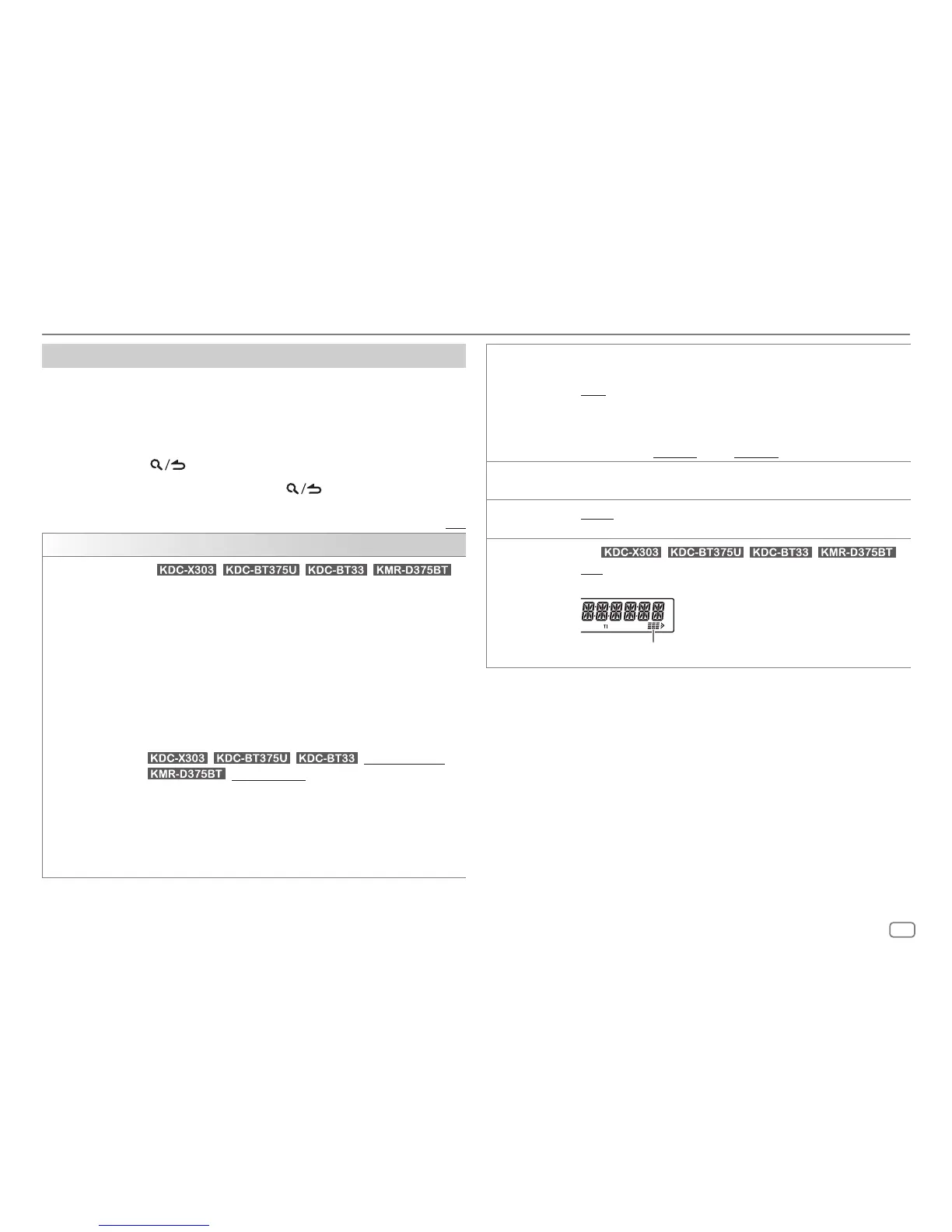
[LEVEL METER]
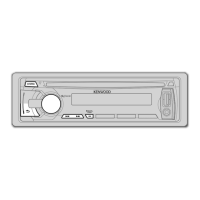
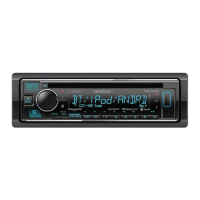
(For / / / )
[ON]: Shows the level meter on the display window (as shown below). ;
[OFF]: Cancels.
Level meter
Other settings
1
Press the volume knob to enter
[FUNCTION]
.
2 Turn the volume knob to select an item (see the following table), then
press the knob.
3 Repeat step 2 until the desired item is selected/activated or follow the
instructions stated on the selected item.
4 Press and hold to exit.
To return to the previous setting item, press
.
Default: [XX]
[DISPLAY]
[COLOR SELECT]
(For / / / )
Selects illumination colors for [ALL ZONE], [ZONE 1] and [ZONE 2]
separately.
1
Select a zone ([ZONE1], [ZONE2], [ALLZONE]). (See the illustration on
page 28.)
2
Select a color for the selected zone.
[INITIAL COLOR]/[VARIABLE SCAN]/[CUSTOM R/G/B]/[RED1]/[RED2]/
[RED3]/[PURPLE1]/[PURPLE2]/[PURPLE3]/[PURPLE4]/[BLUE1]/
[BLUE2]/[BLUE3]/[SKYBLUE1]/[SKYBLUE2]/[LIGHTBLUE]/[AQUA1]/
[AQUA2]/[GREEN1]/[GREEN2]/[GREEN3]/[YELLOWGREEN1]/
[YELLOWGREEN2]/[YELLOW]/[ORANGE1]/[ORANGE2]/[ORANGERED]
Default:
/ / : [VARIABLE SCAN]
: [INITIAL COLOR]
To make your own color, select [CUSTOM R/G/B]. The color you have made
will be stored in [CUSTOM R/G/B].
1
Press the volume knob to enter the detailed color adjustment.
2
Press
S
/
T
to select the color ([R]/[G]/[B]) to adjust.
3
Turn the volume knob to adjust the level ([0] to [9]), then press the knob.





 To Next Page