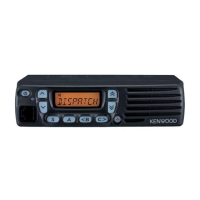
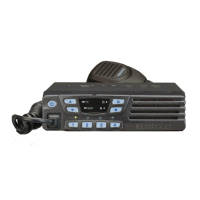
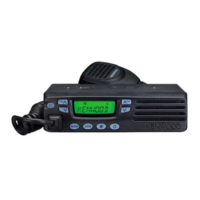
TK-7160/7162
5
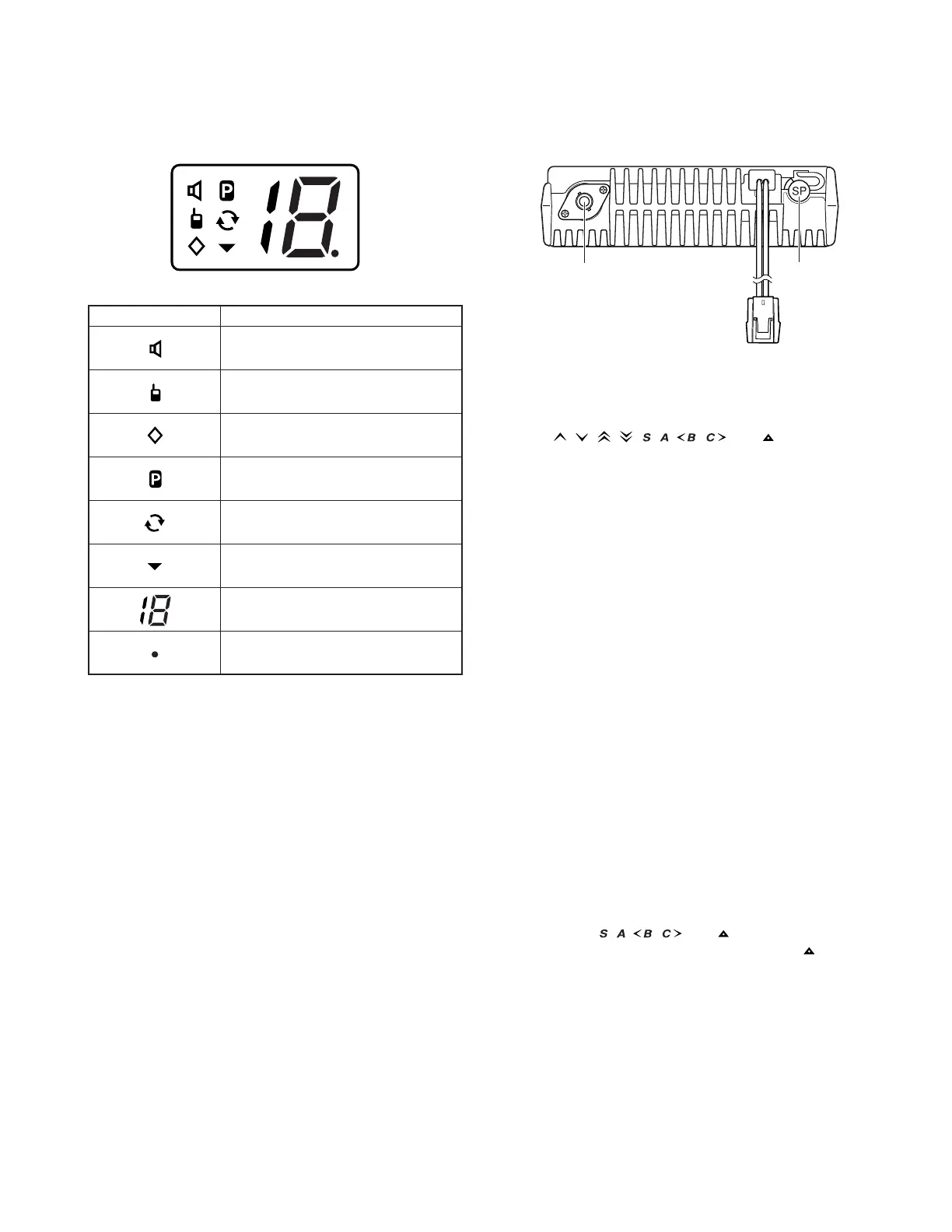
1-4. Display (TK-7162)
External
speaker jack
Power input
connector
Antenna
connector
Indicator Description
Appears when the key programmed as
Monitor or Squelch Off is pressed.
Appears while using the Talk Around
function.
Appears when Scrambler function has
been selected.
The selected channel is set as a Priority
channel.
Appears while scanning.
The selected channel is added to the
scanning sequence.
Displays the currently selected channel
number (max 16 channels).
Appears when the AUX port or
Horn Alert function has been activated.
1-6. Programmable Functions
The , , , , , , , , and keys can be pro-
grammed with the functions listed below. Ask your dealer
for details on these functions.
• AUX • Operator Selectable Tone
1
• Call 1~Call 2 • Scan Del/Add
• Channel Down • Scan
• Channel Up • Scrambler
• Digit 1x Down
1
• Selcall
1
• Digit 10x Down
1
• Selcall (5-tone)
1
• Digit 1x Up
1
• Selcall + Status
1
• Digit 10x Up
1
• Send the GPS data
1
• Direct CH
2, 3
• Squelch Level
• Direct Zone-Channel
1, 3
• Squelch Off
• Display Character
1
• Squelch Off Momentary
• Emergency
4
• Status
1
• Horn Alert • Talk Around
• Key Lock • Volume Down
• LCD Brightness
1
• Volume Up
• Lone Worker • Zone Down
• Monitor • Zone Up
• None
1Digit 1x Down, Digit 10x Down, Digit 1x Up, Digit 10x Up,
Direct Zone-Channel, Display Character, LCD Brightness,
Operator Selectable Tone, Selcall, Selcall (5-tone), Selcall
+ Status, Send the GPS data, and Status are available only
on TK-7160 transceivers.
2 Direct CH is available only on TK-7162 transceivers.
3 Direct CH and Direct Zone-Channel can be programmed
only on the
, , , , and keys.
4 Emergency can be programmed only on the
key.
1-5. Rear Panel
OPERATING FEATURES



 To Next Page