(No.RA037<Rev.001>)1-5
SECTION 1
PRECAUTION
This service manual does not describe PRECAUTION.
SECTION 2
SPECIFIC SERVICE INSTRUCTIONS
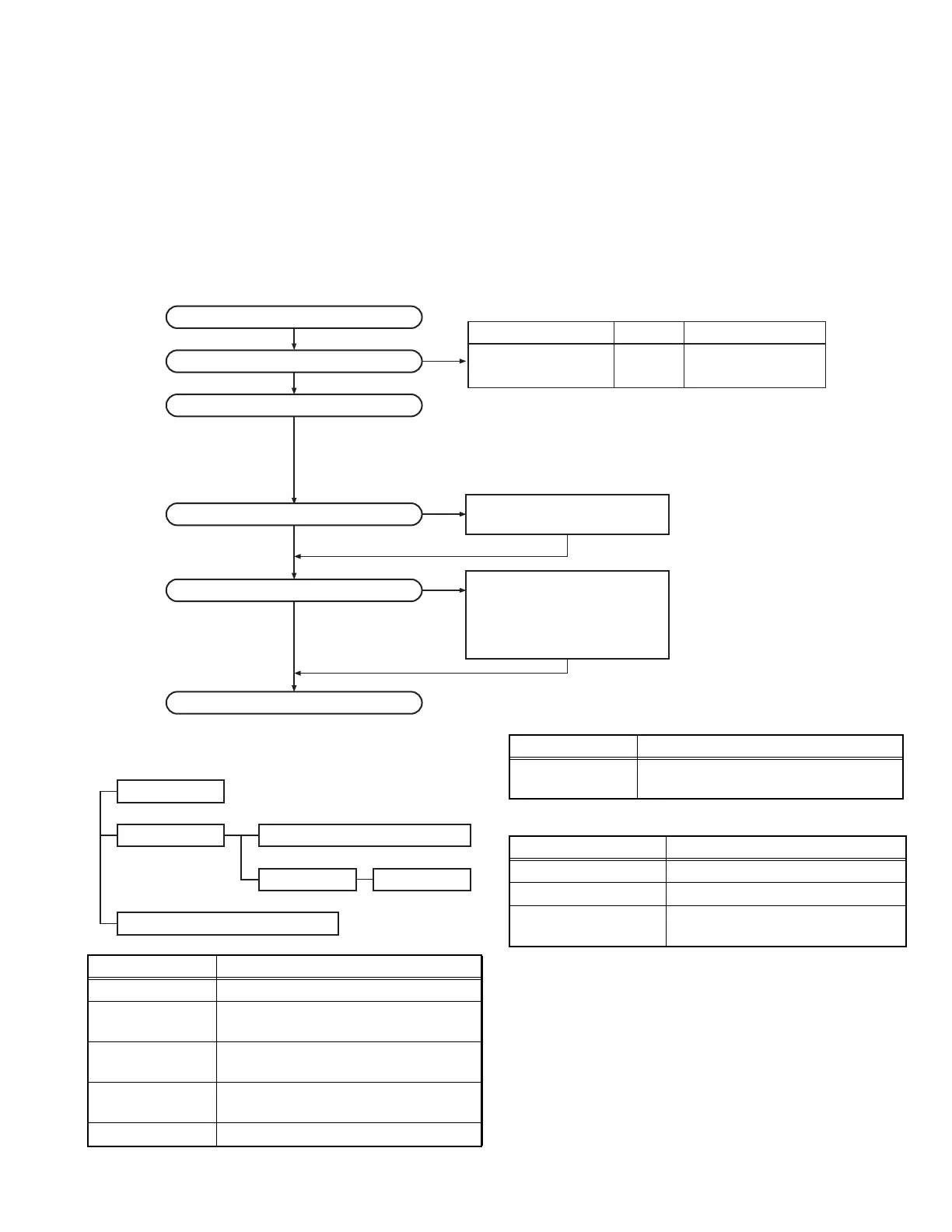
2.1 SYSTEM SET-UP
2.2 REALIGNMENT
2.2.1 Modes
2.2.2 How to Enter Each Mode
Choose the type of transceiver
Transceiver programming
Merchandise received
A personal computer, programming interface (KPG-22A/22U),
and FPU (programming software) are required for programming.
(The frequency, TX power HI/LOW, and signaling data are
programmed for the transceiver.)
400~470 4.0W
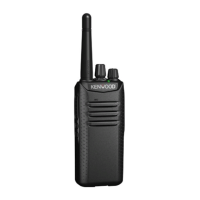
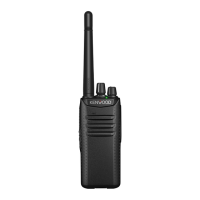
TK-D340 K2, M2, E, E2
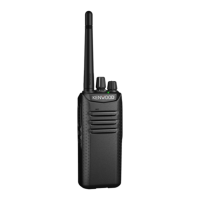
TK-D340(U) K2
Frequency range (MHz) RF power Type
Delivery
Are you using the speaker microphone?
YES
NO
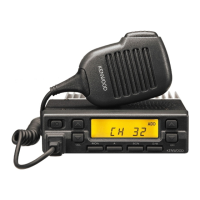
KMC-21, KMC-45D
Speaker microphone
(Option)
Are you using the optional antenna?
YES
NO
KRA-23, KRA-27 or KRA-42
Optional antenna
Mode Function
User mode For normal use.
PC mode Used to communication between the
transceiver and PC.
PC programming
mode
Used to read and write frequency data and
other features to and from the transceiver.
PC test mode Used to check the transceiver using the
PC. This feature is included in the FPU.
PC tuning mode Used to tune the transceiver using the PC.
User mode
Data programming mode
PC test mode
PC tuning mode
PC mode
Firmware programming mode
Firmware program-
ming mode
Used when changing the main program of
the flash memory.
Mode Operation
User mode Power ON
PC mode Received commands from PC
Firmware programming
mode
[Side2] + Power ON (Two seconds)
Mode Function


 To Next Page