3-10 Setup Procedure For The Batcher
3-10 Setup Procedure For The Batcher
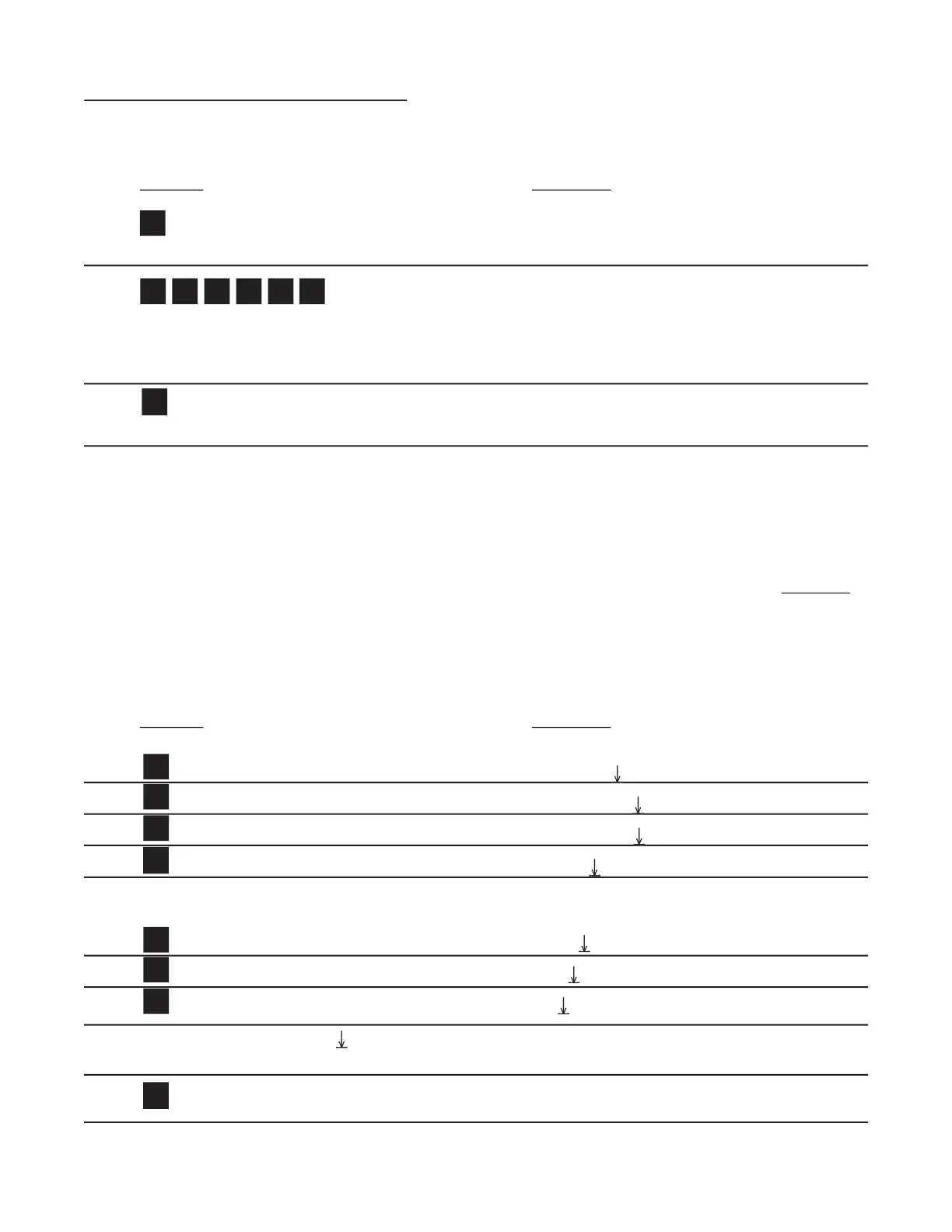
From the previous page, we are in the
setting portion of the ALG OUT setup Menu.
Clears out existing High Setpoint value.
Sample High Setpoint, or enter value from notes or worksheet. (D for decimal point.)
If High Setpoint is too low, the warning HIGH
LOW will be displayed and the unit will
return to the SET LOW routine.
Last count, unit now in Run Mode.
All models of the Batcher have a pulse generator built in to them.
generator sends pulses out which are scaled relative to the input signal via the
This means that for every time the counter increments a pulse is available at the output.
Various output frequencies are available to the user for driving external devices. In case the rate
exceeds the output frequency selected, a 9999 pulse buffer is provided to hold the excess pulses.
If the buffer is completely fi lled the warning message DATALOST will fl ash on the display.
Press until . . . OUT FREQ
Enters the routine for setting up the Frequency Output.
The display shows the last Frequency selection.
Press ENT at desired Frequency.
Last count unit now in Run Mode.


 To Next Page