16 EOC-BA-e-1610
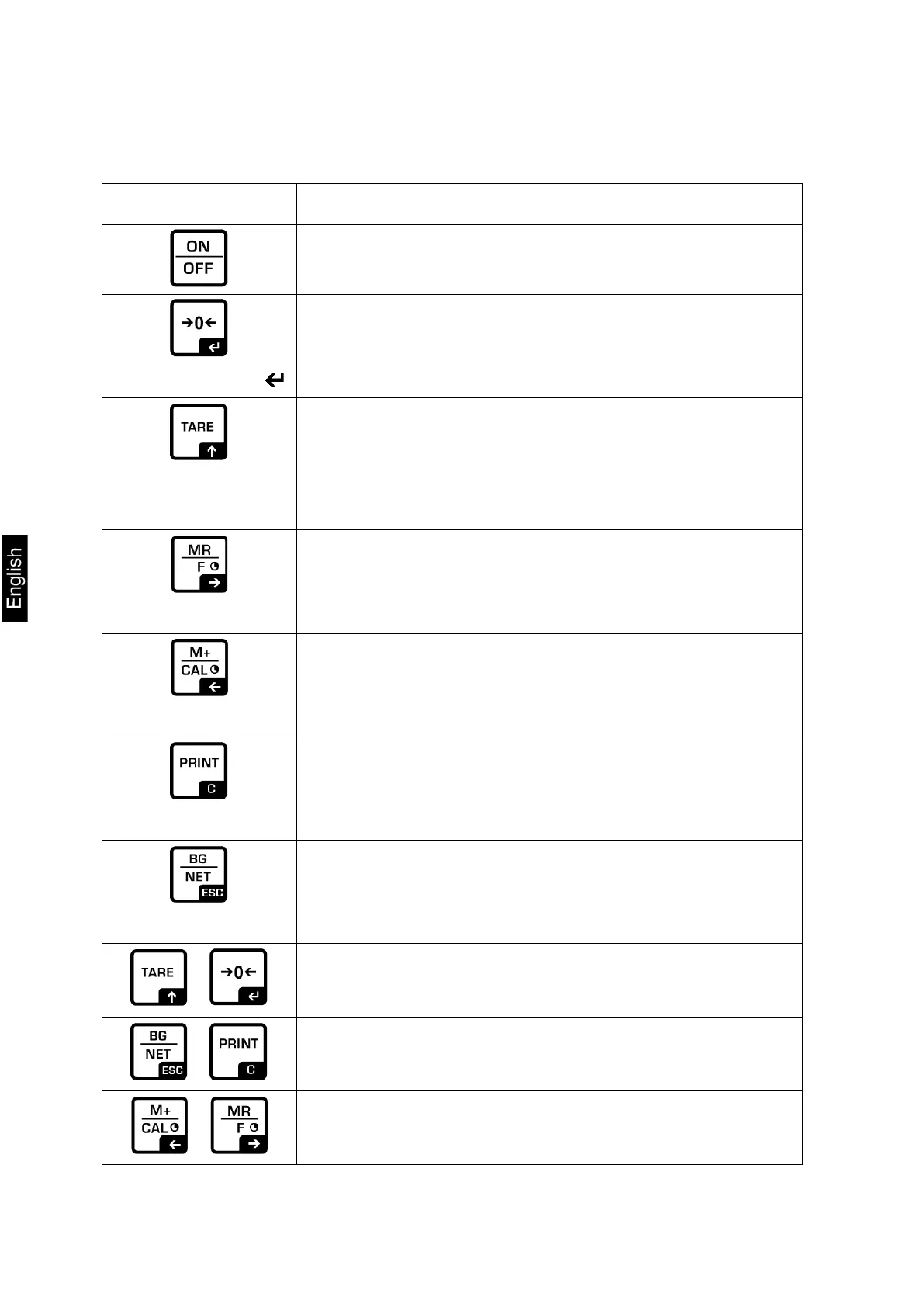
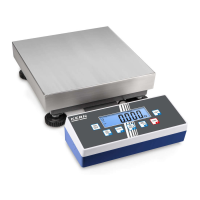
2.2 Keyboard overview
Buttons Function
• Turn on/off
• Zeroing
Navigation button
• Confirm entry
• Taring
Navigation button
• At numeric input increase flashing digit
• Scroll forward in menu
• Display sum total
Navigation button
• Digit selection to the right
• Add weighing value to summation memory
Navigation button
• Digit selection to the left
• Calculate weighing data via interface
C
• Delete
• Change between gross and net weight
ESC
• Back to menu/weighing mode
+
• Call up mean value function
+
• Call up weighing with tolerance range
+
• Delete total added memory


 To Next Page