Colposcope Digital Imaging System
24
Figure 5-6
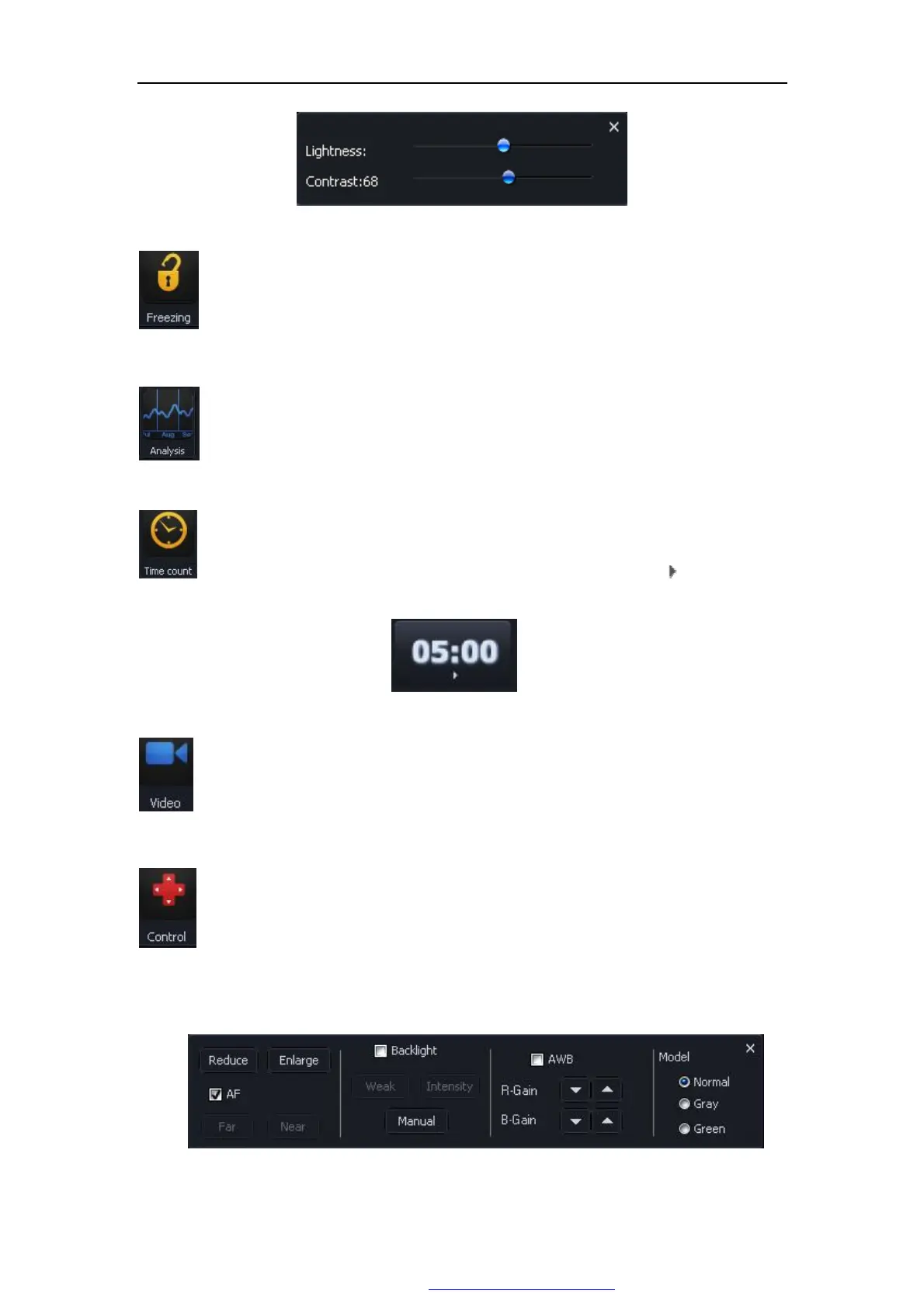
Press this button, freeze the image, this time may carry on the static state to
take the images, the image will be quite clear. Click this button to return.
Put the pictures together to compare.Click this button, presents the contrast
surface, click the arrow to browsing pictures.
Click this button for the timer, as shown in Figure 5-7. click “ ”to count down
as the time shown.
Figure 5-7
Click this button, Choose the file, start record, the video recording time will
display on the button . If must stop the video recording, press"stop".
click the control button, springs the camera control interface, like Figure 5-8,
you can control camera's enlargement, reduction,far and near, the optical
strong or weak, the white balanced as well as the video frequency pattern.
Figure 5-8
PDF 文件使用 "pdfFactory Pro" 试用版本创建 www.fineprint.com.cn



 To Next Page