Colposcope Digital Imaging System
25
l Reduce Clicks on this button, may carry on the reduction to the observation
image.
l Enlarge Clicks on this button, may carry on the enlargement to the
observation image.
l AF chooses this item, automatic focusing the image or manual control.
l Far When manual focusing, carriy out far focusing to the video .
l Near When manual focusing, carry out near focusing to the video.
l Backlight Clicks on this button, may weaken the camera back light
l Strengthen Clicks on this button, may strengthen the camera back light
l AWB chooses this item to open camera's white balance function or
manual regulation. “R-Gain” and “B-Gain” for manual regulation option.
l Model
Ø Normal: Normal show observation image.
Ø Gray : Will observe the image by the black-and-white image display
Ø Green: Will observe the image by the green image display.
NOTE: If “control” function not available, please check “system setup” ---- “serial
port” whether it is . If is, serial port is not available, please check the
hardware fault.
Video convert Click this button, convert under the primitive pattern, the
proportionate pattern and full screen pattern.
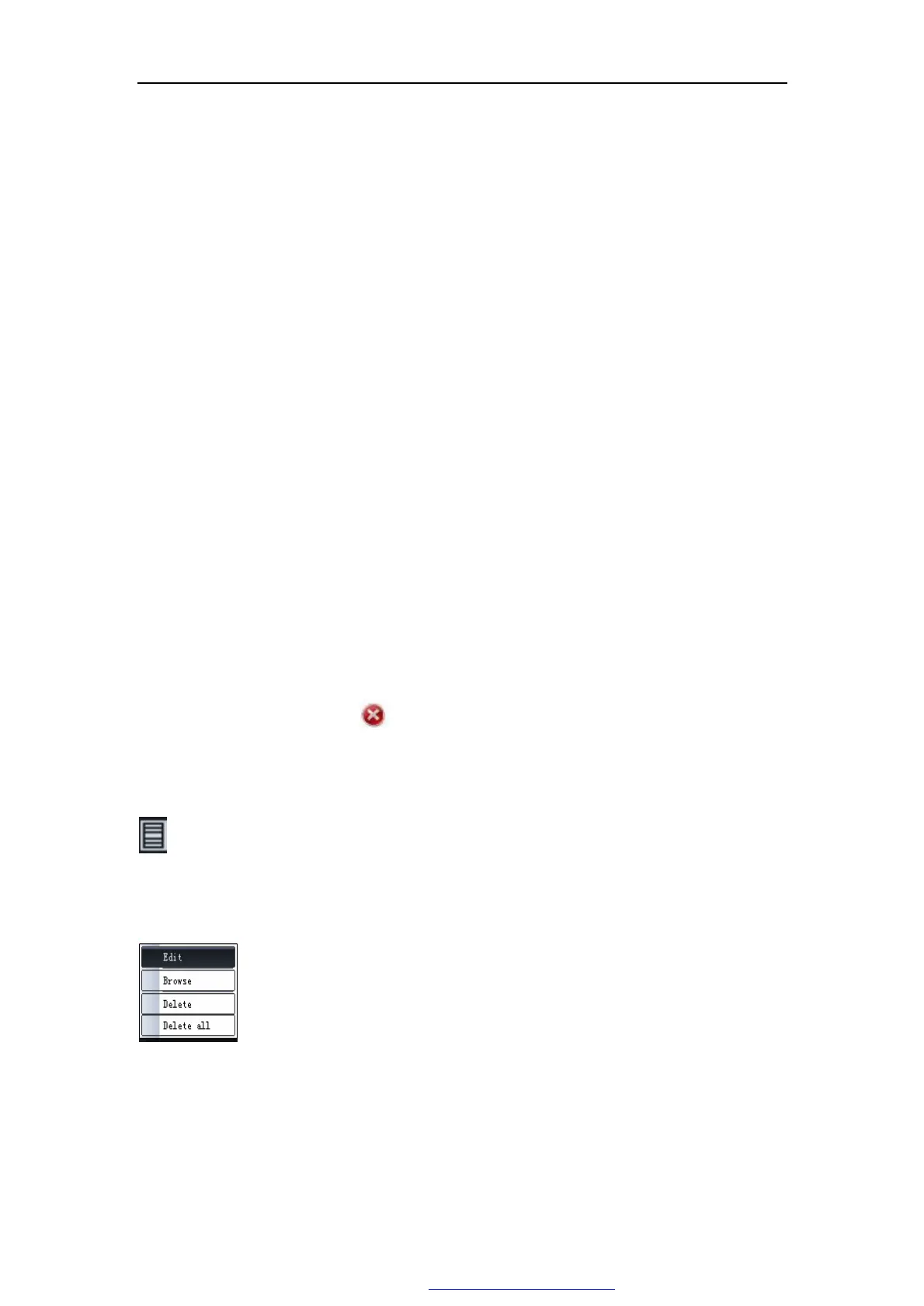
click the right key of the mouse, presents the edition, the browsing, the
deletion, to delete all of the options, can carry on the corresponding
operation to this image:
l Edit Click "edit",as the following Fig 5-9 "imaging edit",in this windows, can
edit the negative image, turn over, filter, gradation, area computation,
PDF 文件使用 "pdfFactory Pro" 试用版本创建 www.fineprint.com.cn



 To Next Page