Colposcope Digital Imaging System
31
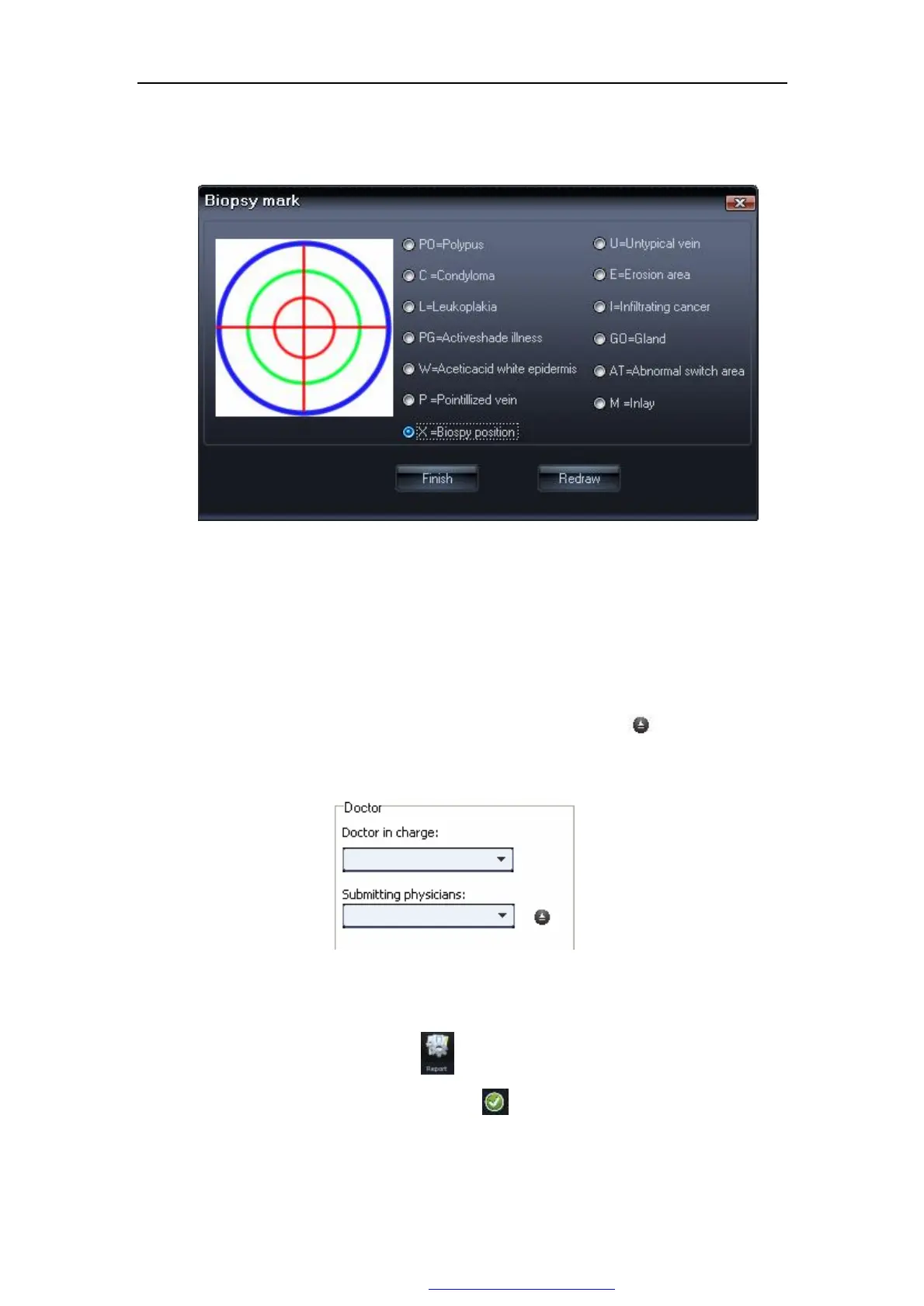
Users can directly mark on it ,or right click to spring out the window of
"Biopsy mark",as Figure 5-18.
Figure 5-18
Uses can modify the mark type in this window,doing some relatedmark in
the Biopsy mark.click "redraw" to clear and click"finish" to save.
Ø Doctor's signature: If it's the first time use report printing, you need to add
doctor's name or the code numbers. Click this button" " to add doctor's
informations,then you can directly choose from here "▼".
Figure 5-20
Ø Report type:Click this button , Figure 5-20 come out,,our system offer some
types of printing,choose one and click" " in the left corner to save.
PDF 文件使用 "pdfFactory Pro" 试用版本创建 www.fineprint.com.cn



 To Next Page