Colposcope Digital Imaging System
32
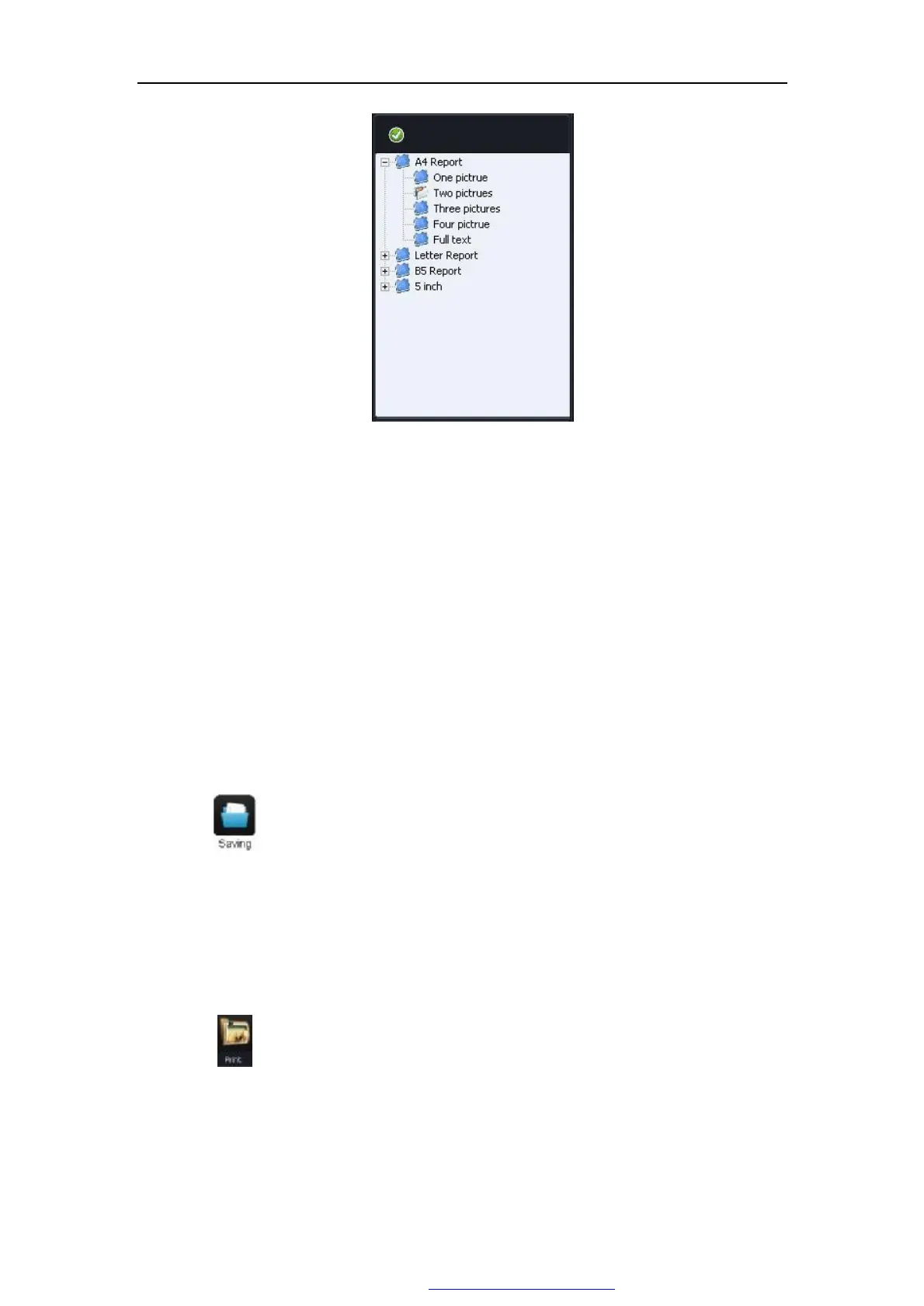
Figure 5-20
Ø Add printing images: Choose the pictures from the picture display area,click
the area that the picture is added,and the picturewill be added into the position. if
adding more pictures, and choose picture quantity from report type.
Ø Delete printed picture:If the pictures in the print report needed to be deleted,
choose the blank area from the picture display place,click it and the picture in the
position can be deleted.
l Case report
Click" " to save the case report.if there is a case report No.same as this one,the
system will say"this case report already existed.",so please make sure that avoid case
report No.duplication
l Printing of Case report
Click " " to preview the content and type of the case report.As Figure 5-21.
PDF 文件使用 "pdfFactory Pro" 试用版本创建 www.fineprint.com.cn



 To Next Page