Booting
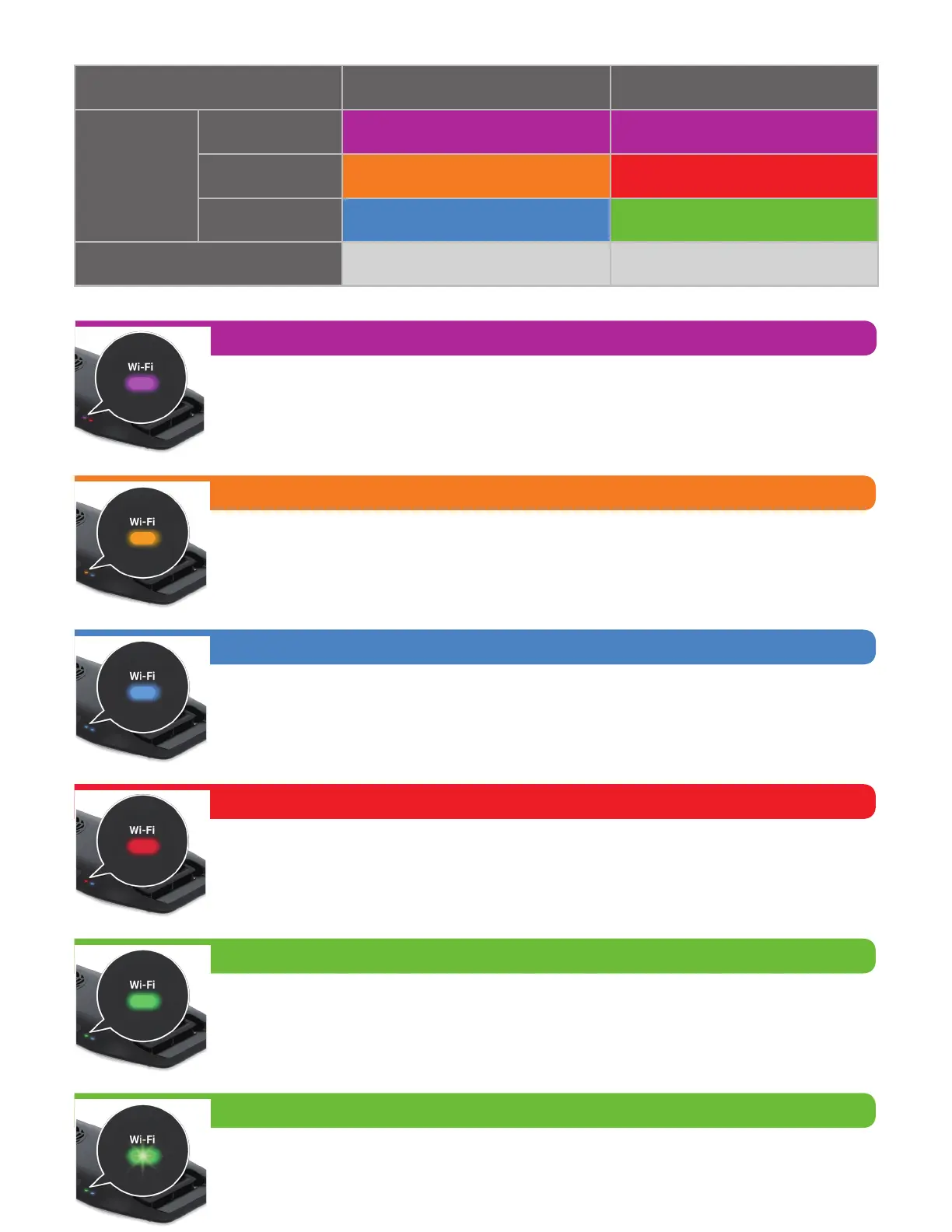
Wi-Fi ON
Wi-Fi OFF
Standby /
No Connection
Connected
Solid Purple Solid Purple
Wi-Fi_AP Mode Wi-Fi_STA Mode
Solid Orange Solid Red
Solid Green
(Allow other Wi-Fi devices to connect to itself)
(To connect to a wireless router or master Kessil Wi-Fi enabled products)
Solid Blue
No Light No Light
Solid Orange
Standby mode, ready to be connected.
Solid Purple
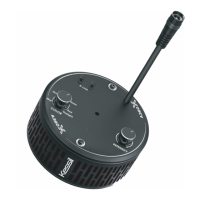
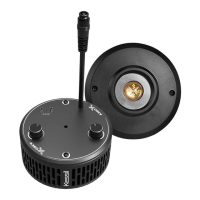
The AP9X requires up to 40 seconds to boot. The AP9X Wi-Fi Indicator (B)
will show solid purple light.
Solid Red
Attempting to connect. If it stays for more than 3 minutes, reset AP9X's WiFi
configuration (Touch and hold the Intensity (E) & Wi-Fi (G) buttons simultane-
ously for 3 seconds) and add the AP9X in the app again.
Solid Blue
AP mode. Successfully connected to mobile device and act as the master
(through "Connect Directly Via Wi-Fi").
Blinking Green
When updating the AP9X’s firmware through Kessil WiFi app, the Wi-Fi Indi-
cator (B) will blink green light.
Solid Green
STA mode. Successfully connected to wireless router or to a master Kessil
Wi-Fi enabled product as slave.
WI-FI INDICATOR STATES


 To Next Page