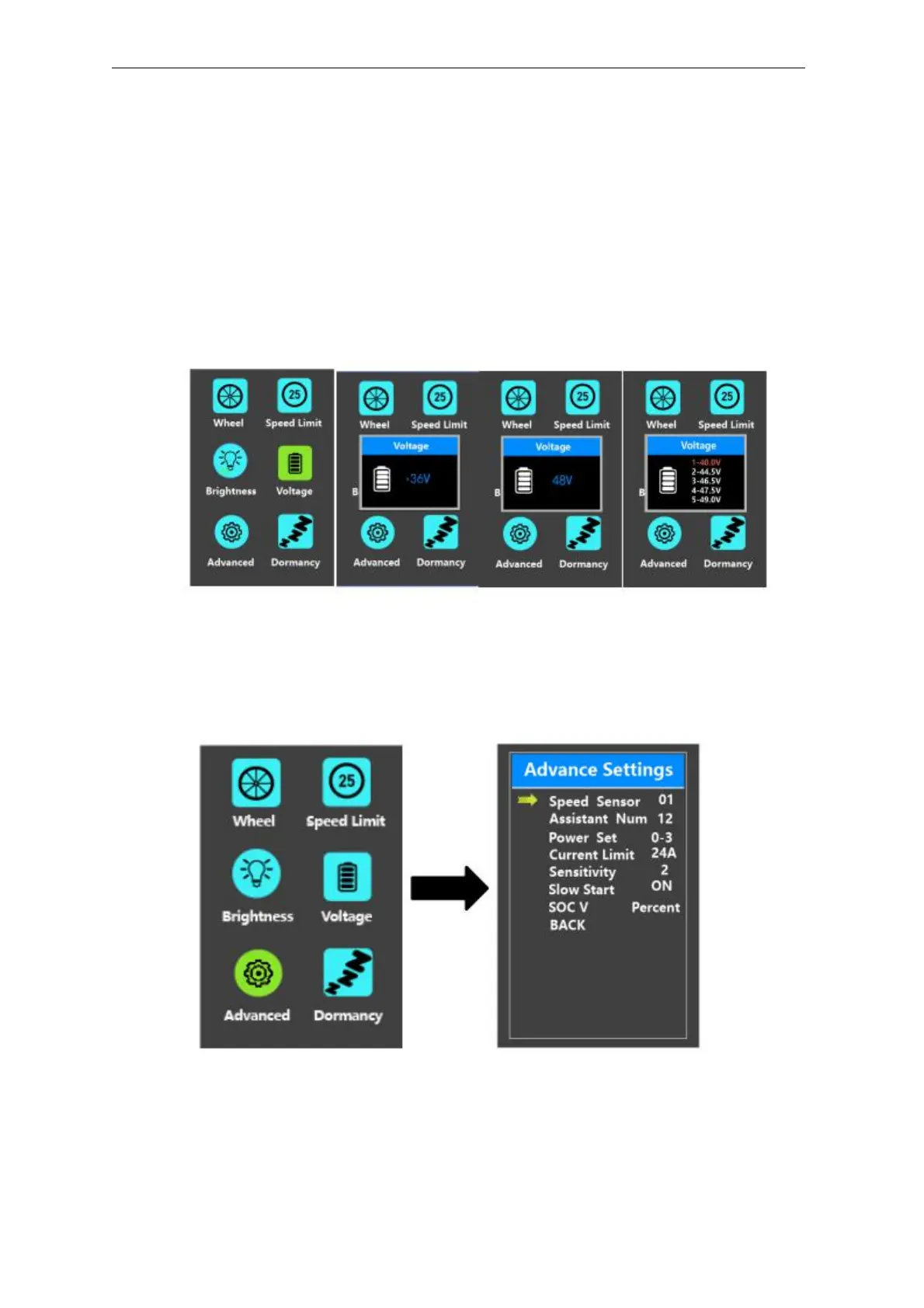
◆Battery Power Bar Settings
Voltage represents battery voltage segmented value settings. 36V/48V switchable.
5 bar-voltage values for 36V or 48V must be entered one by one. Take 48V for
example, “1-” is the first bar voltage value and its default value is 41.2V.
To set battery power bar value, press the “+” or the “-” button to increase or
decrease the voltage values.
To store a changed setting and access the next bar voltage setting, press the “i”
button.
In the same manner, after 5 bar-voltage values are entered completely, press the “i”
button to confirm.
Battery Voltage Settings Interface
◆
Advanced settings
Advanced setting here deals with PAS parameters settings
Advanced setting interface



 To Next Page