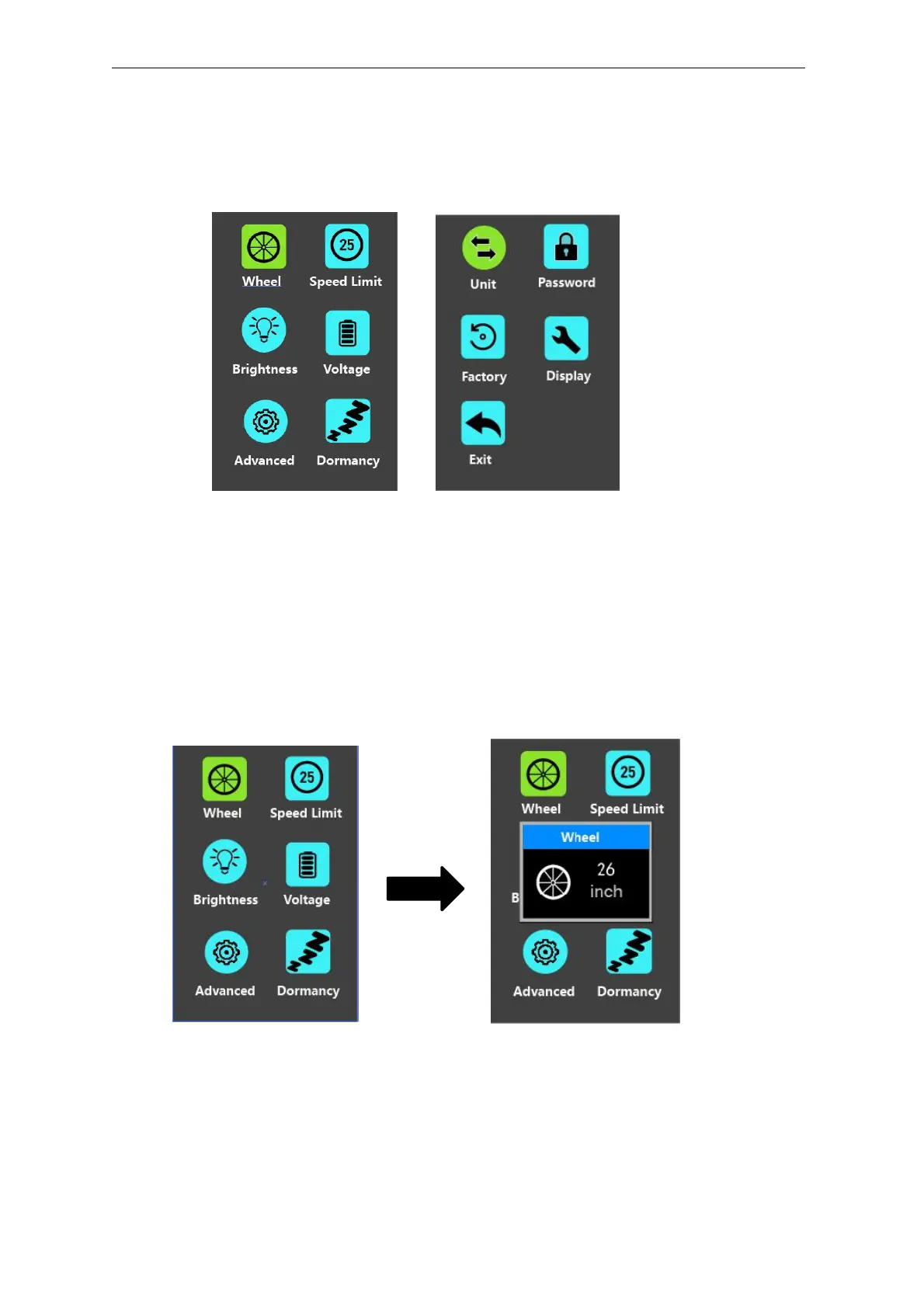
Setting
Press the On/Off button to switch on the display on a stationary E-bike.
To access Setting page, hold both the “+” button and the “-” button for 2s.
Setting interface
▉All the Settings are operated on an E-bike of no speed.
◆Wheel Diameter Settings
Wheel represents wheel diameter settings. To change basic settings, press the “+”
or the “-” button to increase or decrease until the desired value is displayed. The default
value is 26 inch.
To store a changed setting, press the “i” button to confirm.
Wheel Diameter Settings Interface



 To Next Page