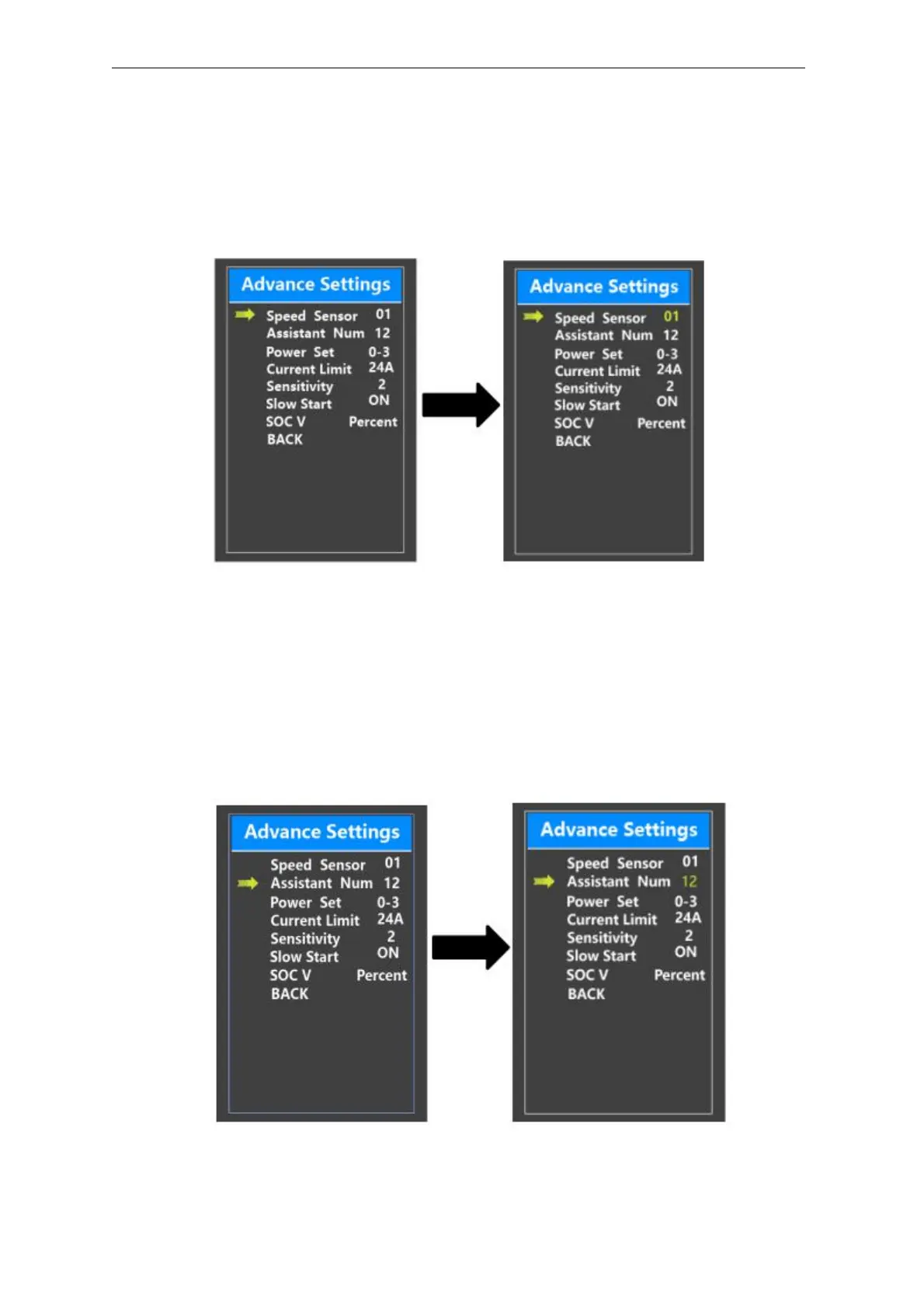
◆Speed Sensor
Speed Sensor represents speed sensor magnet numbers settings.
To change speed sensor settings, press the “+” or the “-” button to set the numbers of
magnets on the e-bike spoke (the range is from 1 to 15). The default value is 1.
To store a changed setting, press the “i” button to confirm.
Speed sensor setting
◆
Power Assistant Sensor Magnets
Assistant Num represents the number of magnets on the PAS disk. The settable
range is “5” to “24”. The default value is 12.
To change the magnet numbers for the power assist sensor, press the “+” or the “-”
button to choose the desired number.
To store a changed setting, press the “i” button to confirm
Assistant Num setting interface



 To Next Page