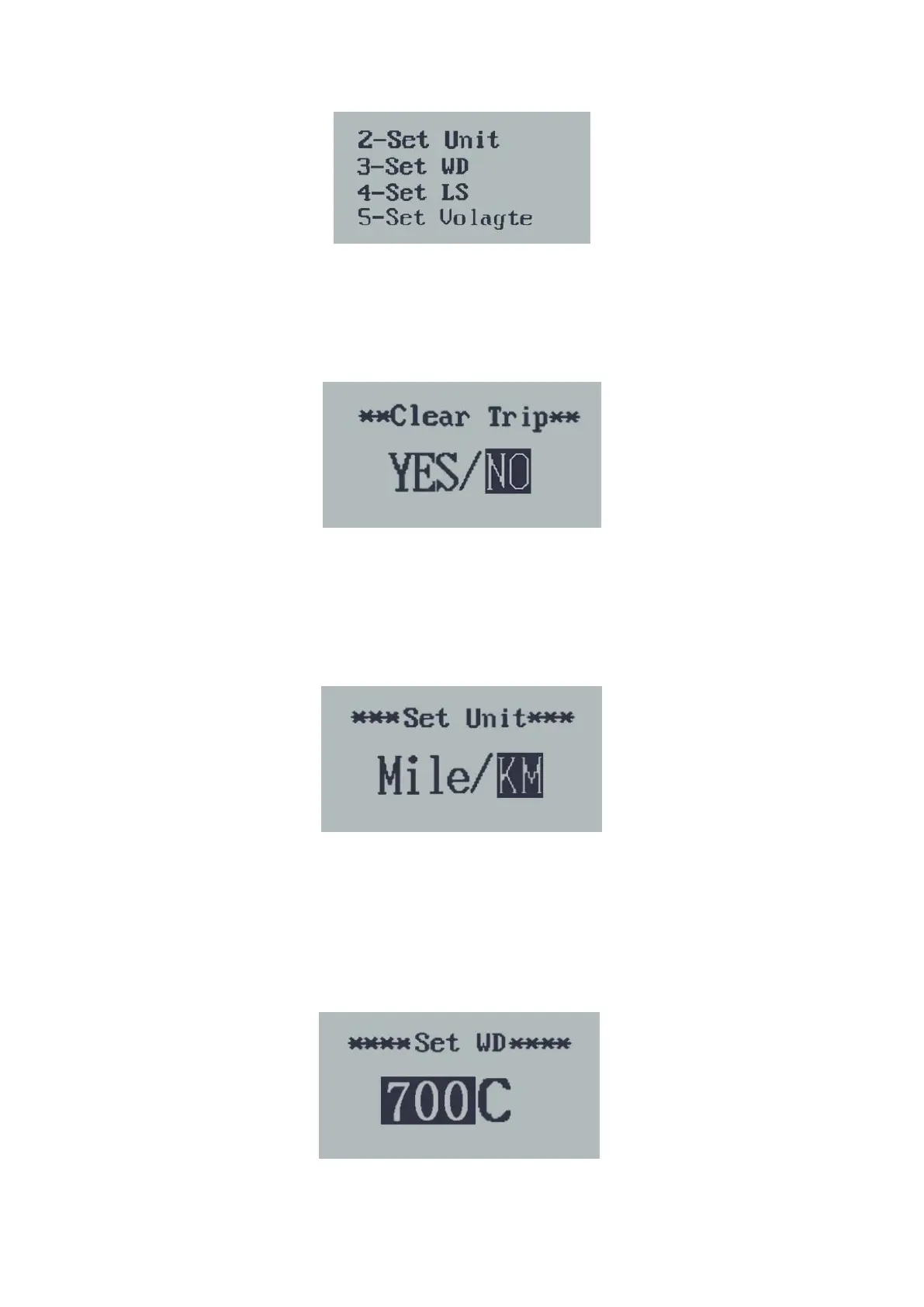
General Settings interface
◆Trip Distance Clearance
Clear Trip means trip distance clearance. Press the UP or DOWN button to choose
YES or NO. The default value is NO.
To clear a trip, choose YES and press the ON/OFF button to
confirm. The screen
says 'OK' and returns to the G
eneral Settings interface.
Trip distance clearance
◆
Unit Mile/KM toggling
Set Unit represents unit settings.
The default value is Metric ‘KM’
To toggle unit, press UP/DOWN until the desired unit is displayed.
To store a changed setting, press the ON/OFF button to confirm. T
he screen says
'OK' and then returns to G
eneral Settings interface
.
Mile and Kilometer Toggling Interface
◆Wheel Diameter Settings
Set WD represents wheel diameter settings. Optional values are 16, 18, 20, 22, 24,
26, 700C and 28. The default value is 26 inch.
To change basic settings, press UP/DOWN to increase or decrease until the
desired value is displayed.
To store a changed setting, press the ON/OFF button
and the screen says 'OK'
and then returns to G
eneral Settings interface
.
Wheel Diameter Settings Interface



 To Next Page