Tianjin Key-Disp Technology Co.,Ltd
◆Assist Level Selection
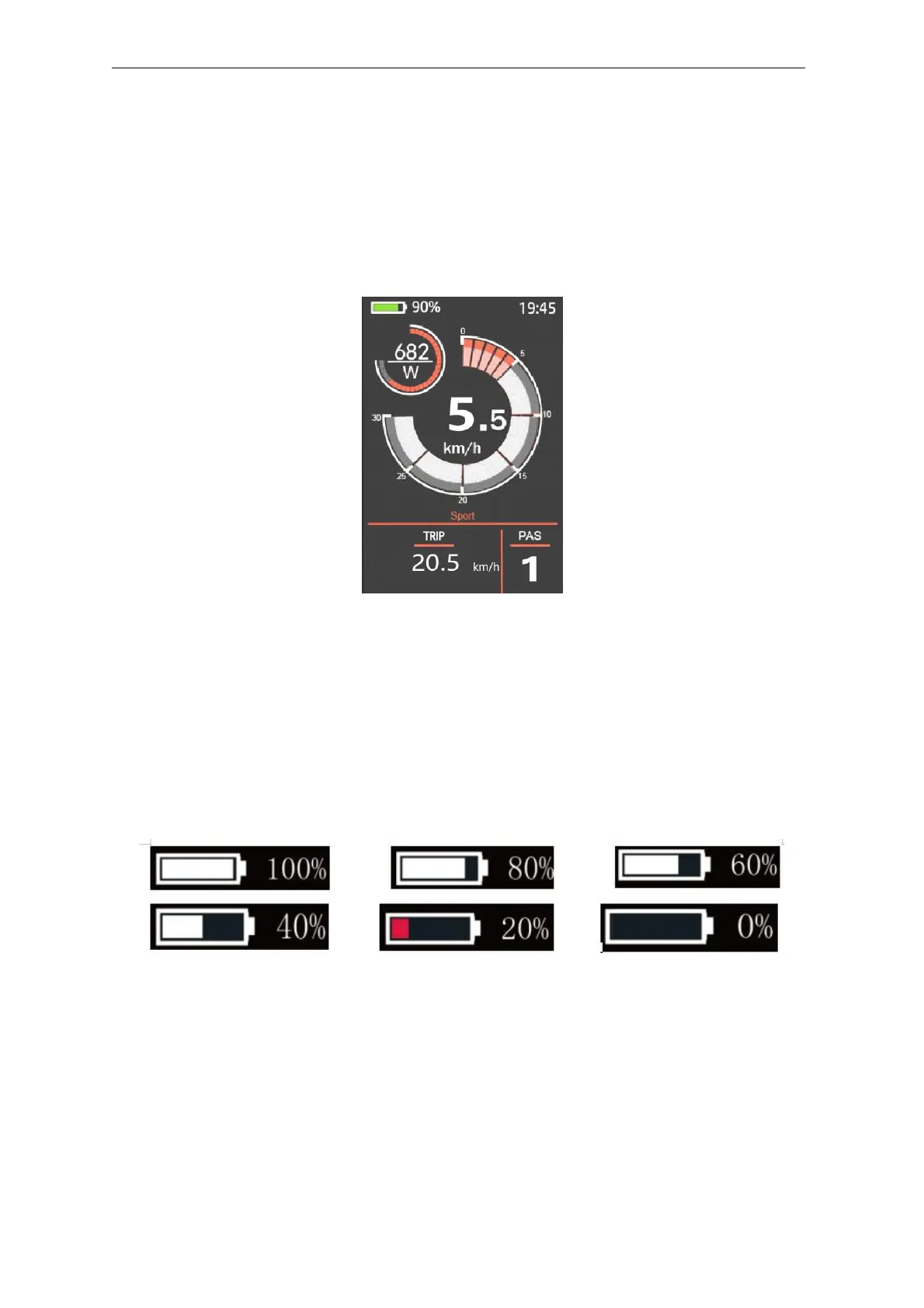
Briefly press "+" or "-" button to switch between assistance levels so as to change the motor
output power, The default assistance level ranges from level “0” to level “5”, The output
power is zero on Level “0”. Level “1” is the minimum power. Level “5” is the maximum
power. When you reach “5”, press the "+" button again, the interface still shows “5”, and
blinks at“5”to indicate the power highest. After the power downshift reaches “0”, press the
"-" button again, the interface still shows “0” and blinks at “0”to indicate the power minimum.
The default value is level “1”.
Assist Level Toggling Interface
◆Battery SOC Indicator
The five battery bars represent battery SOC.The five battery segments are bright when the
battery is in high voltage. When percentage is 0%, the battery needs to be recharged
immediately.
Battery SOC Indication Interface
◆Motor Power Indicator
The output power of the motor can be read via below interface
User
Manual-KD718



 To Next Page