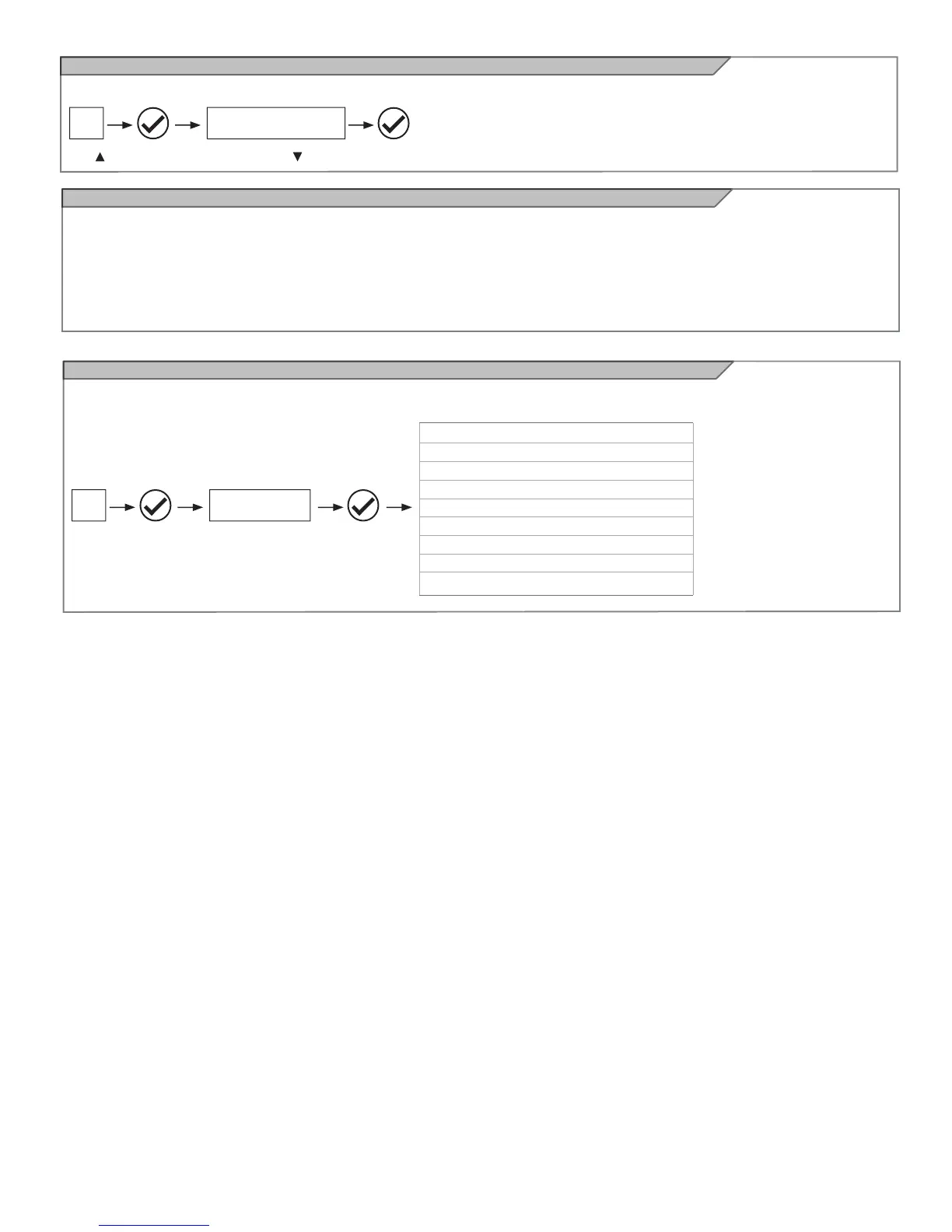
Operating the automation using the display programmer
Operating the automation using the receiver
To operate the gate in manual mode and check the automation after programming of the travel stroke, proceed as follows:
Use for step-by-step operation. Use to switch the night lights on and off. Use V for pedestrian opening and closing to exit the property.
Channel 1: step-by-step
Channel 2: pedestrian
Channel 3: open
Channel 4: lights ON/OFF (note 1)
Note 1: The ON/OFF command switches the lights on or off in
manual mode.
If the Night Light System is active, normal operation of the system
will restart at the next cycle.
If the Night Light System is not active, pressing the switch once
forces switch-on of the lights, while pressing it again resets the
courtesy light operating logic.
14A
MANUAL CONTROLS
MOTOR 1 CURRENT (mA)
MOTOR 2 CURRENT (mA)
MOTOR 1 POSITION (%)
MOTOR 2 POSITION (%)
MOTOR 1 SPEED (%)
MOTOR 2 SPEED (%)
TOTAL CYCLES (CYCLES)
CYCLES LEFT BEFORE SERVICE
SOFTWARE VERSION
Diagnostic
A number of parameters, including the current absorption or motor speed, can be viewed at any time using this function. Proceed as follows:
14A
DIAGNOSTIC



 To Next Page