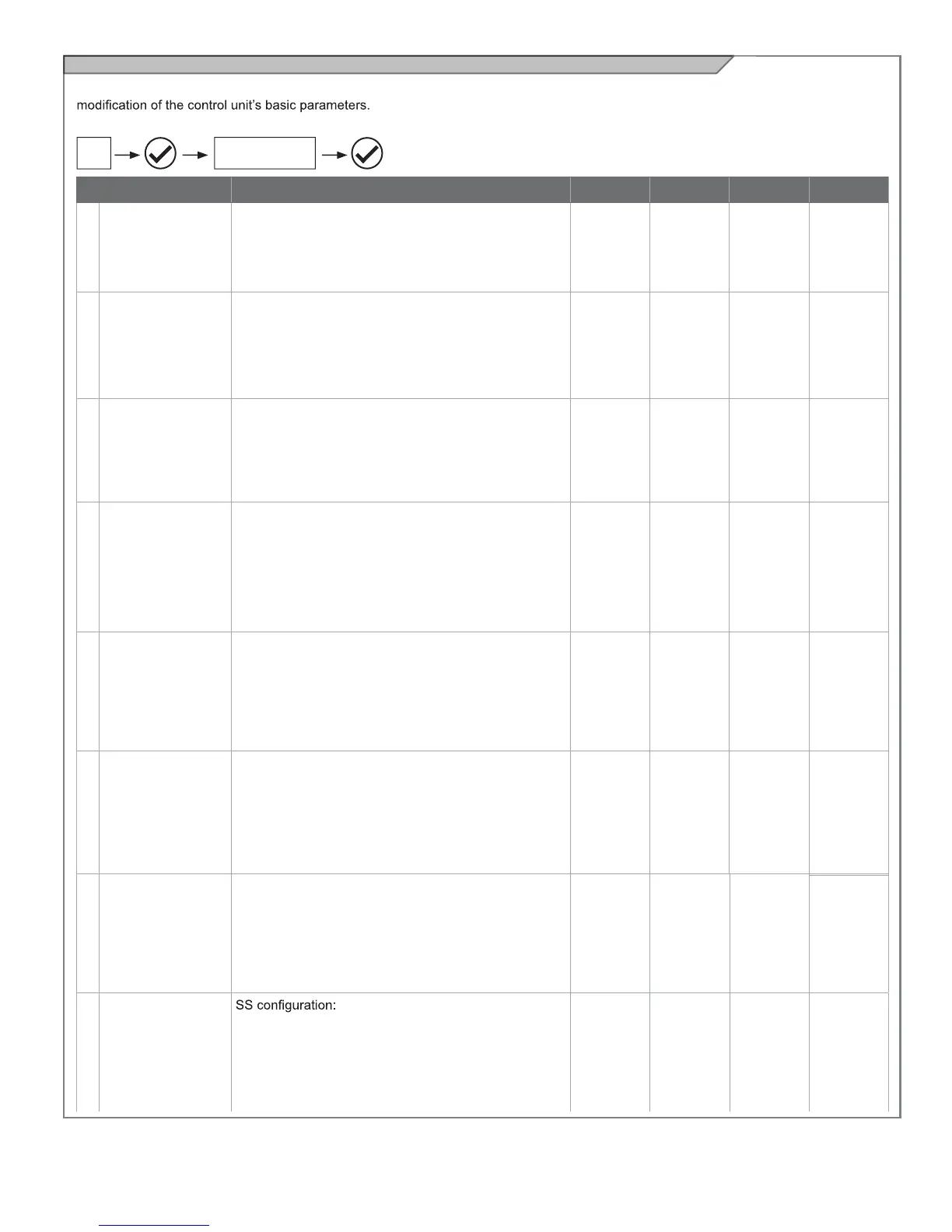
Customizing the system - BASIC SETTINGS
If necessary, users may select the BASIC SETTINGS, which allow
Proceed as follows:
PARAMETERS DESCRIPTION DEFAULT MIN. MAX. UNIT
1
AUTOMATIC
CLOSING TIME
Automatic reclosure time (0 = off)
Seconds of delay before the gate recloses automatically
after opening
0 0 900 s
2
AUTOMATIC
CLOSING AFTER
TRANSIT
Reclosing time after transit (0 = off) Seconds of delay
before the gate recloses automatically after excitation of
photocell 1 during opening or with the gate open.
0 0 30 s
3
SENSITIVITY
Motor sensitivity, sensitivity when detecting an obstacle.
1 = minimum sensitivity, maximum force on obstacle
10 = maximum sensitivity, minimum force on obstacle
3 0 10
4
OPENING
SPEED
Motor speed during opening
1 = minimum
2 = low
3 = medium
4 = high
5 = maximum
4 1 5
5
SLOW DOWN
OPENING SPEED
Motor speed during opening deceleration phase.
1 = minimum
2 = low
3 = medium
4 = high
5 = maximum
1 1 5
6
CLOSING SPEED
Motor speed during closing
1 = minimum
2 = low
3 = medium
4 = high
5 = maximum
4 1 5
14A
BASIC
SETTINGS
CAUTION: the parameters may vary with respect to those in the
table below, depending on the motor to be installed.
7
SLOW DOWN
CLOSING SPEED
Motor speed during closing deceleration phase.
1 = minimum
2 = low
3 = medium
4 = high
5 = maximum
1 1 5
8
STEP BY STEP
0 = Normal (OP-ST-CL-ST-OP-ST…)
1 = Alternate STOP (OP-ST-CL-OP-ST-CL…)
2 = Alternate (OP-CL-OP-CL…)
3 = Apartment block – timer (always opens)
4 = Apartment block with immediate reclosure (always
opens. Closes if gate is open)
0 0 4
23



 To Next Page