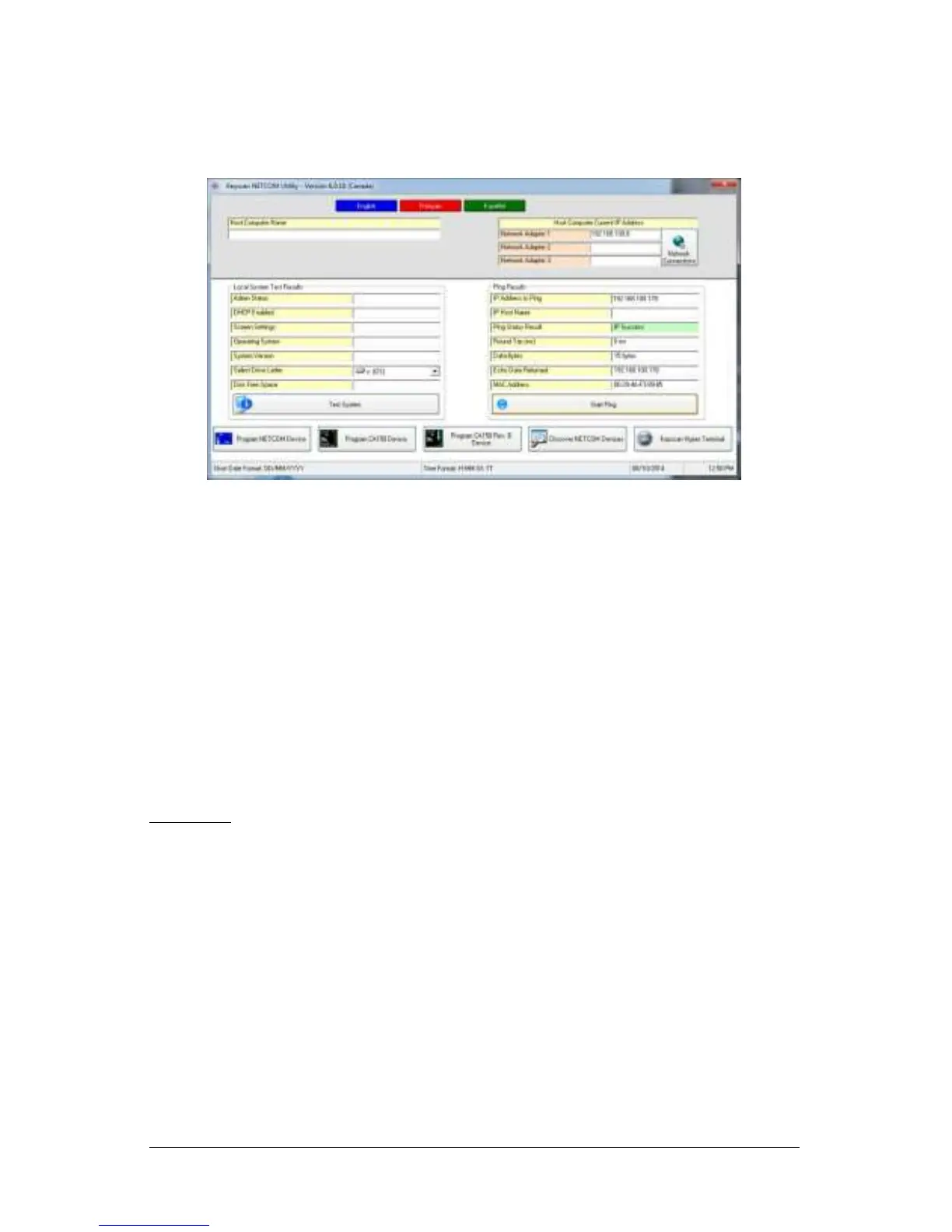
15. Wait for the PING Status result message:
IP Success indicates the NETCOM2 Rev. B has network communication
IP Timed Out indicates the NETCOM2 Rev. B does not have network
communication—verify settings and connections*
16. Click on the x in the upper right corner of the Keyscan NETCOM Utility screen to close
the application.
17. If the installation of the NETCOM2 Rev. B has altered panel communication, open a
Keyscan Client software module, log on, make the necessary panel setting changes,
and perform an upload.
If this is a new installation, refer to the Keyscan Software Installation Guide on
how to install the Keyscan software, configure system communication and set up
a site.
* If the IP address was not accepted by the NETCOM2 Rev. B on the 1st attempt, return to
the Program NETCOM2B, NETCOM2 & NETCOM2P Boards screen and press the F4 key on
the keyboard. Click inside the box to the left of Program Server Address Settings Only so it
has a check mark. Re-enter the settings, including the IP Address. Click on the Program
NETCOM button. If successful, program the NETCOM one more time. For additional
programming tips, press the F1 key with the Keyscan NETCOM Program Settings screen
open.
Important
If you experience communication difficulties, you may have to program the NETCOM2 Rev.
B following the procedures outlined in Manually Configure the NETCOM2 Serially on page
13.


 To Next Page