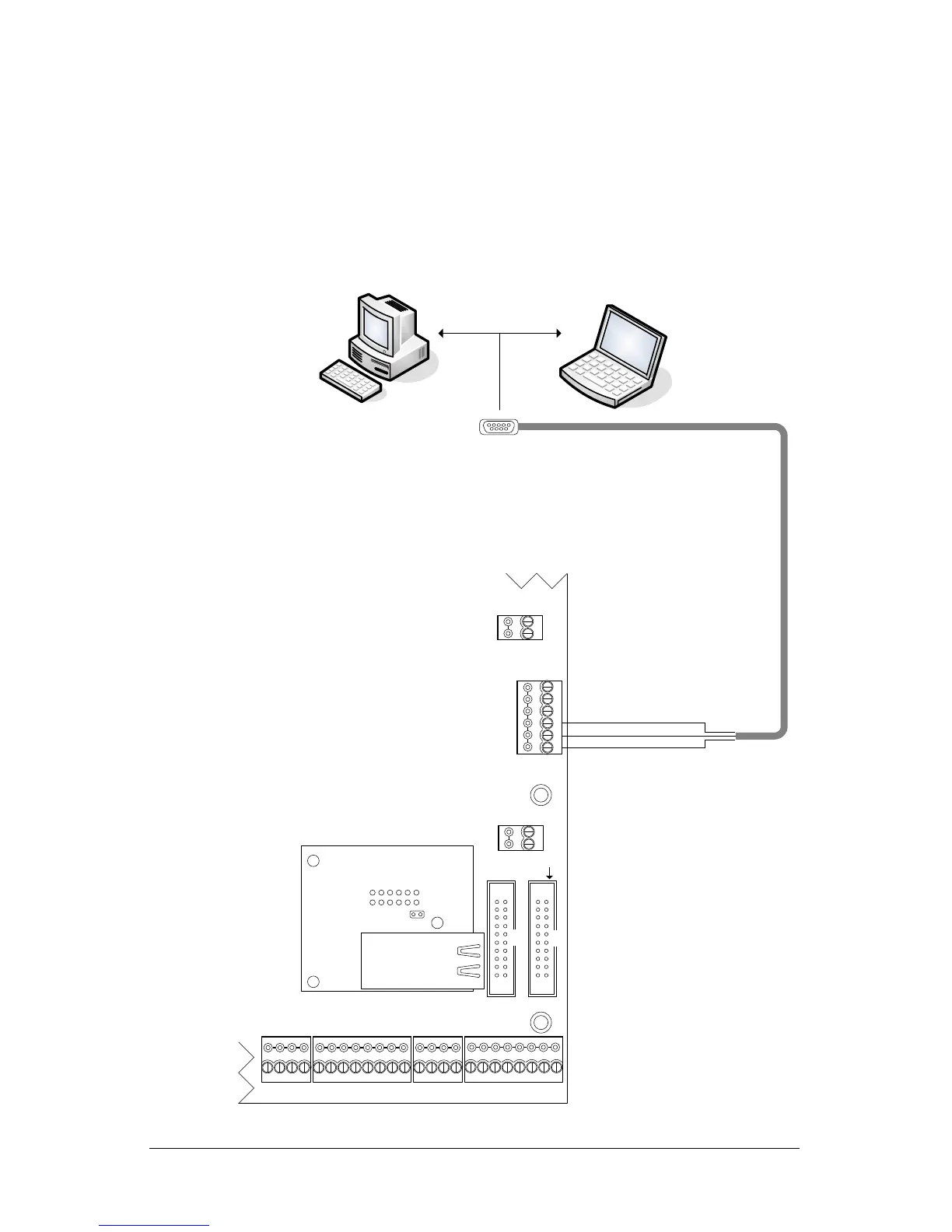
Serial Programming Connections—ACU/NETCOM2P
Figure 6 illustrates serial programming connections from the PC or laptop to the NETCOM2P
via the RS-232 (COM4) terminal block on the control board using the enclosed data cable.
If the PC or laptop does not have a serial port, use Keyscan's optional USB-SER Adaptor as
shown in Figure 7.
Figure 6 - Serial Programming Connections
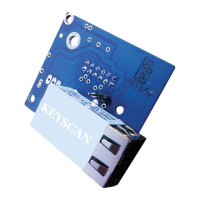
RJ45
Terminal
Jack
NETCOMP
RESET
Control Board
(PC 109x)
Cut view with ACU
protective cover removed.
Common AUX Inputs - E
CPB/CB MODULE
(COM4)
AUX Inputs - D
Common
IOCB (COM1)
NETCOMP plugs into M1 on
control board.
For programming a NETCOM2P or NETCOM6P
J16 – jumpers F & G - ON
Or
S2 – DIP switches 7 & 8 - ON.
RS-232 (COM4)
GND
TD
RD
DCD
DTR
CTS
PC or laptop with Keyscan
NETCOM Program Tool
Utility.
Green
Red
Black
Serial Data
Cable
with loose
conductors
TAMPER TB3
SWITCH
+
-
KI-00253E-08-13


 To Next Page